
maxiboy681 - Minecraft Skins & Skin History
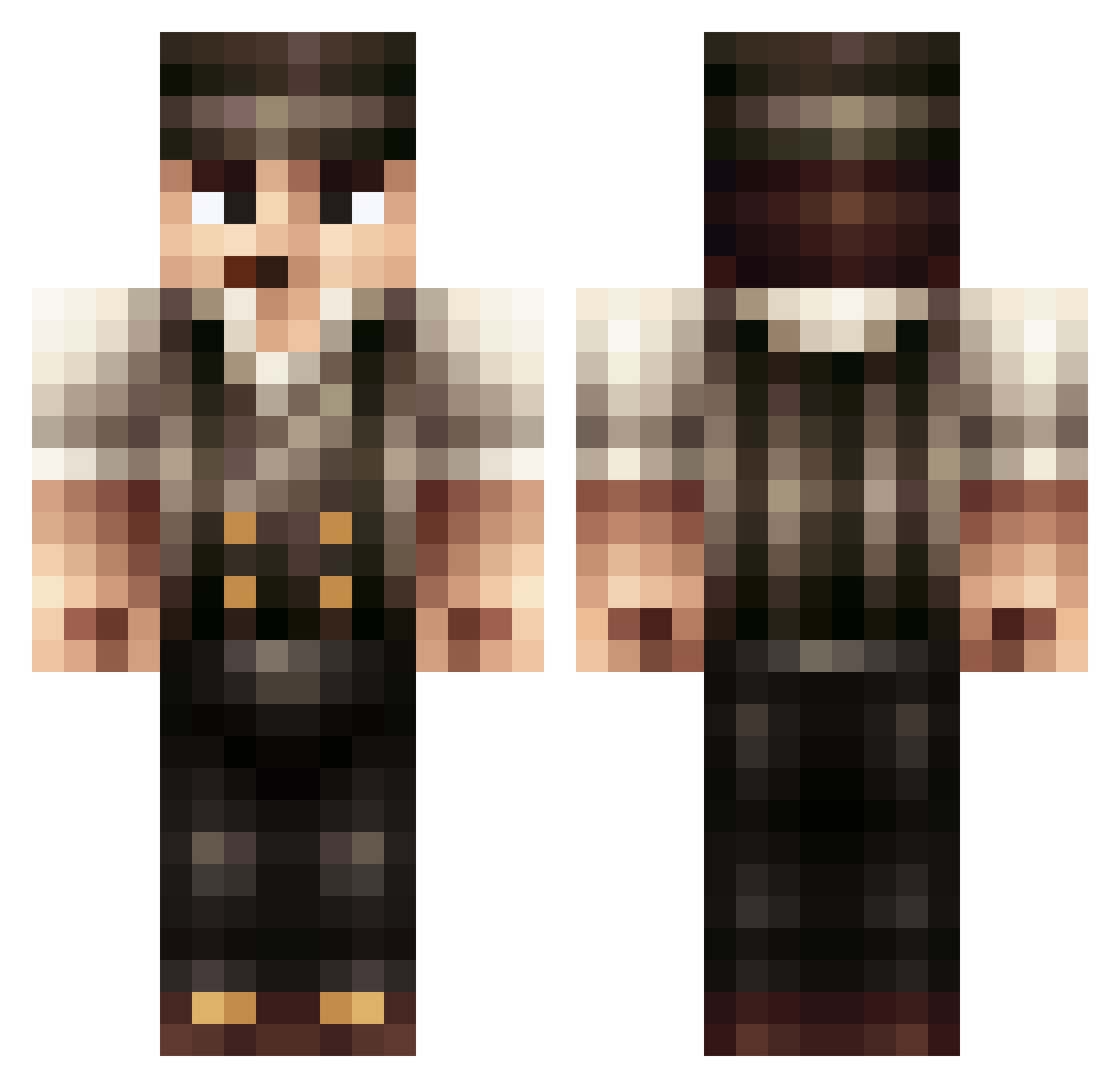
Current Minecraft skin of the player maxiboy681, loaded from the official Mojang API. Rotate the 3D model with your mouse or finger, then download the skin as a PNG file and use it in Minecraft: Bedrock Edition or Java Edition for free. When maxiboy681 changes their skin, this page updates automatically and the old skin stays in the history below.
Other players with this skin (493)
maxiboy681 was the 437th player we have seen with this skin, first spotted on 28.10.2026. The same skin was seen on these players. Open a nickname to see their current skin and skin history.
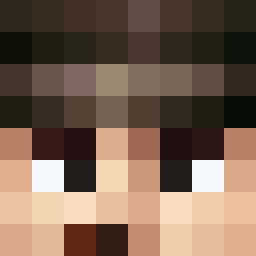 TankAimOn MieserMaulwurf CursedNinja585 RedneckHunter101 BufonEkais SkylarCanales AntiheldEkk ojkasper Itwad01 honeycomb1811 Diozar NoFearzz alienn04 guywhoknowsyou Mr_Mummitrollet LeoGra maudier TkTech araknide06 shipmogami boronty3453 HektorLeatherman FartGarfunkel32 Dice333 Axelgrind Princekb Midorinokami Jackson8960 CorkyFou DanJones7 skylordjasper5 Pulvisetumbra phoomchai lnr JoyTrooper Turdiform feignit Madguy26 Mr_Garcia Nelli_Pennelli SacredScars El_Timedo Aithei Martin3175 Villainwithwings laficelle BrainConverter GrandmastaD101 louisjeuniaux11 bloobblop Puuipuu soseri40 Remain_L MarneLand dumitruion Bkunkcu verrier MAJISAFEE Crahl Prof_Koehler
More Victorian Minecraft skins
How to install the maxiboy681 skin
- Press the Download button above to save the skin as a PNG file.
- Minecraft: Bedrock Edition (PE): open the Dressing Room from the main menu (or tap your character → Edit Character), go to Classic Skins → Owned, press the + (new skin) button, choose the downloaded PNG and pick the Classic (Steve) model. Works on PC and mobile; consoles cannot import custom skins.
- Minecraft: Java Edition: open the Minecraft Launcher, go to the Skins tab, click New Skin, load the PNG, pick the Classic (Steve) model and press Save & Use. You can also upload it at minecraft.net → Profile → Change Skin.
The skin does not show up after import - what should I do?
Restart Minecraft and open the Dressing Room again - imported skins sometimes appear only after a restart. Also make sure you selected the imported skin and picked the Classic (Steve) model.
Which model should I choose, Classic or Slim?
This skin is designed for the Classic (Steve) model. If you pick the wrong model, the arms of the skin will look stretched or squeezed.
Is the skin of maxiboy681 free to download?
Yes. Press Download, save the PNG file and use it in Minecraft: Bedrock Edition or Java Edition - no payment or registration needed. The skin also works on multiplayer servers and Realms.
More skins
Looking for more? Go back to all Minecraft skins and check the top skins of the week, month and all time, or find any player's skin by nickname.