
mashoor183 - Minecraft Skins & Skin History
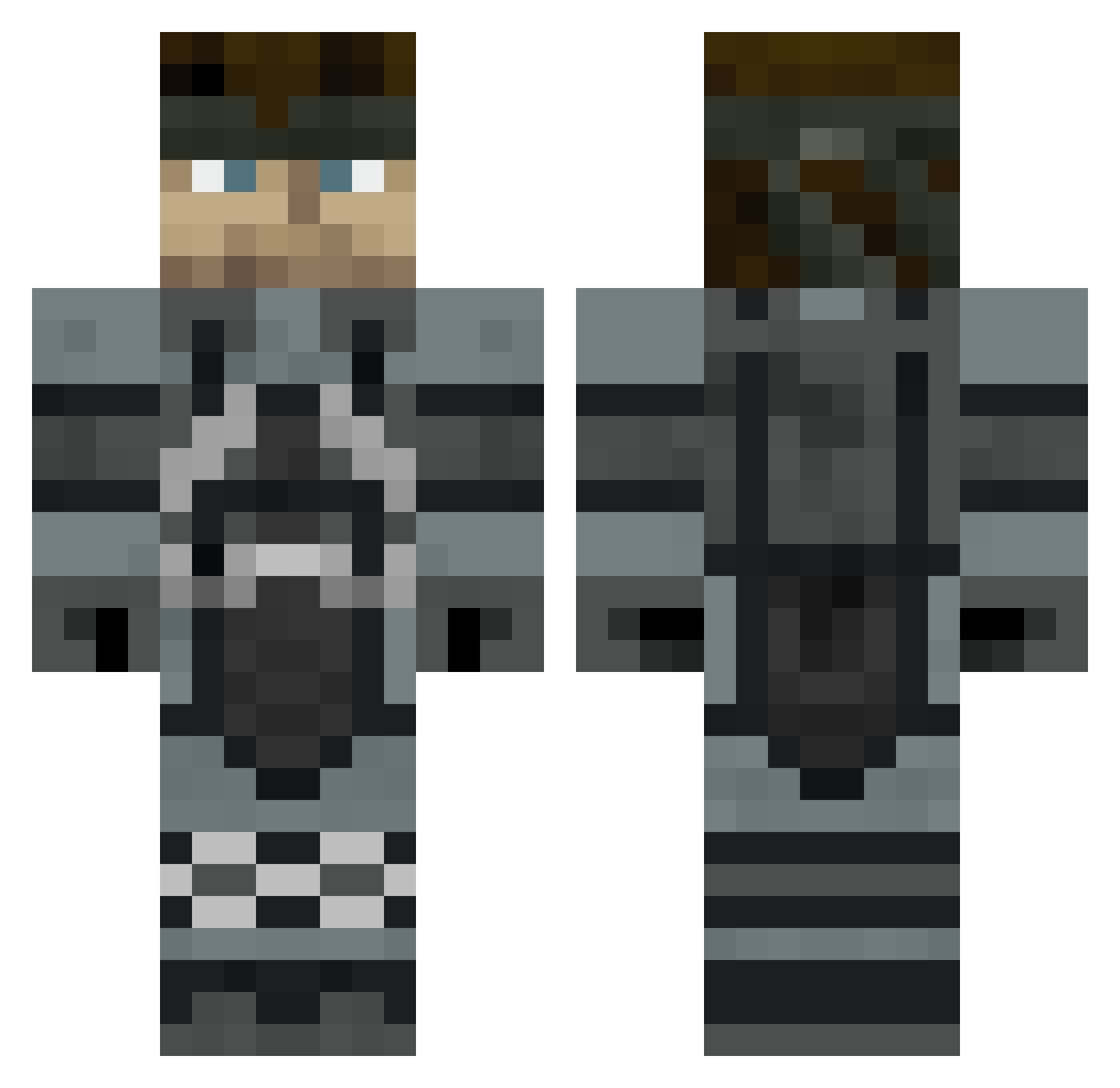
Current Minecraft skin of the player mashoor183, loaded from the official Mojang API. Rotate the 3D model with your mouse or finger, then download the skin as a PNG file and use it in Minecraft: Bedrock Edition or Java Edition for free. When mashoor183 changes their skin, this page updates automatically and the old skin stays in the history below.
Other players with this skin (523)
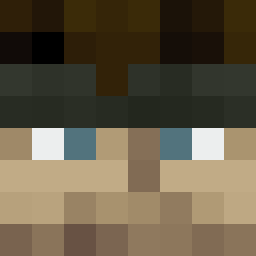
mashoor183 was the 486th player we have seen with this skin, first spotted on 02.11.2026. The same skin was seen on these players. Open a nickname to see their current skin and skin history.
 DERTEPPICH ba1m Snakouille Ninja7emon Etchasketch64 Manidowns howkin Jack_Hammersmith M888nm PN5364 EFlop Lowgs7 Hustla421 Cheesecake32 mondoshock Alayor NSchwagger Mason_Nico Knivez420 Smoofey Bane_of_Pigs lotussteve Tiwus1234 the_dutchmen batheesha PotatoHeadJP Zpyra CaluaCalva Grinkgronk Weeaboo_jones6 RAHBRT ReverendFeltcher St1g IngramPrisken P1KCL3S monillo26 zombiefriend428 Damanisjon Mcutot ImTheBushMaori kermet96 person1_alt18 jabrownz28 GoombaKing77 BraZZer92 VeryBritishPanda RoboPanda TBH_Blackout damha1234 Starchiee Frozen_Rope andrew123100 javogr6 BiohazHARD RivalPanda Dan_GleSac DoughPop ghost1567 drshakalu WalkingDead83
More Snake Minecraft skins
How to install the mashoor183 skin
- Press the Download button above to save the skin as a PNG file.
- Minecraft: Bedrock Edition (PE): open the Dressing Room from the main menu (or tap your character → Edit Character), go to Classic Skins → Owned, press the + (new skin) button, choose the downloaded PNG and pick the Classic (Steve) model. Works on PC and mobile; consoles cannot import custom skins.
- Minecraft: Java Edition: open the Minecraft Launcher, go to the Skins tab, click New Skin, load the PNG, pick the Classic (Steve) model and press Save & Use. You can also upload it at minecraft.net → Profile → Change Skin.
The skin does not show up after import - what should I do?
Restart Minecraft and open the Dressing Room again - imported skins sometimes appear only after a restart. Also make sure you selected the imported skin and picked the Classic (Steve) model.
Which model should I choose, Classic or Slim?
This skin is designed for the Classic (Steve) model. If you pick the wrong model, the arms of the skin will look stretched or squeezed.
Is the skin of mashoor183 free to download?
Yes. Press Download, save the PNG file and use it in Minecraft: Bedrock Edition or Java Edition - no payment or registration needed. The skin also works on multiplayer servers and Realms.
More skins
Looking for more? Go back to all Minecraft skins and check the top skins of the week, month and all time, or find any player's skin by nickname.