
m4nt1xxx31hdizle - Minecraft Skins & Skin History
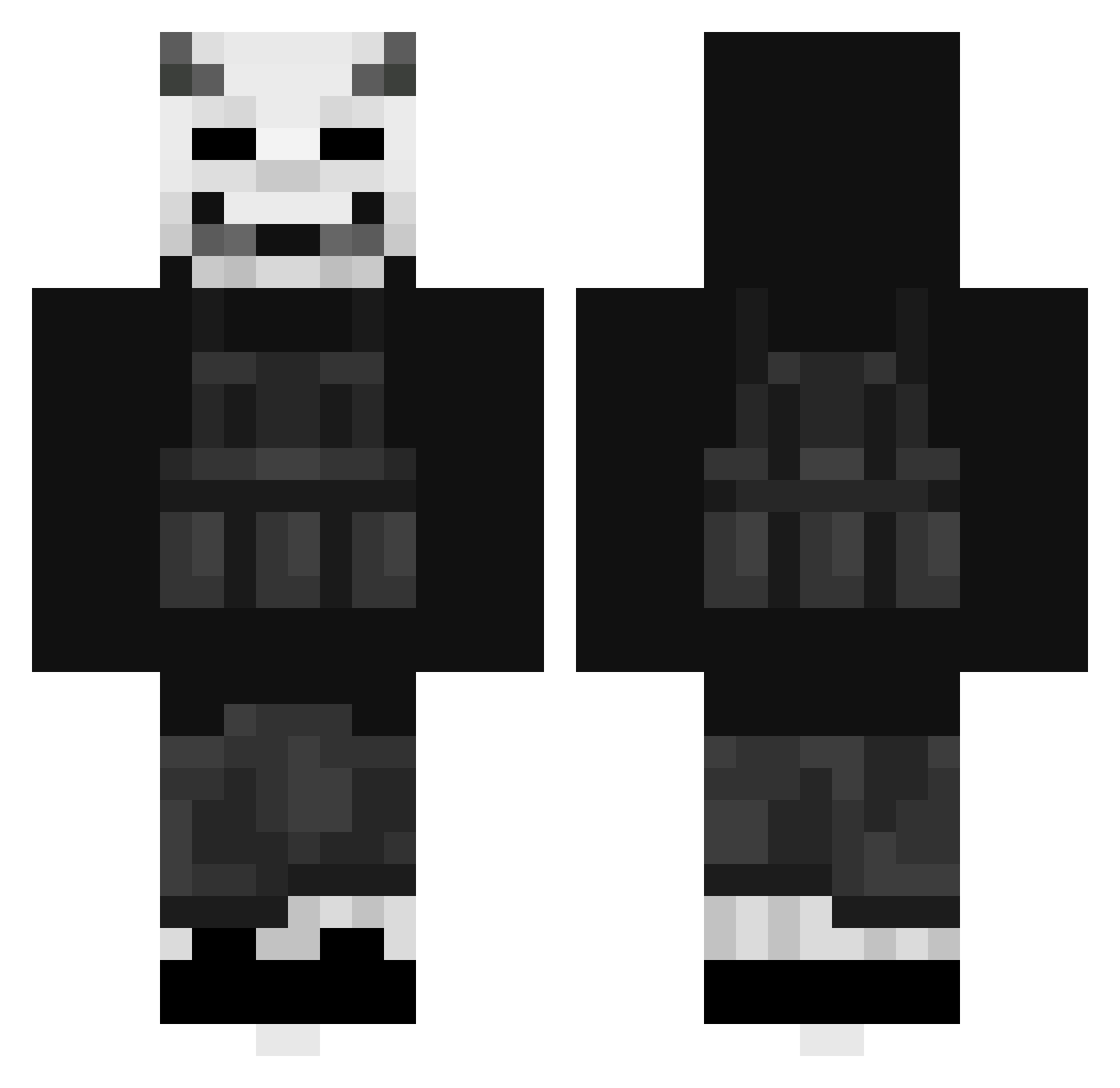
Current Minecraft skin of the player m4nt1xxx31hdizle, loaded from the official Mojang API. Rotate the 3D model with your mouse or finger, then download the skin as a PNG file and use it in Minecraft: Bedrock Edition or Java Edition for free. When m4nt1xxx31hdizle changes their skin, this page updates automatically and the old skin stays in the history below.
Other players with this skin (498)
m4nt1xxx31hdizle was the 461st player we have seen with this skin, first spotted on 02.11.2026. The same skin was seen on these players. Open a nickname to see their current skin and skin history.
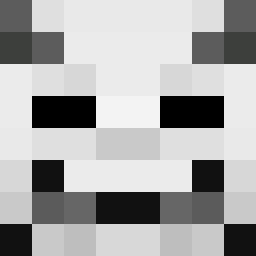 StraightToxic CupOfAss frank_verkerk SIxnsei saulo21414 Leftywing KobaLoba ROFL_458 ElonmuskPobre D3VYXN c_undead Albin1337 fabi__06 KDL404 SyrosCurse Teniixxa TrippyPapii Bejna SirJammy Banana4youu _xvglov csxn_ MrLuckyDucky2014 MP_Skiller DonyDineroh Zicros W0LF0_0 r3d_anbu HumxnTool EatMyGun KHUNKUB Joshiboy67 Prime_Dominik Dudeman1o8 Reaper_of_Mars33 pedpichu UnknownEnity Leon3420 _ShIzAfReNiK_ xDarkAbsolute126 Sokotra01 Perspektiva samuyeh MalfasEater wnstjr8250 Krityko L0kkii1 NateCBR Babou_33 hohohanzou Onavuu LaughingjackZA Xi_Jinping_ HASTILYNEST EdyDanet_ Vaiyat _Nr0z WolfPack121 Louf_OSoleil EsterVF
More Demon Mask Minecraft skins
How to install the m4nt1xxx31hdizle skin
- Press the Download button above to save the skin as a PNG file.
- Minecraft: Bedrock Edition (PE): open the Dressing Room from the main menu (or tap your character → Edit Character), go to Classic Skins → Owned, press the + (new skin) button, choose the downloaded PNG and pick the Classic (Steve) model. Works on PC and mobile; consoles cannot import custom skins.
- Minecraft: Java Edition: open the Minecraft Launcher, go to the Skins tab, click New Skin, load the PNG, pick the Classic (Steve) model and press Save & Use. You can also upload it at minecraft.net → Profile → Change Skin.
The skin does not show up after import - what should I do?
Restart Minecraft and open the Dressing Room again - imported skins sometimes appear only after a restart. Also make sure you selected the imported skin and picked the Classic (Steve) model.
Which model should I choose, Classic or Slim?
This skin is designed for the Classic (Steve) model. If you pick the wrong model, the arms of the skin will look stretched or squeezed.
Is the skin of m4nt1xxx31hdizle free to download?
Yes. Press Download, save the PNG file and use it in Minecraft: Bedrock Edition or Java Edition - no payment or registration needed. The skin also works on multiplayer servers and Realms.
More skins
Looking for more? Go back to all Minecraft skins and check the top skins of the week, month and all time, or find any player's skin by nickname.