
kimtw0406 - Minecraft Skins & Skin History
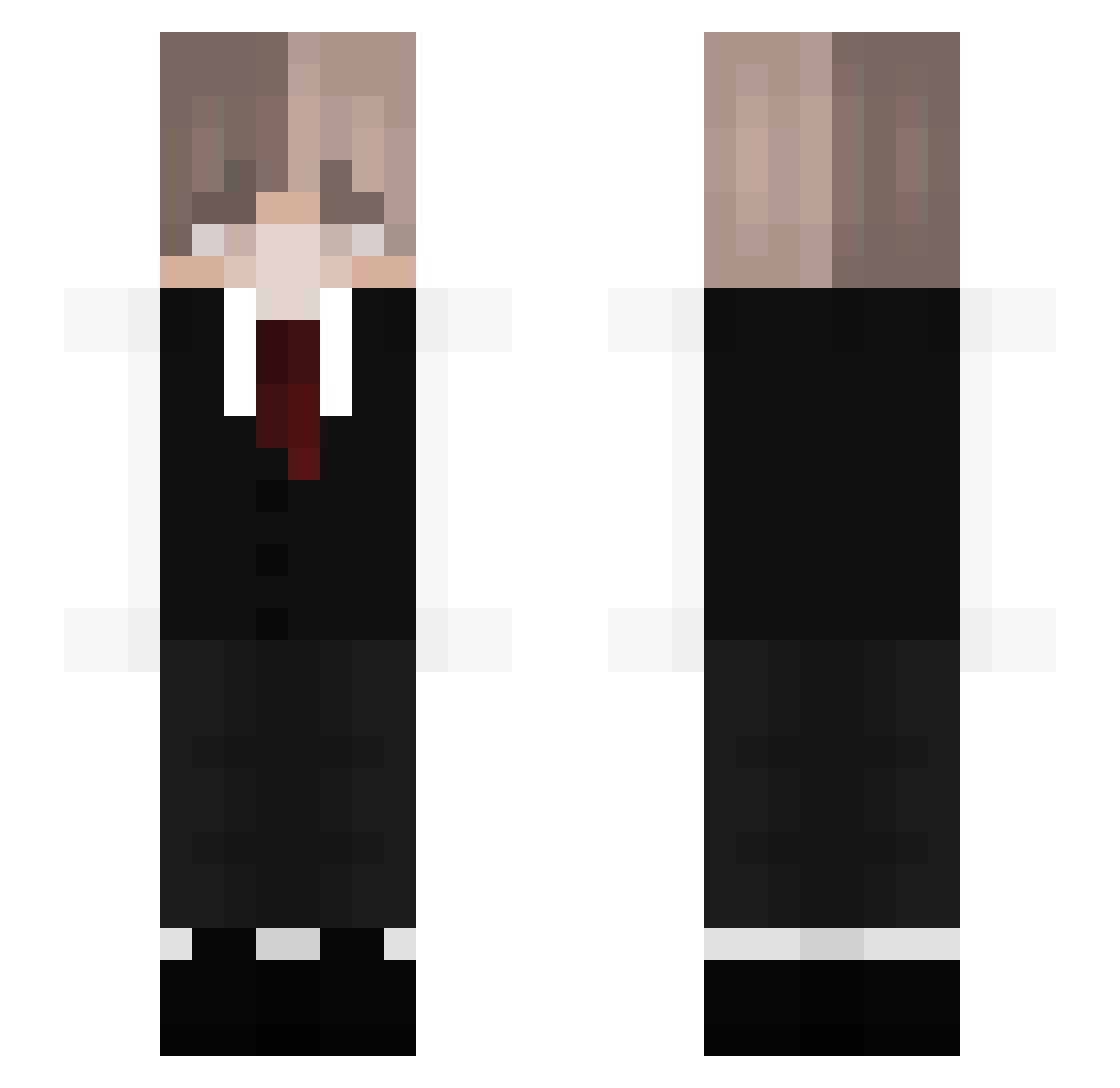
Current Minecraft skin of the player kimtw0406, loaded from the official Mojang API. Rotate the 3D model with your mouse or finger, then download the skin as a PNG file and use it in Minecraft: Bedrock Edition or Java Edition for free. When kimtw0406 changes their skin, this page updates automatically and the old skin stays in the history below.
Other players with this skin (129)
kimtw0406 was the 105th player we have seen with this skin, first spotted on 20.10.2026. The same skin was seen on these players. Open a nickname to see their current skin and skin history.
 _Peppito Raining47 lottaeNyang HGM2020 Kenzo4129 hugoholidae IGarder savoryham_ CARNEVURE Arthuro0delavega Rare_Doggo IamLeoz YiJoon7 eclectic_current Infinitiy01 motimotiiii PXWind MarcoP98 StoneHolder28 yaNgile cerb3ru5_ _Tspoon MrAOK userrfile Jin_Topo Volfenn jubbo09 BENLEE06 Shadyk_ Rs_Nellody HerDaddyx3 nettesWiesel ImHunter_Idk YuraArlenee redgeyzer mine_good_result Kurnn _Dyazon_ EDUARDO7409 Meowwy2000 BrianTheTrashBag Jokerek_xD Szop22 aidenxbro is_adam Brandon57312 bjlr LingLing0v0 Kromide ronnisss1 Chelian Lettie_lt DeniseGreen _Luo Lordmullug MrTinyTom Acenn_ cvtp Fadlexonn _KredaX
How to install the kimtw0406 skin
- Press the Download button above to save the skin as a PNG file.
- Minecraft: Bedrock Edition (PE): open the Dressing Room from the main menu (or tap your character → Edit Character), go to Classic Skins → Owned, press the + (new skin) button, choose the downloaded PNG and pick the Slim (Alex) model. Works on PC and mobile; consoles cannot import custom skins.
- Minecraft: Java Edition: open the Minecraft Launcher, go to the Skins tab, click New Skin, load the PNG, pick the Slim (Alex) model and press Save & Use. You can also upload it at minecraft.net → Profile → Change Skin.
The skin does not show up after import - what should I do?
Restart Minecraft and open the Dressing Room again - imported skins sometimes appear only after a restart. Also make sure you selected the imported skin and picked the Slim (Alex) model.
Which model should I choose, Classic or Slim?
This skin is designed for the Slim (Alex) model. If you pick the wrong model, the arms of the skin will look stretched or squeezed.
Is the skin of kimtw0406 free to download?
Yes. Press Download, save the PNG file and use it in Minecraft: Bedrock Edition or Java Edition - no payment or registration needed. The skin also works on multiplayer servers and Realms.
More skins
Looking for more? Go back to all Minecraft skins and check the top skins of the week, month and all time, or find any player's skin by nickname.