
juanitotortilla - Minecraft Skins & Skin History
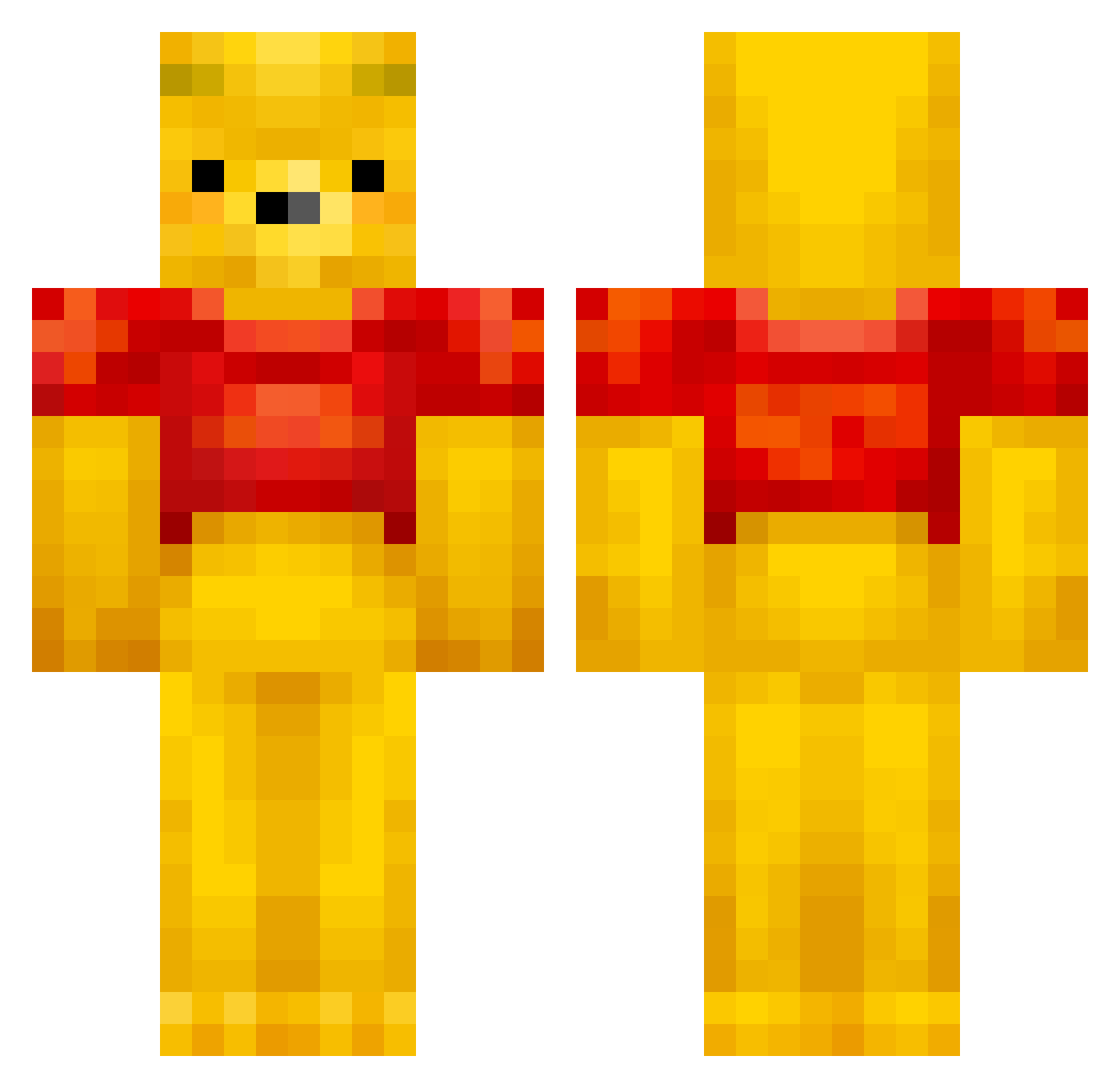
Current Minecraft skin of the player juanitotortilla, loaded from the official Mojang API. Rotate the 3D model with your mouse or finger, then download the skin as a PNG file and use it in Minecraft: Bedrock Edition or Java Edition for free. When juanitotortilla changes their skin, this page updates automatically and the old skin stays in the history below.
Other players with this skin (525)
juanitotortilla was the 476th player we have seen with this skin, first spotted on 31.10.2026. The same skin was seen on these players. Open a nickname to see their current skin and skin history.
 dyszka2115TK sohaiikia kaitlinrust pamilkarol WhatsThatGeo vinnobooi bryson7010 n6roos NFCQ SmoochyPooh Georgianalaw Unique_Crow poke_your_guide Xi_Yuanping GiovyIazze ChildishTea69 ZhuRongJi Jeoung_0320 GregosElChassor LaggyBoy98 BabySealTwo jackissad21 Bartiino miemie08 Sekaikun LaitenYT PushedChart306 RED_00007 DeSwagPrid3 M9RS3 Ilpooskari Lemi_1 ramen_jack MAROv8v doughboy888 diaznieto Bryler sutachan pasoBread chudoodles HSGrey SkirtzLegend Banner7 Hosik_Chicken MemeistExtremist LEEROYLENKINS BigKackWizardGod Lbear1111 ToLINE golani1004 zaxsauxe clipsee ssergit Violathor666 420MELON FNLYWDKE1 TonyLiu2003 Prince_Kuro_Cat HaoXuanMing Gummeeber
More Winnie The Pooh Minecraft skins
See all 360 Winnie The Pooh skins
How to install the juanitotortilla skin
- Press the Download button above to save the skin as a PNG file.
- Minecraft: Bedrock Edition (PE): open the Dressing Room from the main menu (or tap your character → Edit Character), go to Classic Skins → Owned, press the + (new skin) button, choose the downloaded PNG and pick the Classic (Steve) model. Works on PC and mobile; consoles cannot import custom skins.
- Minecraft: Java Edition: open the Minecraft Launcher, go to the Skins tab, click New Skin, load the PNG, pick the Classic (Steve) model and press Save & Use. You can also upload it at minecraft.net → Profile → Change Skin.
The skin does not show up after import - what should I do?
Restart Minecraft and open the Dressing Room again - imported skins sometimes appear only after a restart. Also make sure you selected the imported skin and picked the Classic (Steve) model.
Which model should I choose, Classic or Slim?
This skin is designed for the Classic (Steve) model. If you pick the wrong model, the arms of the skin will look stretched or squeezed.
Is the skin of juanitotortilla free to download?
Yes. Press Download, save the PNG file and use it in Minecraft: Bedrock Edition or Java Edition - no payment or registration needed. The skin also works on multiplayer servers and Realms.
More skins
Looking for more? Go back to all Minecraft skins and check the top skins of the week, month and all time, or find any player's skin by nickname.