
jimkiki - Minecraft Skins & Skin History
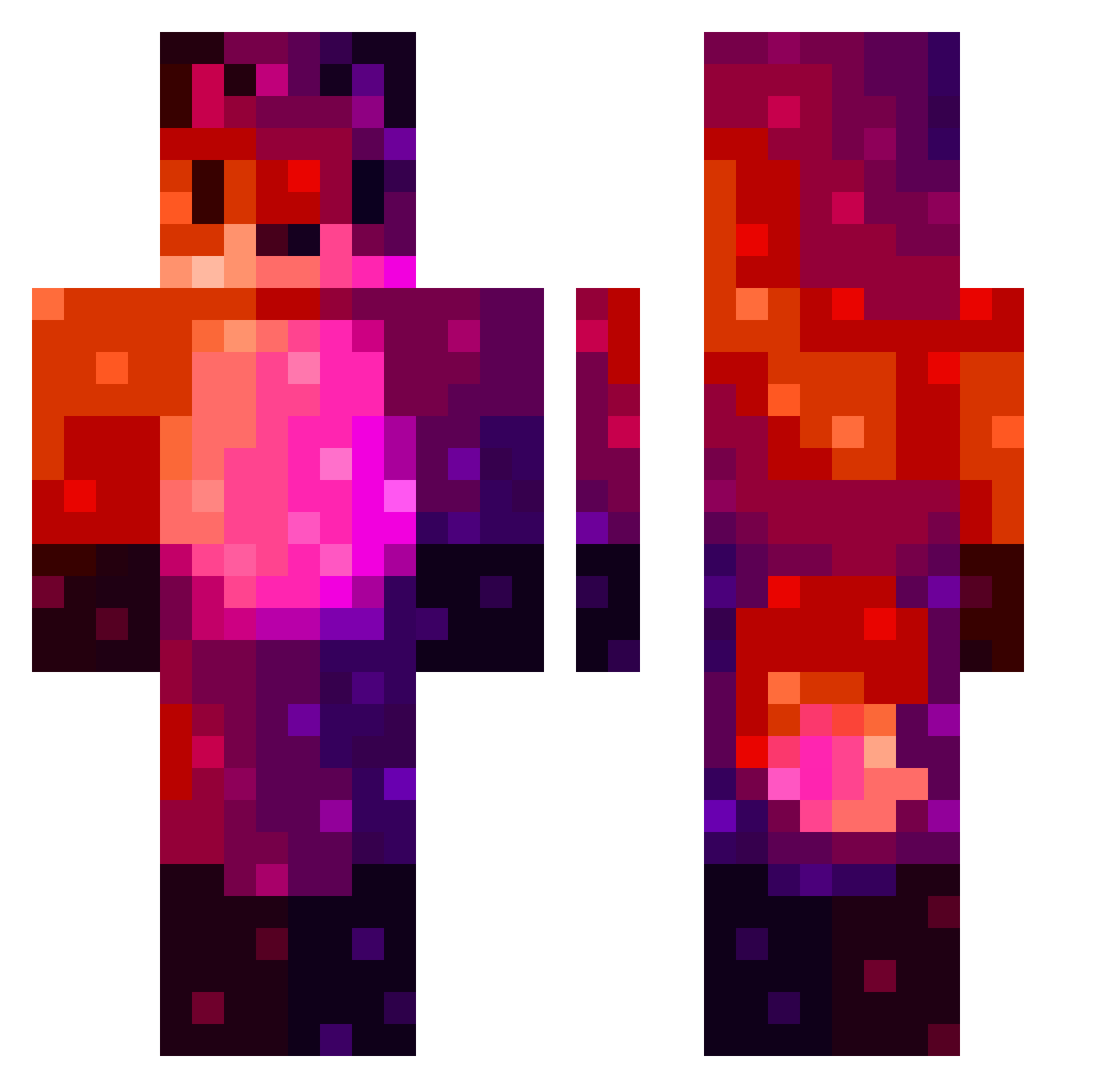
Current Minecraft skin of the player jimkiki, loaded from the official Mojang API. Rotate the 3D model with your mouse or finger, then download the skin as a PNG file and use it in Minecraft: Bedrock Edition or Java Edition for free. When jimkiki changes their skin, this page updates automatically and the old skin stays in the history below.
Other players with this skin (159)
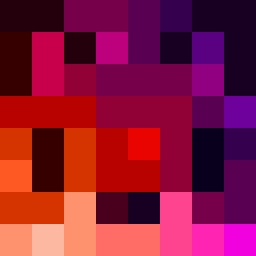
jimkiki was the 128th player we have seen with this skin, first spotted on 18.10.2026. The same skin was seen on these players. Open a nickname to see their current skin and skin history.
 KlareBear217 Ptachu I_like_taiwan Albert7291 Arso_YT unkn0wn_1337 jonas_tron BRO_RIX ItzDraculaz Smildon8357 _SCyphus claycat777 magicpowerplant RoGrifex Jonahmila zushibae keiz0__ SnoopAngelRL Wiist Sapli Maf30z Wolferetent myoshin GmGuys StefanZPoczty2 Percent__ Electricboy748 Lail0u MerkurCZ CustomPark90824 Nox88 Arkalls ilJulian Kypudu LamePartyKing Salamansky BlueDigPVP Efendiminati Vlaxe7 Geamko AppaioEScompaio LogicalGrub UsurpingBacon67 HBH121114 Nexxsi Fikelst DaddyDarkFoxx Azg10 Wakarrrr inoubatsu aufeinwort SpectroWhite_ borko ShadowFox787 ZeiPunk joowe Mikey_Tigey beadhouse Leogametrash hoosaa
More Nebula Minecraft skins
How to install the jimkiki skin
- Press the Download button above to save the skin as a PNG file.
- Minecraft: Bedrock Edition (PE): open the Dressing Room from the main menu (or tap your character → Edit Character), go to Classic Skins → Owned, press the + (new skin) button, choose the downloaded PNG and pick the Classic (Steve) model. Works on PC and mobile; consoles cannot import custom skins.
- Minecraft: Java Edition: open the Minecraft Launcher, go to the Skins tab, click New Skin, load the PNG, pick the Classic (Steve) model and press Save & Use. You can also upload it at minecraft.net → Profile → Change Skin.
The skin does not show up after import - what should I do?
Restart Minecraft and open the Dressing Room again - imported skins sometimes appear only after a restart. Also make sure you selected the imported skin and picked the Classic (Steve) model.
Which model should I choose, Classic or Slim?
This skin is designed for the Classic (Steve) model. If you pick the wrong model, the arms of the skin will look stretched or squeezed.
Is the skin of jimkiki free to download?
Yes. Press Download, save the PNG file and use it in Minecraft: Bedrock Edition or Java Edition - no payment or registration needed. The skin also works on multiplayer servers and Realms.
More skins
Looking for more? Go back to all Minecraft skins and check the top skins of the week, month and all time, or find any player's skin by nickname.