
jappaina - Minecraft Skins & Skin History
Current Minecraft skin of the player jappaina, loaded from the official Mojang API. Rotate the 3D model with your mouse or finger, then download the skin as a PNG file and use it in Minecraft: Bedrock Edition or Java Edition for free. When jappaina changes their skin, this page updates automatically and the old skin stays in the history below.
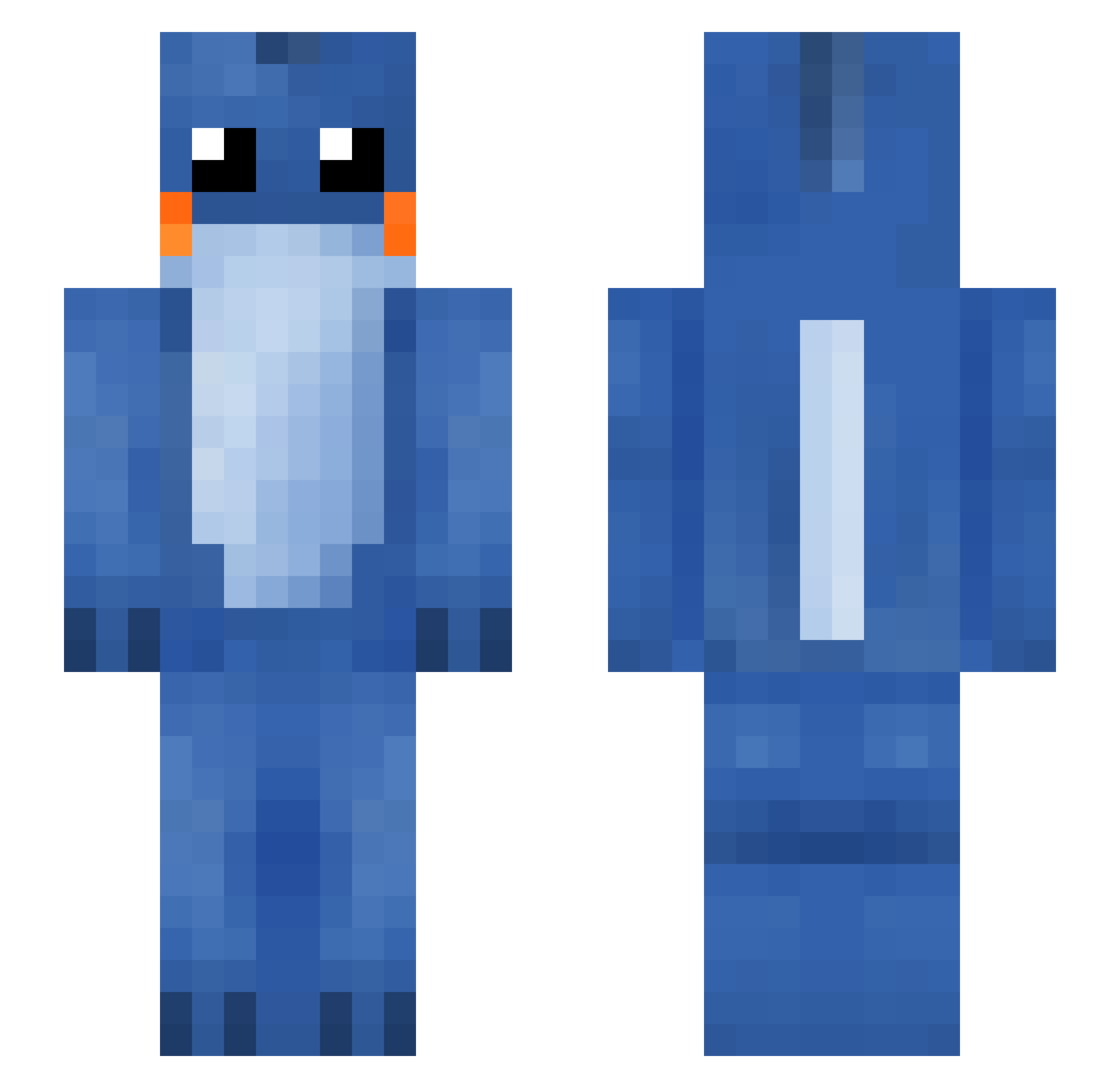
Other players with this skin (153)
jappaina was the 122nd player we have seen with this skin, first spotted on 22.10.2026. The same skin was seen on these players. Open a nickname to see their current skin and skin history.
 SMcTigue2110 CoolDood6 Izhim997 BenBenTu Efes04 Myrica0404 blinkysaur Ayesmes chaozhan kidsong pieeen majinee brettdoggy Soapiez mcistooexpensive Navyy_Blue Skybord terriblyanxious Mysticfire666 PaperManBag bartle0122 AloneBohemian Vegetables_yes TeaWitchOnTravel Caprireee MACnoCHEESEx Schmuelvyn AriaGibson IkoriaIxalanMTG Bhendyy2 G0ld_Ship dandanmian_ LujLeDeluge IDKABC123 masonross2907 Im_Goati Fusby_ garden_hoes_ jiubasi hoi48am KlintHustensaft Nel_land kullinluikaus MudkipTBL syslashx IcceTea Xien_Kakaru Cucw Ciscosaurus mesabi404 SpoopyToast Clomo00 Mis5pavos Lucifer79 Salamaceras deivysito Mutou549 amoris69 fwnie Agev
More Lilo And Stitch Minecraft skins
See all 528 Lilo And Stitch skins
How to install the jappaina skin
- Press the Download button above to save the skin as a PNG file.
- Minecraft: Bedrock Edition (PE): open the Dressing Room from the main menu (or tap your character → Edit Character), go to Classic Skins → Owned, press the + (new skin) button, choose the downloaded PNG and pick the Slim (Alex) model. Works on PC and mobile; consoles cannot import custom skins.
- Minecraft: Java Edition: open the Minecraft Launcher, go to the Skins tab, click New Skin, load the PNG, pick the Slim (Alex) model and press Save & Use. You can also upload it at minecraft.net → Profile → Change Skin.
The skin does not show up after import - what should I do?
Restart Minecraft and open the Dressing Room again - imported skins sometimes appear only after a restart. Also make sure you selected the imported skin and picked the Slim (Alex) model.
Which model should I choose, Classic or Slim?
This skin is designed for the Slim (Alex) model. If you pick the wrong model, the arms of the skin will look stretched or squeezed.
Is the skin of jappaina free to download?
Yes. Press Download, save the PNG file and use it in Minecraft: Bedrock Edition or Java Edition - no payment or registration needed. The skin also works on multiplayer servers and Realms.
More skins
Looking for more? Go back to all Minecraft skins and check the top skins of the week, month and all time, or find any player's skin by nickname.