
inhvm4n - Minecraft Skins & Skin History
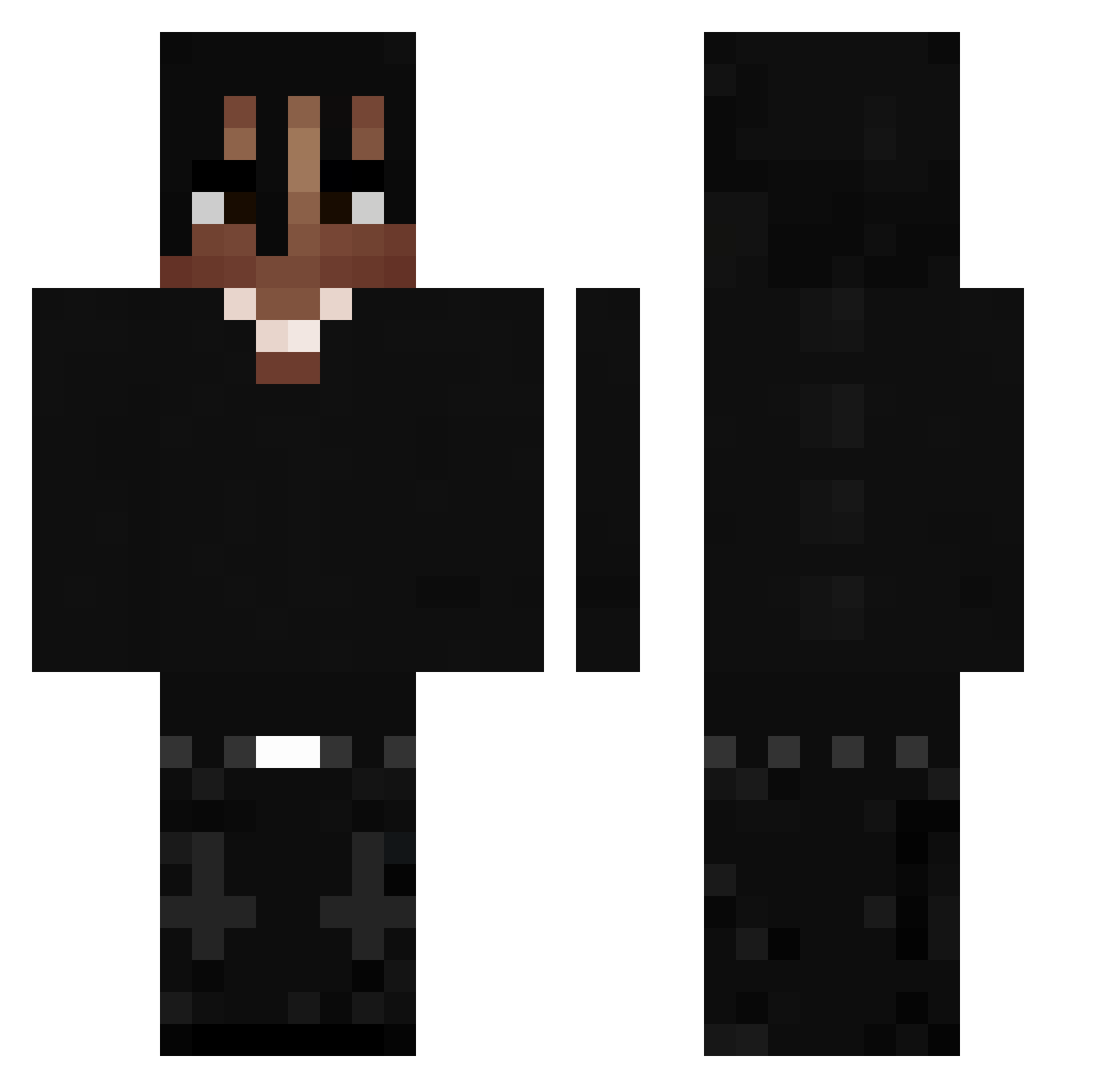
Current Minecraft skin of the player inhvm4n, loaded from the official Mojang API. Rotate the 3D model with your mouse or finger, then download the skin as a PNG file and use it in Minecraft: Bedrock Edition or Java Edition for free. When inhvm4n changes their skin, this page updates automatically and the old skin stays in the history below.
Other players with this skin (533)
inhvm4n was the 285th player we have seen with this skin, first spotted on 30.09.2026. The same skin was seen on these players. Open a nickname to see their current skin and skin history.
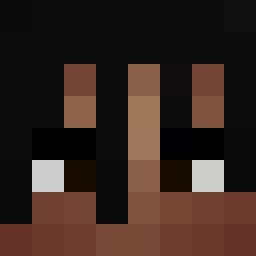 Twin_Alpha4726 Luxiferfer666 ChesunTopka1 m5teoo lilchuckyy Amendz0 Tauros1227 O_nyxe WaterheadDenis quickedbynn ItzHaso Zion_2392 P1AYB0 Reniixlove shunlzky kuba_30 Wojto55 ElDonLeon Assortments Seeyuhhhh morskapl Lemonielemon Eclippse8 kristopherGG tajgerniebonzo ManyIsOut DimeMusic 2EisMitKamah3l oses28 nandito123 nevatoolong4wong brito_07 XsetHavic Night79mare IFakelizz Alexkid0413 ciyuanshiqiao JUNIORPCX0012 Marcineksho R4vz OrangeV Tomeq2 ALEXBBYPOO MMF66 168wkss__ Clapzluvu Fortnitefan66 anstap xfuzix Enes7s _K3lly zFra_ cartigng dippa_1 mastu06 ARHAMMMM l44l44l k0te_7 Ghoth4m Petkooo7
More Dreadlocks Minecraft skins
How to install the inhvm4n skin
- Press the Download button above to save the skin as a PNG file.
- Minecraft: Bedrock Edition (PE): open the Dressing Room from the main menu (or tap your character → Edit Character), go to Classic Skins → Owned, press the + (new skin) button, choose the downloaded PNG and pick the Classic (Steve) model. Works on PC and mobile; consoles cannot import custom skins.
- Minecraft: Java Edition: open the Minecraft Launcher, go to the Skins tab, click New Skin, load the PNG, pick the Classic (Steve) model and press Save & Use. You can also upload it at minecraft.net → Profile → Change Skin.
The skin does not show up after import - what should I do?
Restart Minecraft and open the Dressing Room again - imported skins sometimes appear only after a restart. Also make sure you selected the imported skin and picked the Classic (Steve) model.
Which model should I choose, Classic or Slim?
This skin is designed for the Classic (Steve) model. If you pick the wrong model, the arms of the skin will look stretched or squeezed.
Is the skin of inhvm4n free to download?
Yes. Press Download, save the PNG file and use it in Minecraft: Bedrock Edition or Java Edition - no payment or registration needed. The skin also works on multiplayer servers and Realms.
More skins
Looking for more? Go back to all Minecraft skins and check the top skins of the week, month and all time, or find any player's skin by nickname.