
impulga - Minecraft Skins & Skin History
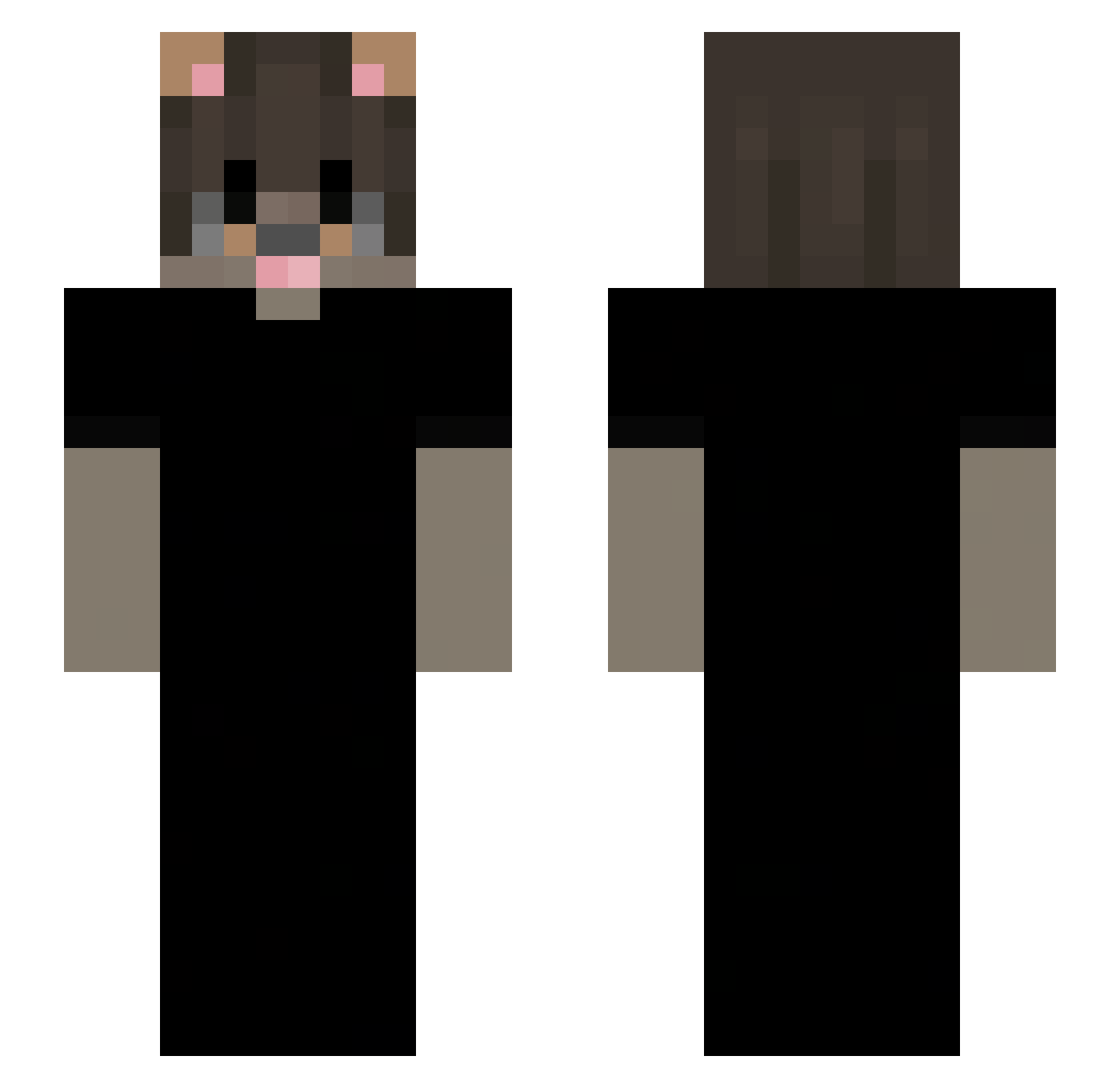
Current Minecraft skin of the player impulga, loaded from the official Mojang API. Rotate the 3D model with your mouse or finger, then download the skin as a PNG file and use it in Minecraft: Bedrock Edition or Java Edition for free. When impulga changes their skin, this page updates automatically and the old skin stays in the history below.
Other players with this skin (44)
impulga was the 24th player we have seen with this skin, first spotted on 23.09.2026. The same skin was seen on these players. Open a nickname to see their current skin and skin history.
 t76i cavempt1k Mikkivarb XeeBlood zen0ix yinw_ Vov0o vvaterd ffoenem Maheitochan Goatmarka PsiCoZzBTW bdzzprime Fasku Hasibombe AltVerse_xcp_AV jayy_MC Hyzuu Idclovelly phs2morenas asentierr RAPGODD
 unqashu
 vyaxo
 wbullet Liny206 Michal190uwu _Galaxy48_ szejlek weonthemoon joaokkzkz PrPudim vinny_krl vr6__ Simoooonnn hiranui zAlexzzz Upelaaaa alsyafkri
 2MWM
 MichUSSS
 F3l3K
 Raksonik 16thz
More Dog Ears Minecraft skins
How to install the impulga skin
- Press the Download button above to save the skin as a PNG file.
- Minecraft: Bedrock Edition (PE): open the Dressing Room from the main menu (or tap your character → Edit Character), go to Classic Skins → Owned, press the + (new skin) button, choose the downloaded PNG and pick the Slim (Alex) model. Works on PC and mobile; consoles cannot import custom skins.
- Minecraft: Java Edition: open the Minecraft Launcher, go to the Skins tab, click New Skin, load the PNG, pick the Slim (Alex) model and press Save & Use. You can also upload it at minecraft.net → Profile → Change Skin.
The skin does not show up after import - what should I do?
Restart Minecraft and open the Dressing Room again - imported skins sometimes appear only after a restart. Also make sure you selected the imported skin and picked the Slim (Alex) model.
Which model should I choose, Classic or Slim?
This skin is designed for the Slim (Alex) model. If you pick the wrong model, the arms of the skin will look stretched or squeezed.
Is the skin of impulga free to download?
Yes. Press Download, save the PNG file and use it in Minecraft: Bedrock Edition or Java Edition - no payment or registration needed. The skin also works on multiplayer servers and Realms.
More skins
Looking for more? Go back to all Minecraft skins and check the top skins of the week, month and all time, or find any player's skin by nickname.