
hindhead - Minecraft Skins & Skin History
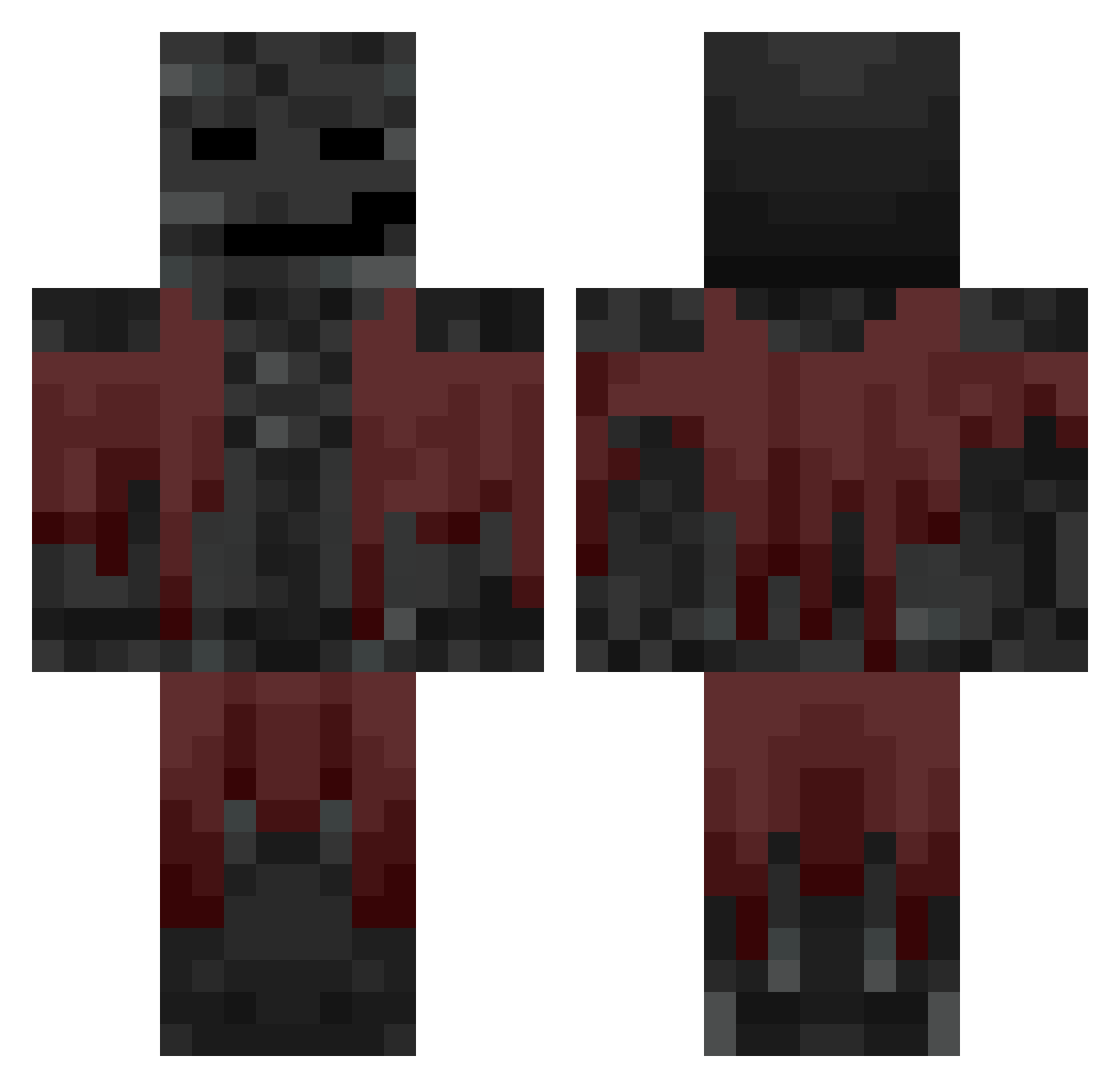
Current Minecraft skin of the player hindhead, loaded from the official Mojang API. Rotate the 3D model with your mouse or finger, then download the skin as a PNG file and use it in Minecraft: Bedrock Edition or Java Edition for free. When hindhead changes their skin, this page updates automatically and the old skin stays in the history below.
Other players with this skin (774)
hindhead was the 746th player we have seen with this skin, first spotted on 05.11.2026. The same skin was seen on these players. Open a nickname to see their current skin and skin history.
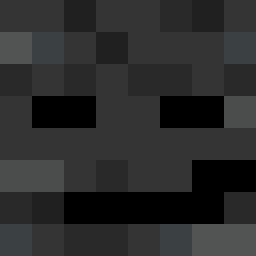 Reeeeeeeeeee118 ___________aha Ad1993 TrashRadish itamas ExertChimera37 UphillLattice12 jenny2028 _dOz Grisha_Lucky the_noodle98 TheoMadison gargasnipe ReQuestxD zbzb84 Astelyxx PhilTWL A_NuseDestroyer Squzy1 VanDArS gnjb Beasty0918 sugarharu edujoao _NekyZz Neish1 SuperB2020 B4nB4n_ KevPlayz24 elchelo54 SRUBIII JackieChan321 Thirstless wickedlizerd myrggg House_Wifu vale200 KaiMintyy CAPYJUAN Steppaa1 J0HNPR0 YU_HYEOK1 Rusynth XLFN 56789aac kaxpev27 TrkKardesh BoooHoo Fumeiro 4243 eqbq speziidose XarZii FirstGenPerfrmnc CrackSparrow22 mo2e Jakewinter2012 frxgs1 Michi511 qc_x
More Wither Minecraft skins
How to install the hindhead skin
- Press the Download button above to save the skin as a PNG file.
- Minecraft: Bedrock Edition (PE): open the Dressing Room from the main menu (or tap your character → Edit Character), go to Classic Skins → Owned, press the + (new skin) button, choose the downloaded PNG and pick the Classic (Steve) model. Works on PC and mobile; consoles cannot import custom skins.
- Minecraft: Java Edition: open the Minecraft Launcher, go to the Skins tab, click New Skin, load the PNG, pick the Classic (Steve) model and press Save & Use. You can also upload it at minecraft.net → Profile → Change Skin.
The skin does not show up after import - what should I do?
Restart Minecraft and open the Dressing Room again - imported skins sometimes appear only after a restart. Also make sure you selected the imported skin and picked the Classic (Steve) model.
Which model should I choose, Classic or Slim?
This skin is designed for the Classic (Steve) model. If you pick the wrong model, the arms of the skin will look stretched or squeezed.
Is the skin of hindhead free to download?
Yes. Press Download, save the PNG file and use it in Minecraft: Bedrock Edition or Java Edition - no payment or registration needed. The skin also works on multiplayer servers and Realms.
More skins
Looking for more? Go back to all Minecraft skins and check the top skins of the week, month and all time, or find any player's skin by nickname.