
heydavid77 - Minecraft Skins & Skin History
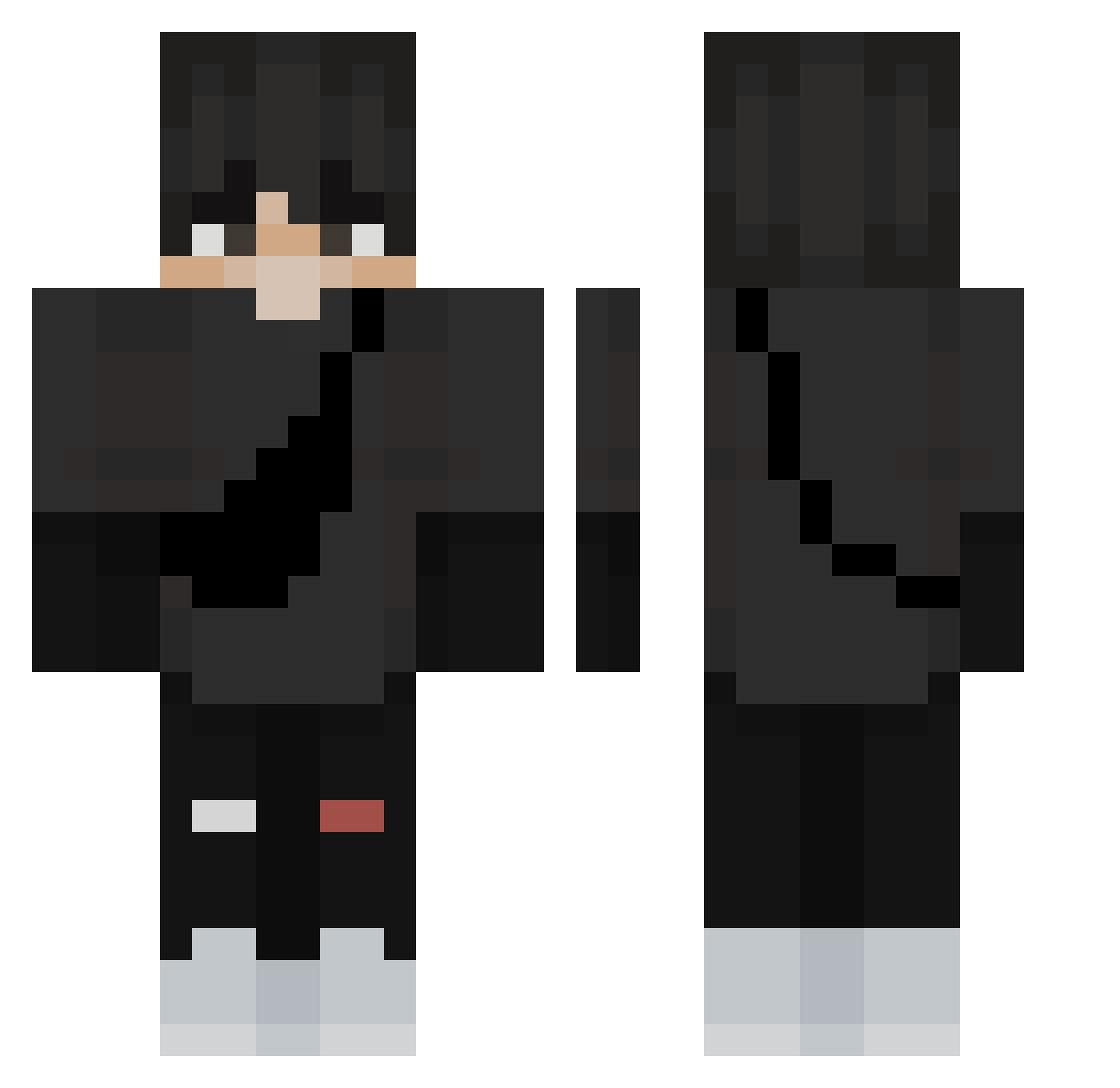
Current Minecraft skin of the player heydavid77, loaded from the official Mojang API. Rotate the 3D model with your mouse or finger, then download the skin as a PNG file and use it in Minecraft: Bedrock Edition or Java Edition for free. When heydavid77 changes their skin, this page updates automatically and the old skin stays in the history below.
Other players with this skin (367)
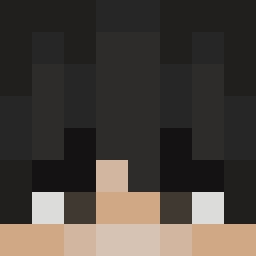
heydavid77 was the 258th player we have seen with this skin, first spotted on 17.10.2026. The same skin was seen on these players. Open a nickname to see their current skin and skin history.
 Raidz187 terabinter Vmaxx1 OliwierGames27 ADLING Trinki3421 AlaNBacker56 Mexican__Jesus honzaxs firehunter112 InverteryOnChris D3mer Sunnyshred skipyyyy Itzz_Witek lilredflag1 ManniDLS CappnCroy przemo1233445566 AC3_A1TR3X ChanWeRav Dillon_318 LaurenxNicole kyubi38 LCrittts KaabiYT cocoachanel5 HamDaPanini Flexin0 CarrryDave illusixn19 cool_guydb DJ_Ender1771 shark_boyez SulHwa__3 Alex_iliko ANGEL810 peachydel NChilton fashionfish666 devilwidowhaze Nex00s0 YOHO1000203 LoukiSGE ThiccBoi_101 hugootjenl FelineAcrobat04 basicraids57929 USAGI691 Leon3109 Speckledtat NDTRH tobirobi1 EgeCK baykx GawrGua Dwevy19 Dai_Ya blechu1 NotSteeel
More E Boy Minecraft skins
How to install the heydavid77 skin
- Press the Download button above to save the skin as a PNG file.
- Minecraft: Bedrock Edition (PE): open the Dressing Room from the main menu (or tap your character → Edit Character), go to Classic Skins → Owned, press the + (new skin) button, choose the downloaded PNG and pick the Classic (Steve) model. Works on PC and mobile; consoles cannot import custom skins.
- Minecraft: Java Edition: open the Minecraft Launcher, go to the Skins tab, click New Skin, load the PNG, pick the Classic (Steve) model and press Save & Use. You can also upload it at minecraft.net → Profile → Change Skin.
The skin does not show up after import - what should I do?
Restart Minecraft and open the Dressing Room again - imported skins sometimes appear only after a restart. Also make sure you selected the imported skin and picked the Classic (Steve) model.
Which model should I choose, Classic or Slim?
This skin is designed for the Classic (Steve) model. If you pick the wrong model, the arms of the skin will look stretched or squeezed.
Is the skin of heydavid77 free to download?
Yes. Press Download, save the PNG file and use it in Minecraft: Bedrock Edition or Java Edition - no payment or registration needed. The skin also works on multiplayer servers and Realms.
More skins
Looking for more? Go back to all Minecraft skins and check the top skins of the week, month and all time, or find any player's skin by nickname.