
hellfyrekat - Minecraft Skins & Skin History
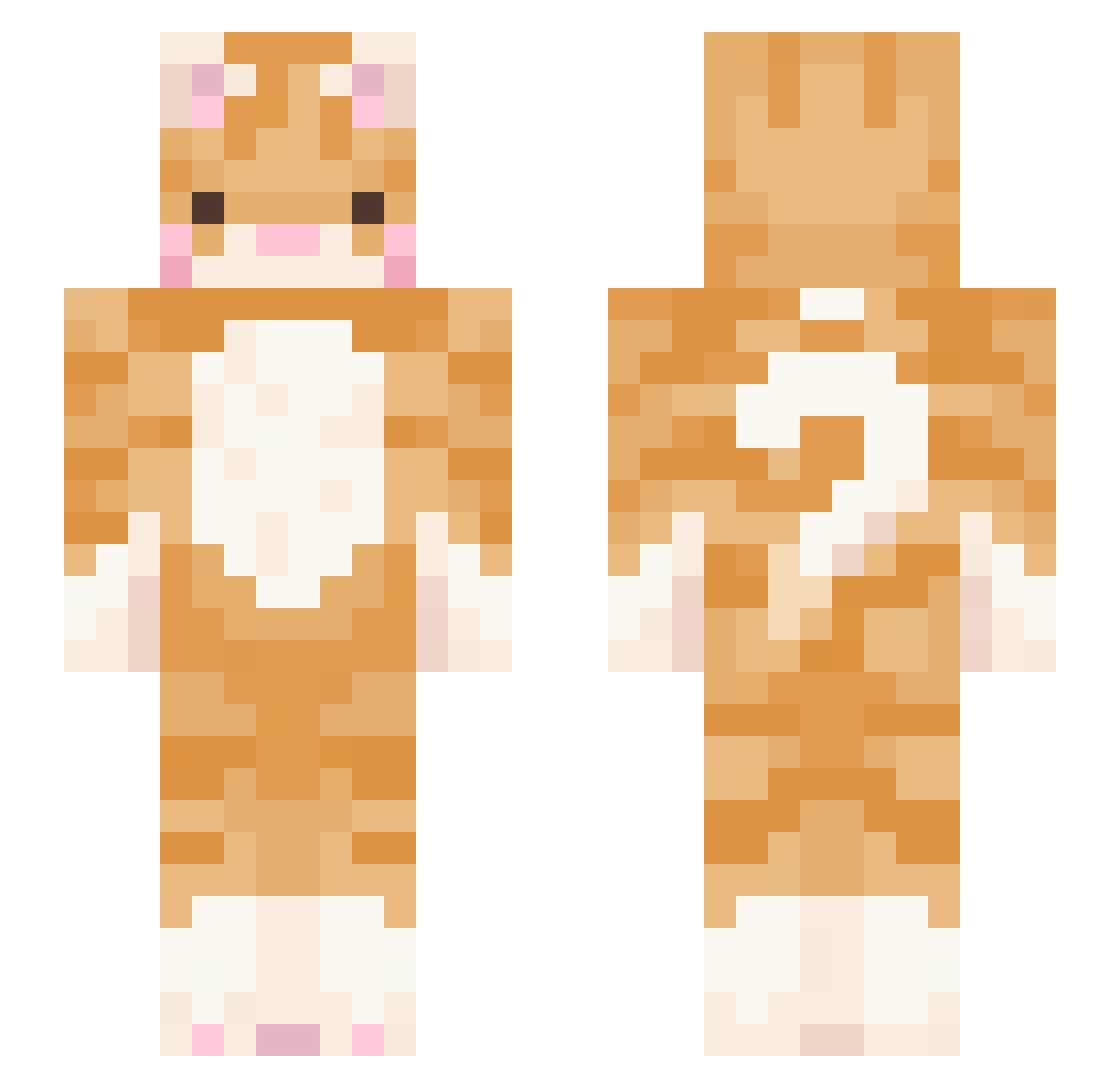
Current Minecraft skin of the player hellfyrekat, loaded from the official Mojang API. Rotate the 3D model with your mouse or finger, then download the skin as a PNG file and use it in Minecraft: Bedrock Edition or Java Edition for free. When hellfyrekat changes their skin, this page updates automatically and the old skin stays in the history below.
Other players with this skin (549)
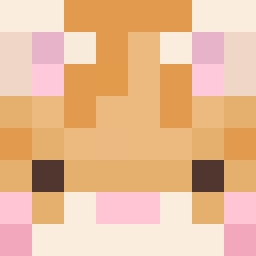
hellfyrekat was the 496th player we have seen with this skin, first spotted on 30.10.2026. The same skin was seen on these players. Open a nickname to see their current skin and skin history.
 Soggy_nuggets101 natawliee MaaChelll Younglee Tunder_27 Mickle4606 CYAN000111 ZG27 LeiKeiWei JARR4 strxwberryjelly SamZam2011 classysamm coolbread2343 EinfachXenia Resol3939 Ginger_snow LaneaAmaya w98k Sammiegold6 platosaidwhat Mydhos nickelwonton Kitty771988 gyuul djloevik Macika0123 PowerfulOz31 zeke1308 stonerpony TakeUsBack_ lilbonk sayditto Domong23 Heimdall_NK kooian CajolingWheel89 Orangecat18 MentallyUnalive Dudada_33 secretbrittany cattyfails ganyussy ruyazz Classic_Brunette domy0904 unlawfuloranges shinhwi nuclearmacaroni POKI_JO arivlaan skakanka69 moodieeex TAERITAEYEON min3nyong Einhorn621 Adarius1991 lamelyn namibot alpacarosaa
More Ginger Cat Minecraft skins
How to install the hellfyrekat skin
- Press the Download button above to save the skin as a PNG file.
- Minecraft: Bedrock Edition (PE): open the Dressing Room from the main menu (or tap your character → Edit Character), go to Classic Skins → Owned, press the + (new skin) button, choose the downloaded PNG and pick the Slim (Alex) model. Works on PC and mobile; consoles cannot import custom skins.
- Minecraft: Java Edition: open the Minecraft Launcher, go to the Skins tab, click New Skin, load the PNG, pick the Slim (Alex) model and press Save & Use. You can also upload it at minecraft.net → Profile → Change Skin.
The skin does not show up after import - what should I do?
Restart Minecraft and open the Dressing Room again - imported skins sometimes appear only after a restart. Also make sure you selected the imported skin and picked the Slim (Alex) model.
Which model should I choose, Classic or Slim?
This skin is designed for the Slim (Alex) model. If you pick the wrong model, the arms of the skin will look stretched or squeezed.
Is the skin of hellfyrekat free to download?
Yes. Press Download, save the PNG file and use it in Minecraft: Bedrock Edition or Java Edition - no payment or registration needed. The skin also works on multiplayer servers and Realms.
More skins
Looking for more? Go back to all Minecraft skins and check the top skins of the week, month and all time, or find any player's skin by nickname.