
frosty1414 - Minecraft Skins & Skin History
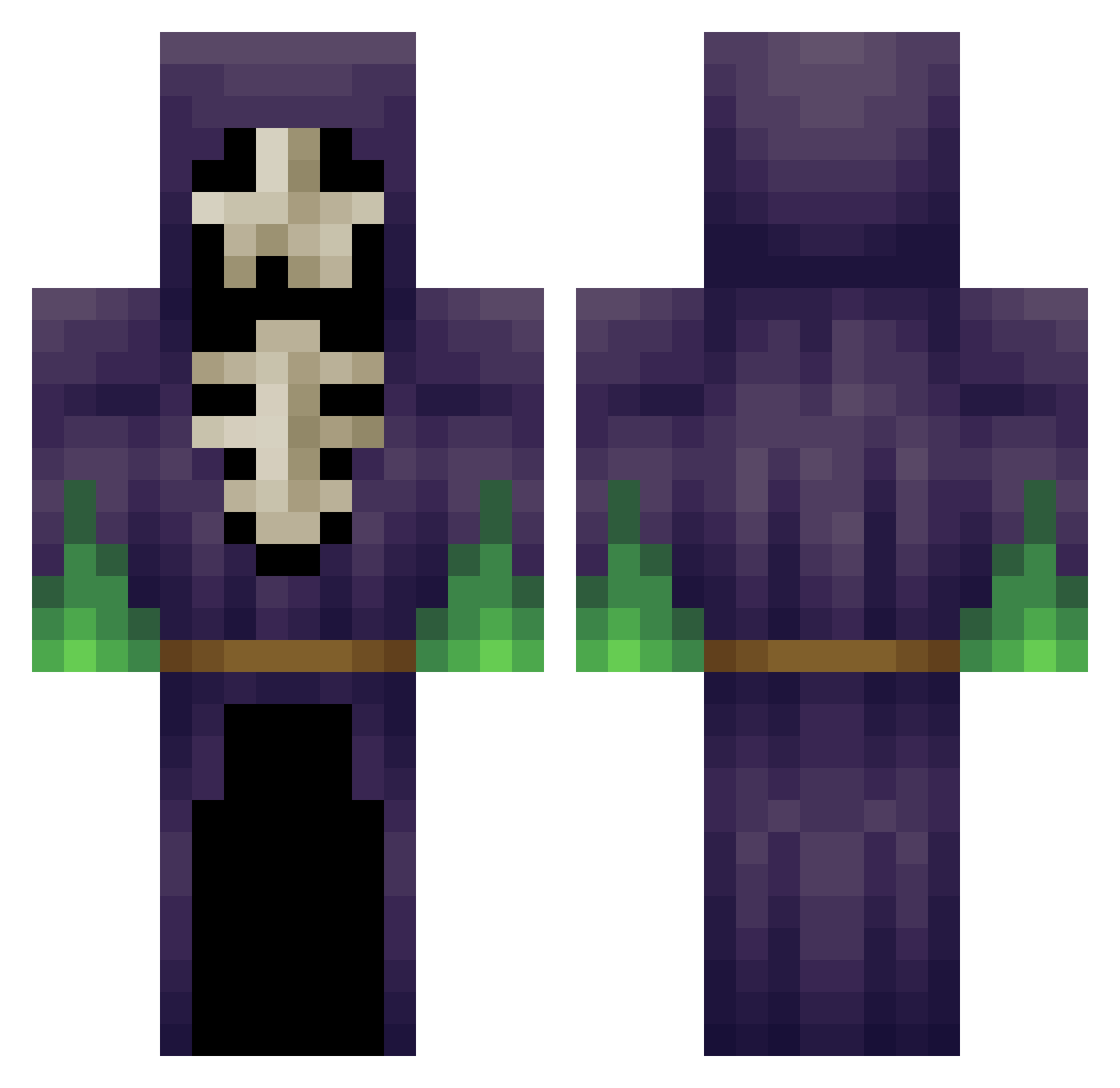
Current Minecraft skin of the player frosty1414, loaded from the official Mojang API. Rotate the 3D model with your mouse or finger, then download the skin as a PNG file and use it in Minecraft: Bedrock Edition or Java Edition for free. When frosty1414 changes their skin, this page updates automatically and the old skin stays in the history below.
Other players with this skin (454)
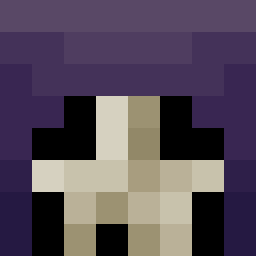
frosty1414 was the 359th player we have seen with this skin, first spotted on 23.10.2026. The same skin was seen on these players. Open a nickname to see their current skin and skin history.
 SkyFire200 project_zero0 Nimball Tropicalmissile pentrii crait88 Extremaxe Tenebrarum01 KaitoKid27 Vaaron4k Verumdarkfire Ghost_Heretic chaos151 dady1999 TS42119 mana1423 Nefearia Shublets Jimmy88boy Askman0103 CarlCreeper Ingentor Darkoodle Yogsminion Sharif87 Culprit southernrot Awsomewolf99 OrestisMagas7 inaps3 Zeranfeld OptimusIronman OpticFusi0n Seriousily squidking890 2000jayjay AbaddonTheDemon Niwted flezz7 Virus_Of_Life Gibanul DuckOnCrack SwegCraft Prometeusz epickPvPHD phoenix7701 motherduck101 Meydinn GrinzoldDspalter TheDreadSquirrel Neowfoundland Noope_ChuckTesta DubstepShotgun34 deeJslowface paradoXadam Western087 BlueJam Angel_Hunter JuanMCR FoxyAce
More Necromancer Minecraft skins
How to install the frosty1414 skin
- Press the Download button above to save the skin as a PNG file.
- Minecraft: Bedrock Edition (PE): open the Dressing Room from the main menu (or tap your character → Edit Character), go to Classic Skins → Owned, press the + (new skin) button, choose the downloaded PNG and pick the Classic (Steve) model. Works on PC and mobile; consoles cannot import custom skins.
- Minecraft: Java Edition: open the Minecraft Launcher, go to the Skins tab, click New Skin, load the PNG, pick the Classic (Steve) model and press Save & Use. You can also upload it at minecraft.net → Profile → Change Skin.
The skin does not show up after import - what should I do?
Restart Minecraft and open the Dressing Room again - imported skins sometimes appear only after a restart. Also make sure you selected the imported skin and picked the Classic (Steve) model.
Which model should I choose, Classic or Slim?
This skin is designed for the Classic (Steve) model. If you pick the wrong model, the arms of the skin will look stretched or squeezed.
Is the skin of frosty1414 free to download?
Yes. Press Download, save the PNG file and use it in Minecraft: Bedrock Edition or Java Edition - no payment or registration needed. The skin also works on multiplayer servers and Realms.
More skins
Looking for more? Go back to all Minecraft skins and check the top skins of the week, month and all time, or find any player's skin by nickname.