
foolzzzz - Minecraft Skins & Skin History
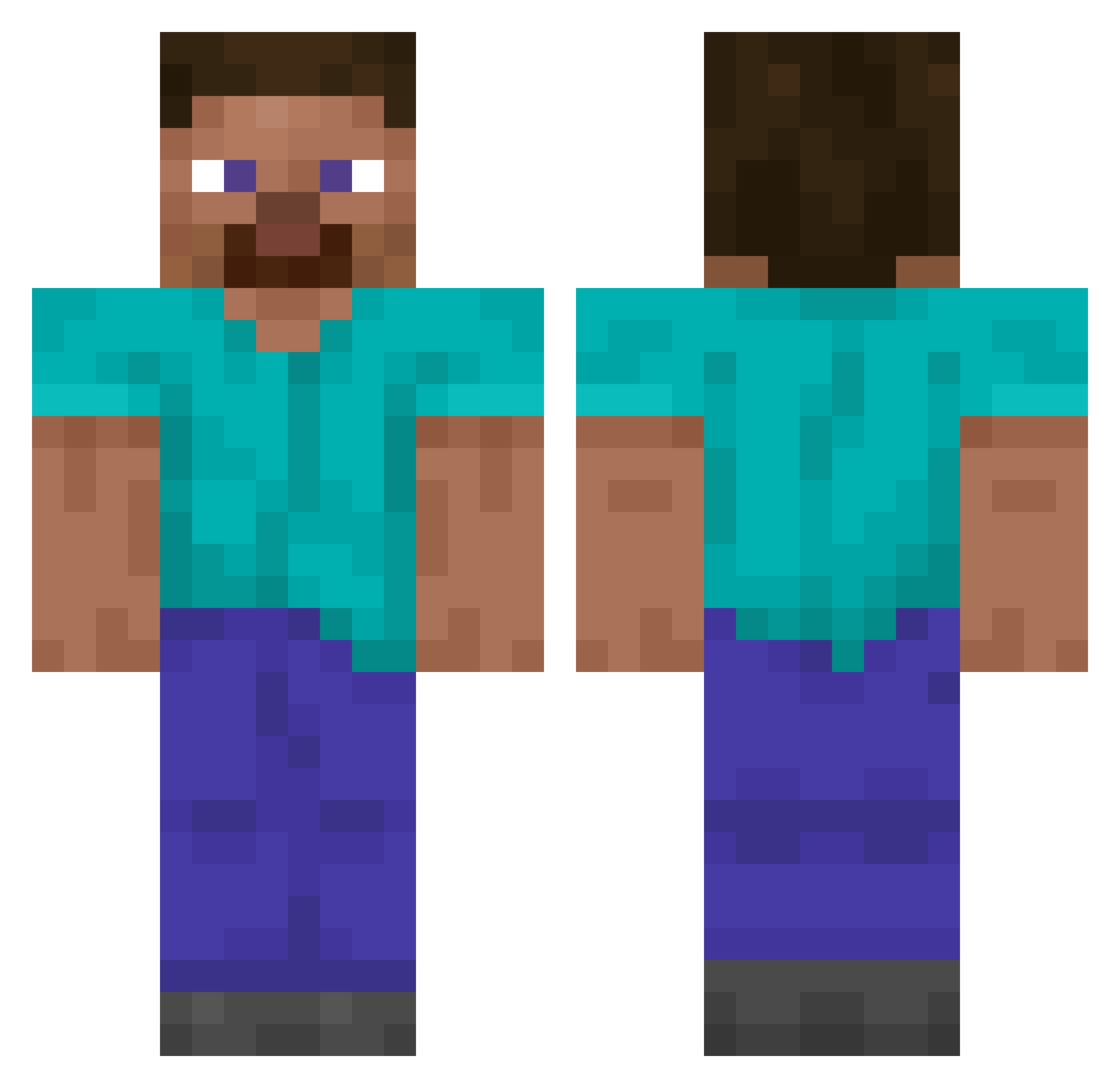
Current Minecraft skin of the player foolzzzz, loaded from the official Mojang API. Rotate the 3D model with your mouse or finger, then download the skin as a PNG file and use it in Minecraft: Bedrock Edition or Java Edition for free. When foolzzzz changes their skin, this page updates automatically and the old skin stays in the history below.
Other players with this skin (14348)
foolzzzz was the 10854th player we have seen with this skin, first spotted on 16.10.2026. The same skin was seen on these players. Open a nickname to see their current skin and skin history.
 MATTtheAPPL3 PysznaMakrela snowman1129 SkEiGei qNyxx SOSBurnsy Amadeus2008 loukiblok maco Soyul0324 Gobm whythehecknot Seze52 sr_zombi arreman8 EasyMc_XiaoMu dan34liel JJJokr Hoehoeyu Legionek201 Pomoranin Bohg_ BananaPantsRun TailsFan05 Prononciation Vuoden_Meemi DolphinRampage rs1cyzer dizzyd193 Abyss77 derpmcderpius DoutorDark Hontyss1 Adipocere BenevolentBard ItsJustNick Lyli63 abatage superphatninja Xxtitan08 Barkoz xPitGod TreachMeta Niftiest nissanbasj tehluppa CKC_REM Andy6383 Fiskaremannen StrafeXeD NicolasMF Blu3berries Rhysius Mitigates ricefarmer26 OriginalJuani handsomechangsup giust septaruuu curran
How to install the foolzzzz skin
- Press the Download button above to save the skin as a PNG file.
- Minecraft: Bedrock Edition (PE): open the Dressing Room from the main menu (or tap your character → Edit Character), go to Classic Skins → Owned, press the + (new skin) button, choose the downloaded PNG and pick the Classic (Steve) model. Works on PC and mobile; consoles cannot import custom skins.
- Minecraft: Java Edition: open the Minecraft Launcher, go to the Skins tab, click New Skin, load the PNG, pick the Classic (Steve) model and press Save & Use. You can also upload it at minecraft.net → Profile → Change Skin.
The skin does not show up after import - what should I do?
Restart Minecraft and open the Dressing Room again - imported skins sometimes appear only after a restart. Also make sure you selected the imported skin and picked the Classic (Steve) model.
Which model should I choose, Classic or Slim?
This skin is designed for the Classic (Steve) model. If you pick the wrong model, the arms of the skin will look stretched or squeezed.
Is the skin of foolzzzz free to download?
Yes. Press Download, save the PNG file and use it in Minecraft: Bedrock Edition or Java Edition - no payment or registration needed. The skin also works on multiplayer servers and Realms.
More skins
Looking for more? Go back to all Minecraft skins and check the top skins of the week, month and all time, or find any player's skin by nickname.