
fickwindows - Minecraft Skins & Skin History
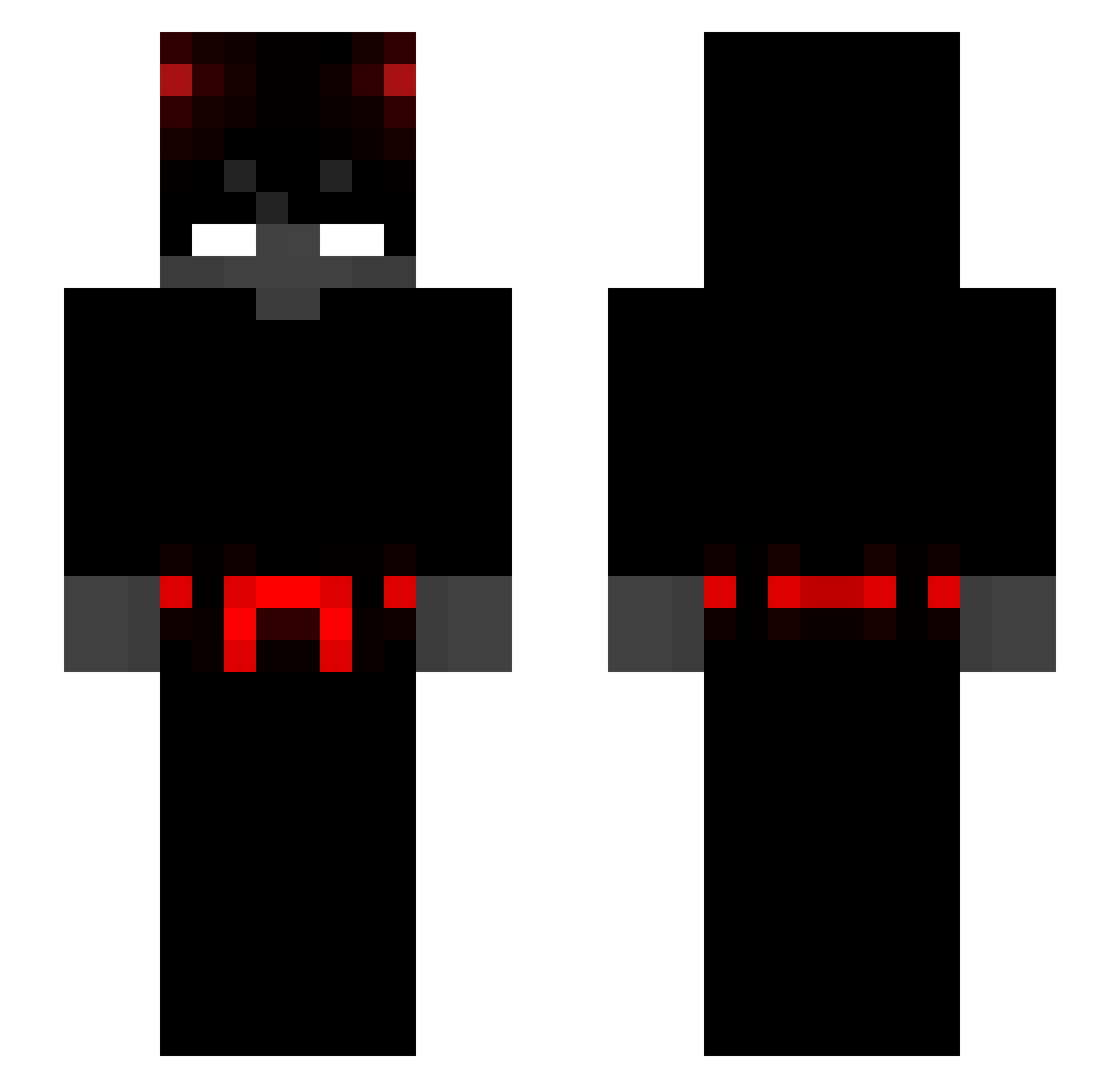
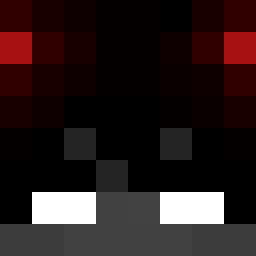
Current Minecraft skin of the player fickwindows, loaded from the official Mojang API. Rotate the 3D model with your mouse or finger, then download the skin as a PNG file and use it in Minecraft: Bedrock Edition or Java Edition for free. When fickwindows changes their skin, this page updates automatically and the old skin stays in the history below.
Other players with this skin (352)
fickwindows was the 304th player we have seen with this skin, first spotted on 26.10.2026. The same skin was seen on these players. Open a nickname to see their current skin and skin history.
 lambooooo __Matusisk0__ WILLGUTT Trumpire _Loki_11 theworstones257 llskymeloll Itzlaxzy DarkPrince3738 TroleXm Alerteddonkey42 Warunn Adoj_Tv d3llfi ITAY666 3b__ A_LittleLevel Ecoria DerLobus Fayzayy seido7 Rizzooooooo yevz_ flipkit zOommR3KT Mr_Creeper0 GamerGinryYT Ccareas FPVSFaLLoX Saibot393 SrBySergio vallandz powahful _Kashiko serhatke Nix_Channel YoungBxnds Ranksan Eaglestorm1537 Rebell911 Erayitzu ytrip EchoNine13 fosgon pawelito_2115 Atagames xHighVenom P3ng84 BenjiDeJong _ErnoX Andrezimzezu TomFardii sexxxxxxxxxxx LisumGHG jrnlz2 _ManuUwU_ Smart_Angels KobbyKobs GabbaX2 miguelxzsss
More Devil Minecraft skins
How to install the fickwindows skin
- Press the Download button above to save the skin as a PNG file.
- Minecraft: Bedrock Edition (PE): open the Dressing Room from the main menu (or tap your character → Edit Character), go to Classic Skins → Owned, press the + (new skin) button, choose the downloaded PNG and pick the Slim (Alex) model. Works on PC and mobile; consoles cannot import custom skins.
- Minecraft: Java Edition: open the Minecraft Launcher, go to the Skins tab, click New Skin, load the PNG, pick the Slim (Alex) model and press Save & Use. You can also upload it at minecraft.net → Profile → Change Skin.
The skin does not show up after import - what should I do?
Restart Minecraft and open the Dressing Room again - imported skins sometimes appear only after a restart. Also make sure you selected the imported skin and picked the Slim (Alex) model.
Which model should I choose, Classic or Slim?
This skin is designed for the Slim (Alex) model. If you pick the wrong model, the arms of the skin will look stretched or squeezed.
Is the skin of fickwindows free to download?
Yes. Press Download, save the PNG file and use it in Minecraft: Bedrock Edition or Java Edition - no payment or registration needed. The skin also works on multiplayer servers and Realms.
More skins
Looking for more? Go back to all Minecraft skins and check the top skins of the week, month and all time, or find any player's skin by nickname.