
el_3bas - Minecraft Skins & Skin History
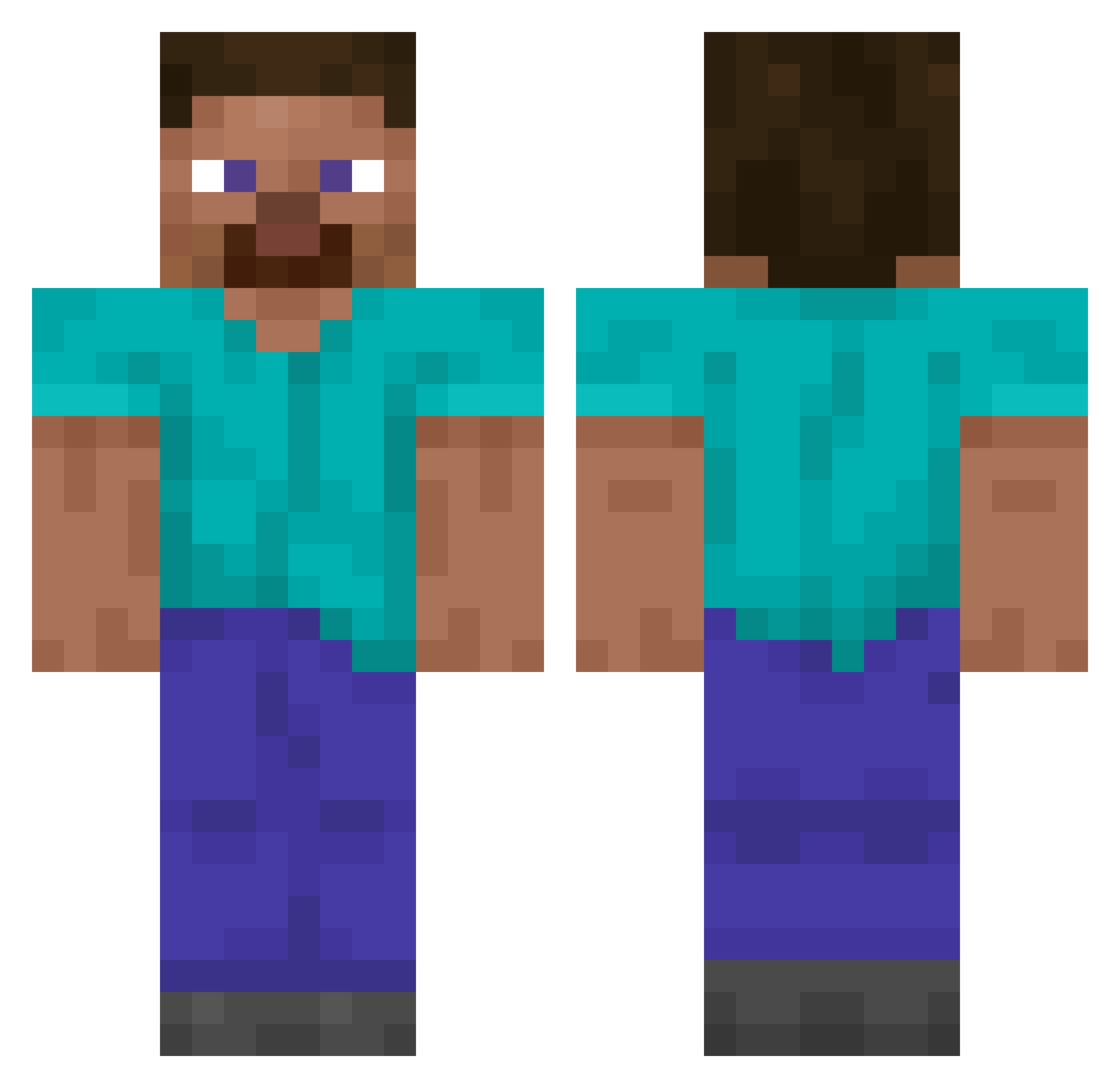
Current Minecraft skin of the player el_3bas, loaded from the official Mojang API. Rotate the 3D model with your mouse or finger, then download the skin as a PNG file and use it in Minecraft: Bedrock Edition or Java Edition for free. When el_3bas changes their skin, this page updates automatically and the old skin stays in the history below.
Other players with this skin (14074)
el_3bas was the 10790th player we have seen with this skin, first spotted on 16.10.2026. The same skin was seen on these players. Open a nickname to see their current skin and skin history.
 SimonWasHere1996 Cameron_Bumsniff wkdfhr5729 Wortkiste12345 dirldras Pishro StutoBR Aviar hosick_2mari Hendryk55 kirxby HyphaXD Perognathus Following A_games91 wonkees Pabl0o1 Krone414 D4IP MxinGm BenjaTWO jejun_0622 eezyweed gosset_31 FighterAviator talers Merttrn Kemski mr_jimmers Alvaroox__1 sirdave118 Sceatie SoundPlayingHD Ockw3Rd WhikeuGirl1 rvte juomziin Teratoma42 kamakura01 A_Lamp_Post xxgarby bb88888888888888 weichtmer DAHYUN0411 Olibanum facuU13 experamiun64 Bissen3253 Charlie23615 poopfart58 im_just_Water Esteban_iquis udun1120 MFBR moodfal L1iet Kubaxx_ XxBatat4xX Xedroo JiOak
How to install the el_3bas skin
- Press the Download button above to save the skin as a PNG file.
- Minecraft: Bedrock Edition (PE): open the Dressing Room from the main menu (or tap your character → Edit Character), go to Classic Skins → Owned, press the + (new skin) button, choose the downloaded PNG and pick the Classic (Steve) model. Works on PC and mobile; consoles cannot import custom skins.
- Minecraft: Java Edition: open the Minecraft Launcher, go to the Skins tab, click New Skin, load the PNG, pick the Classic (Steve) model and press Save & Use. You can also upload it at minecraft.net → Profile → Change Skin.
The skin does not show up after import - what should I do?
Restart Minecraft and open the Dressing Room again - imported skins sometimes appear only after a restart. Also make sure you selected the imported skin and picked the Classic (Steve) model.
Which model should I choose, Classic or Slim?
This skin is designed for the Classic (Steve) model. If you pick the wrong model, the arms of the skin will look stretched or squeezed.
Is the skin of el_3bas free to download?
Yes. Press Download, save the PNG file and use it in Minecraft: Bedrock Edition or Java Edition - no payment or registration needed. The skin also works on multiplayer servers and Realms.
More skins
Looking for more? Go back to all Minecraft skins and check the top skins of the week, month and all time, or find any player's skin by nickname.