
damsdu43 - Minecraft Skins & Skin History
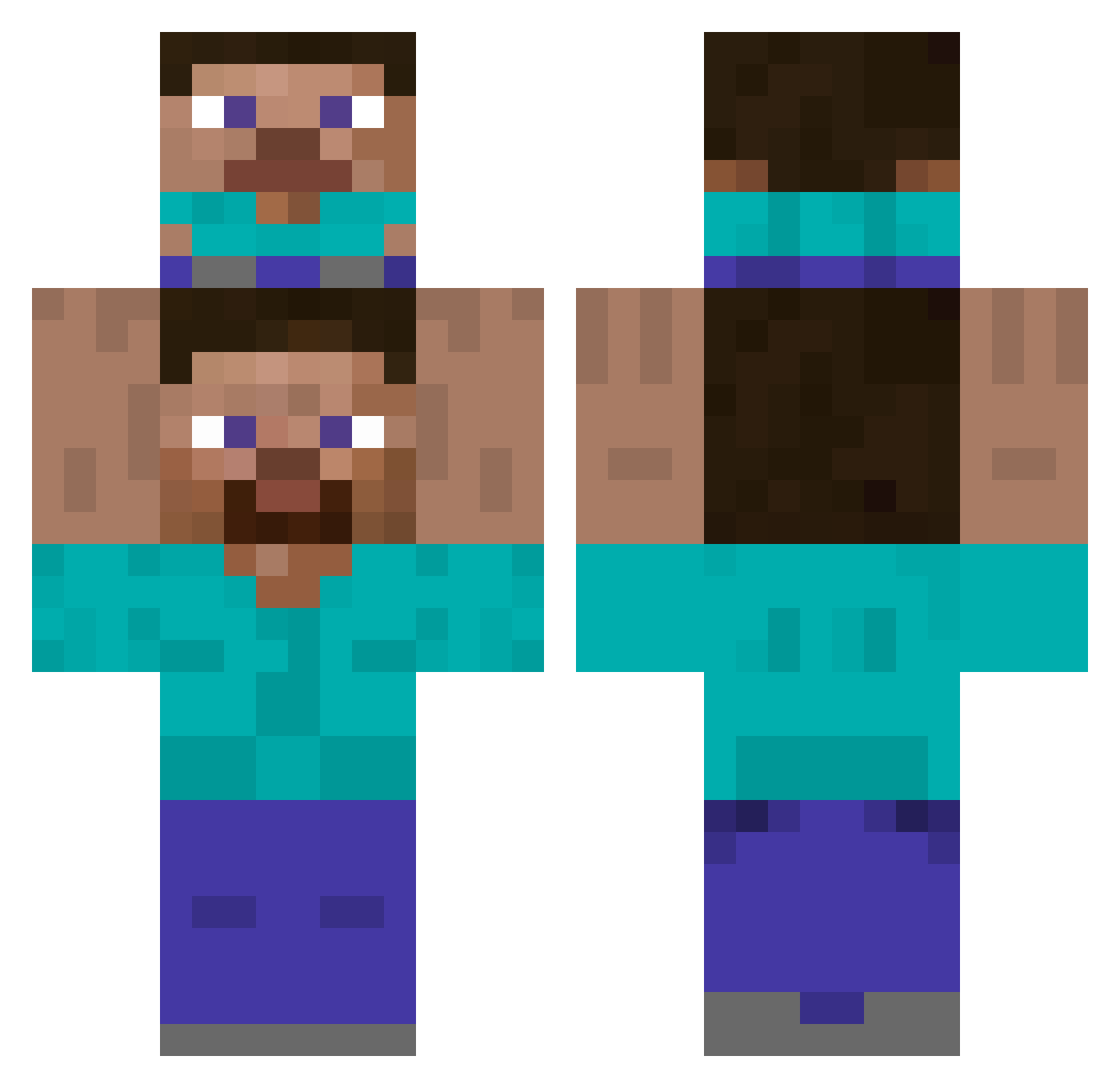
Current Minecraft skin of the player damsdu43, loaded from the official Mojang API. Rotate the 3D model with your mouse or finger, then download the skin as a PNG file and use it in Minecraft: Bedrock Edition or Java Edition for free. When damsdu43 changes their skin, this page updates automatically and the old skin stays in the history below.
Other players with this skin (466)
damsdu43 was the 449th player we have seen with this skin, first spotted on 06.11.2026. The same skin was seen on these players. Open a nickname to see their current skin and skin history.
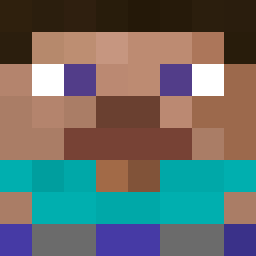 Daan21202 vendepanchoss FABIANSKIIII ItsYanz Noeltoon Orbit_Proxima TheMuffinMan919 TheClackbillula taichann EmanuelLzr WhYNP olivier9366 iTZq Dinosaur_Roar Gugugsta S4Kasa_qb __icecream_ wittyfr gama35 waniwanii BigAxe98 Primeharu_ Hokage_228_ muscleang DerFunghinator Hoopxn VAV539 Ch0osey MuffinTop7 fouziii HinSally FVazz mestoymeand0oO0o Skevo Mario_xd_ Passiva24 SaveKot123Kotik Taco125 Creeper4909 ryugmsh Jaxs2000 Vicass mattboy328 LeszySkrrt kimchibokkeumbap Soviet_Super_Man ALEX_SWORD9 Mawl_eye Vinitiy Anuki7 SherlockHolme Brodcast _Sunita_ BuRock99 El_Valen42 declabob steppiiy emirxxx67 Cleversammy SpeedR6
How to install the damsdu43 skin
- Press the Download button above to save the skin as a PNG file.
- Minecraft: Bedrock Edition (PE): open the Dressing Room from the main menu (or tap your character → Edit Character), go to Classic Skins → Owned, press the + (new skin) button, choose the downloaded PNG and pick the Classic (Steve) model. Works on PC and mobile; consoles cannot import custom skins.
- Minecraft: Java Edition: open the Minecraft Launcher, go to the Skins tab, click New Skin, load the PNG, pick the Classic (Steve) model and press Save & Use. You can also upload it at minecraft.net → Profile → Change Skin.
The skin does not show up after import - what should I do?
Restart Minecraft and open the Dressing Room again - imported skins sometimes appear only after a restart. Also make sure you selected the imported skin and picked the Classic (Steve) model.
Which model should I choose, Classic or Slim?
This skin is designed for the Classic (Steve) model. If you pick the wrong model, the arms of the skin will look stretched or squeezed.
Is the skin of damsdu43 free to download?
Yes. Press Download, save the PNG file and use it in Minecraft: Bedrock Edition or Java Edition - no payment or registration needed. The skin also works on multiplayer servers and Realms.
More skins
Looking for more? Go back to all Minecraft skins and check the top skins of the week, month and all time, or find any player's skin by nickname.