
cacacoco11111 - Minecraft Skins & Skin History
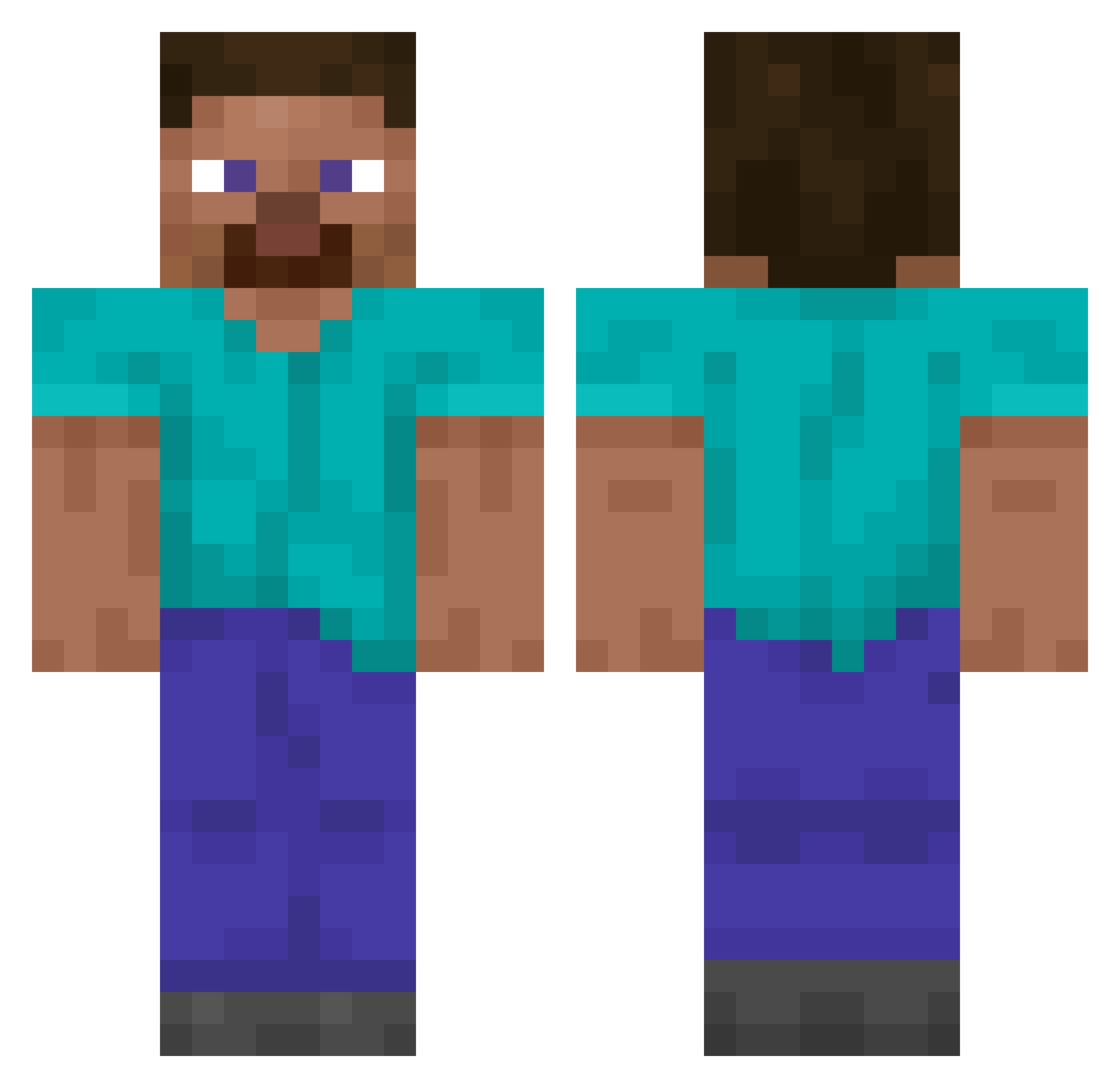
Current Minecraft skin of the player cacacoco11111, loaded from the official Mojang API. Rotate the 3D model with your mouse or finger, then download the skin as a PNG file and use it in Minecraft: Bedrock Edition or Java Edition for free. When cacacoco11111 changes their skin, this page updates automatically and the old skin stays in the history below.
Other players with this skin (15161)
cacacoco11111 was the 14997th player we have seen with this skin, first spotted on 11.11.2026. The same skin was seen on these players. Open a nickname to see their current skin and skin history.
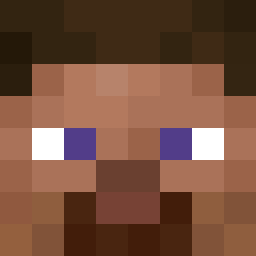 Mackan451 belector Lukywinko Indissoluble AR_KebabRemover Tytytjjj Cadis lefties xX_Isorunkku1_Xx XSanmaX LeoniesBf Fockery DiffuseMedusa79 ARDSQ MacrosAbuser ShaoooH xox___ SonofSeoul RawVegetables_ ASDAShop IMaCFrOsT acoulimaner aqxc2 Leif4507 46_c 89isi JumpiiiJCJ SWS2004 JonssonJon limaczek_ acs3101 ravanlegend Yris977 sectorius DerryCream Reflexive rafaf3000 ComicSmile31342 lookingatyouu Ba_ng SnugBucket0 energetical lipu_smiec zzxgp_SfDci CarlosValente potato_nuggie Schuhanzieher Demirblood Matutank_ crisokaa otter3737 Killer21Killer MetNight69 CheekiBreeki08 scndthe2nd xdRaptorxd TylerCastro2006 KronoxRebirth Deako Junior__24
How to install the cacacoco11111 skin
- Press the Download button above to save the skin as a PNG file.
- Minecraft: Bedrock Edition (PE): open the Dressing Room from the main menu (or tap your character → Edit Character), go to Classic Skins → Owned, press the + (new skin) button, choose the downloaded PNG and pick the Classic (Steve) model. Works on PC and mobile; consoles cannot import custom skins.
- Minecraft: Java Edition: open the Minecraft Launcher, go to the Skins tab, click New Skin, load the PNG, pick the Classic (Steve) model and press Save & Use. You can also upload it at minecraft.net → Profile → Change Skin.
The skin does not show up after import - what should I do?
Restart Minecraft and open the Dressing Room again - imported skins sometimes appear only after a restart. Also make sure you selected the imported skin and picked the Classic (Steve) model.
Which model should I choose, Classic or Slim?
This skin is designed for the Classic (Steve) model. If you pick the wrong model, the arms of the skin will look stretched or squeezed.
Is the skin of cacacoco11111 free to download?
Yes. Press Download, save the PNG file and use it in Minecraft: Bedrock Edition or Java Edition - no payment or registration needed. The skin also works on multiplayer servers and Realms.
More skins
Looking for more? Go back to all Minecraft skins and check the top skins of the week, month and all time, or find any player's skin by nickname.