
buffcow23 - Minecraft Skins & Skin History
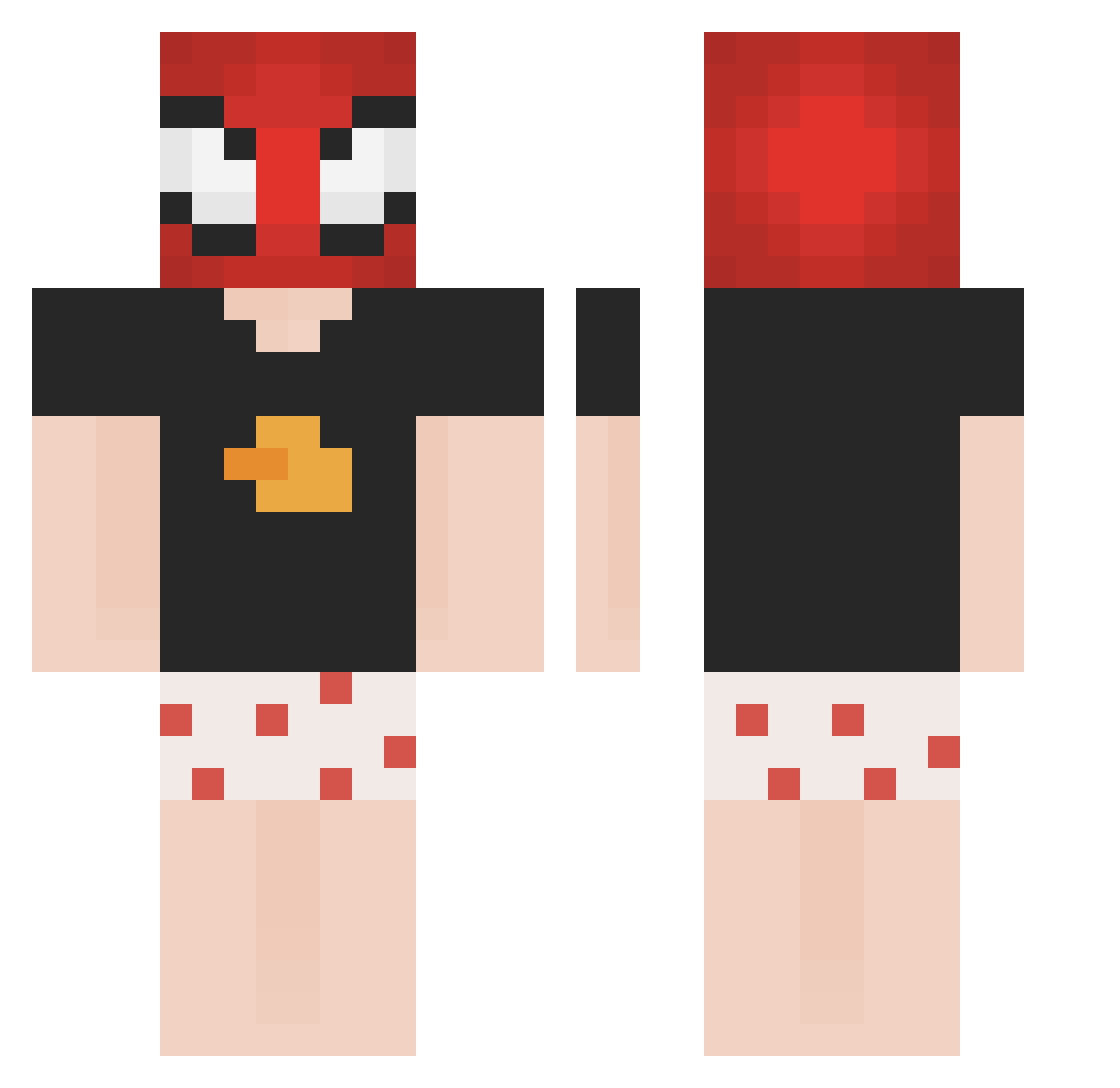
Current Minecraft skin of the player buffcow23, loaded from the official Mojang API. Rotate the 3D model with your mouse or finger, then download the skin as a PNG file and use it in Minecraft: Bedrock Edition or Java Edition for free. When buffcow23 changes their skin, this page updates automatically and the old skin stays in the history below.
Other players with this skin (155)
buffcow23 was the 123rd player we have seen with this skin, first spotted on 14.10.2026. The same skin was seen on these players. Open a nickname to see their current skin and skin history.
 Galactide Zenyxs AngeloSIuu _Hall0_ Matiushkaaa Xakuz coldrrw PixelatedX7 xwcy Kanomkrock Gulerm SweZaxdy leoniord dvir00123 Iv4kiz 96karasu blaxterss fifi98790 Ghost02009 Naza18 Mafia9088 JUANJO1820 Zorohh DuduzXD kledvin Thedwino Taejun11 Ele_Tie Serpass thegreatpolish ZxCVN_ VIETLMAO Scwati2987 Azimov666 sanderstorm Trazerr Zu_oo SimonIsBetter_ 0UTWEST VoTiCraft REVamen umut007 Insectarium RedM974 0DAR theyisusland KendrickSahin polarzera OliViYouTube _Uzbeki Toubehz alascaplay Oyasube J_U_N__ gorililla20 y0uj Spartax_miskine Eckbaue36eromg kwasakininja ptsoZak
More Boxers Minecraft skins
How to install the buffcow23 skin
- Press the Download button above to save the skin as a PNG file.
- Minecraft: Bedrock Edition (PE): open the Dressing Room from the main menu (or tap your character → Edit Character), go to Classic Skins → Owned, press the + (new skin) button, choose the downloaded PNG and pick the Classic (Steve) model. Works on PC and mobile; consoles cannot import custom skins.
- Minecraft: Java Edition: open the Minecraft Launcher, go to the Skins tab, click New Skin, load the PNG, pick the Classic (Steve) model and press Save & Use. You can also upload it at minecraft.net → Profile → Change Skin.
The skin does not show up after import - what should I do?
Restart Minecraft and open the Dressing Room again - imported skins sometimes appear only after a restart. Also make sure you selected the imported skin and picked the Classic (Steve) model.
Which model should I choose, Classic or Slim?
This skin is designed for the Classic (Steve) model. If you pick the wrong model, the arms of the skin will look stretched or squeezed.
Is the skin of buffcow23 free to download?
Yes. Press Download, save the PNG file and use it in Minecraft: Bedrock Edition or Java Edition - no payment or registration needed. The skin also works on multiplayer servers and Realms.
More skins
Looking for more? Go back to all Minecraft skins and check the top skins of the week, month and all time, or find any player's skin by nickname.