
brdaleplik - Minecraft Skins & Skin History
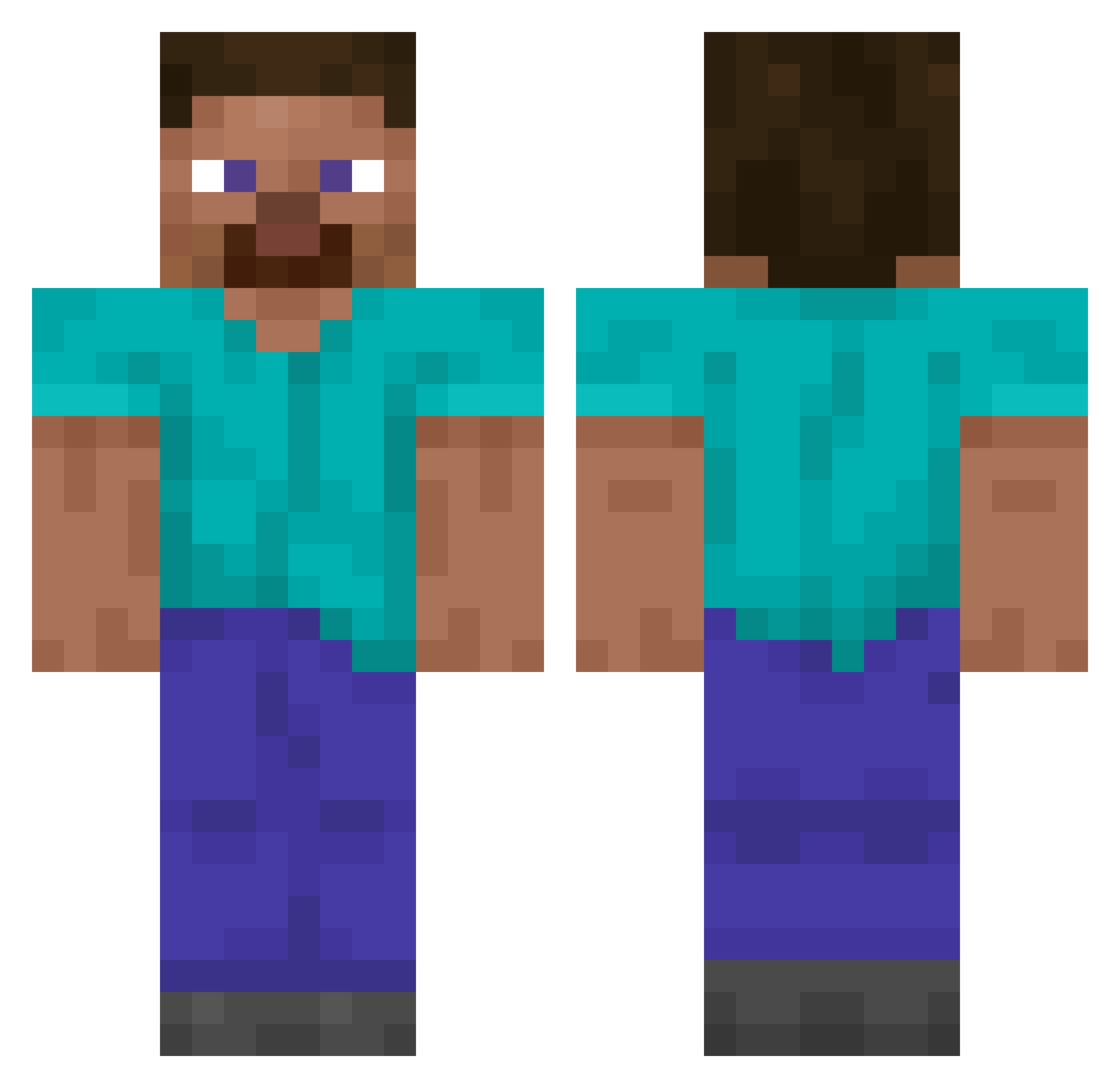
Current Minecraft skin of the player brdaleplik, loaded from the official Mojang API. Rotate the 3D model with your mouse or finger, then download the skin as a PNG file and use it in Minecraft: Bedrock Edition or Java Edition for free. When brdaleplik changes their skin, this page updates automatically and the old skin stays in the history below.
Other players with this skin (14049)
brdaleplik was the 13998th player we have seen with this skin, first spotted on 05.11.2026. The same skin was seen on these players. Open a nickname to see their current skin and skin history.
 CaptainHlou hiamvaughn RAVEN7100 xsetxx GgaManKimwoojin OmniCraft1 Sr3rre Landerrrrrrrrrrr GwangHoit NAV408 Meekoceras Pinko tori_7119 SHIRUMAz_ logmuncher66 Nasuby BushMaker merlyquinn QRFTX A3g0n_ Ubebebe_ Rogeore13212 coltdabeast21 KindaStupidTho Baltecito Wlawb MrHioMan Yenyie TodOfficial Teyomayo123 vqc_ NeedForGrinD Buldog39 Muzz01 fotbolls_ludde johannesvr15 JustJoshP Mondo_Man Adamigo dawg12345 wkwkwkwkwk98x Tijon007 honul_ _luckycat Lord_ant lamve_cricas Dizzmaux mistersnyper123 Krzhl noobsaibot_gg TheGodzillaking letsnotgo SUYOUN2009 Arank RottingFetus PLAYSEYMEN iscccccccccccccc War_Gear2004 MattR_TMP lizwon
How to install the brdaleplik skin
- Press the Download button above to save the skin as a PNG file.
- Minecraft: Bedrock Edition (PE): open the Dressing Room from the main menu (or tap your character → Edit Character), go to Classic Skins → Owned, press the + (new skin) button, choose the downloaded PNG and pick the Classic (Steve) model. Works on PC and mobile; consoles cannot import custom skins.
- Minecraft: Java Edition: open the Minecraft Launcher, go to the Skins tab, click New Skin, load the PNG, pick the Classic (Steve) model and press Save & Use. You can also upload it at minecraft.net → Profile → Change Skin.
The skin does not show up after import - what should I do?
Restart Minecraft and open the Dressing Room again - imported skins sometimes appear only after a restart. Also make sure you selected the imported skin and picked the Classic (Steve) model.
Which model should I choose, Classic or Slim?
This skin is designed for the Classic (Steve) model. If you pick the wrong model, the arms of the skin will look stretched or squeezed.
Is the skin of brdaleplik free to download?
Yes. Press Download, save the PNG file and use it in Minecraft: Bedrock Edition or Java Edition - no payment or registration needed. The skin also works on multiplayer servers and Realms.
More skins
Looking for more? Go back to all Minecraft skins and check the top skins of the week, month and all time, or find any player's skin by nickname.