
bdBBbd - Minecraft Skins & Skin History
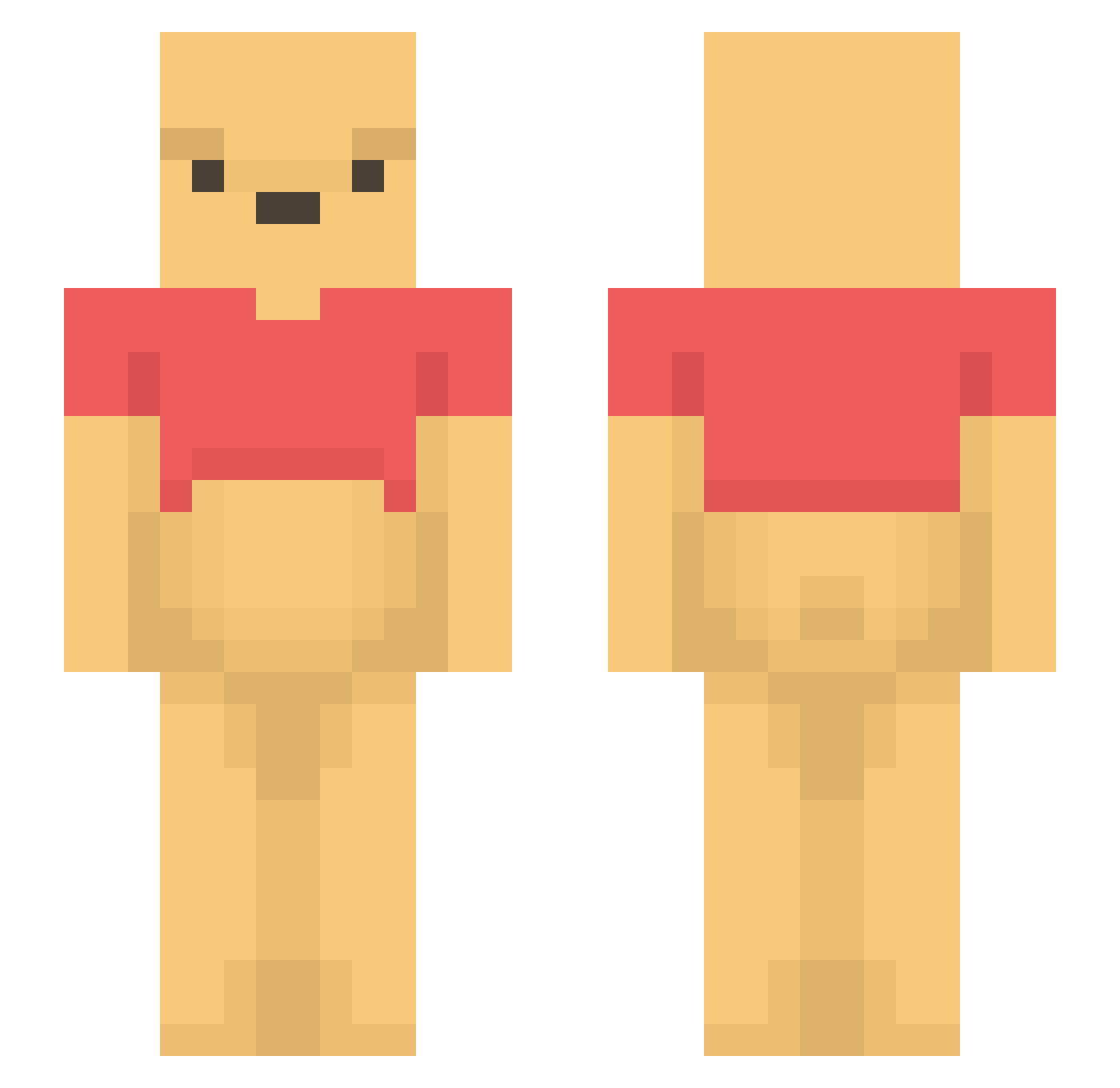
Current Minecraft skin of the player bdBBbd, loaded from the official Mojang API. Rotate the 3D model with your mouse or finger, then download the skin as a PNG file and use it in Minecraft: Bedrock Edition or Java Edition for free. When bdBBbd changes their skin, this page updates automatically and the old skin stays in the history below.
Other players with this skin (1435)
bdBBbd was the 1298th player we have seen with this skin, first spotted on 27.10.2026. The same skin was seen on these players. Open a nickname to see their current skin and skin history.
 InOut2119 Davidel666BigBos Cyrilnkl iBulle jsj123456 sny_25 Gutss_ UNKM BobTh3Builder Yellowbird2025 LaGuille27 SwEeT_Ho 22young22 Hemep derderder4_4 BrandonShiShi DomIsABrit RO__A__ choksy2 Yaodog BuzzXI Austin1098 ozdom99 LeoDuke kumajiro_832 Firose pocoroco2 Rumvo TheHorseradish loveholick Tommy11238 bigswagchristine Mister_Friole Blopiblopo WildGino tripeak Alx_i2 Chumbah UntitledLeaf Sol_O Protalhub zkinq_ LIZA3 jasas08 Adnaw iilllililiili7 ry1or penguin2912 howuse SamWorthington Tog3NME zizigounettes pupupu02 MATT172004 tyska_06 pontaaaaa Luo_03 Matt8835 KoZi0l_Xd pooh878
More Winnie The Pooh Minecraft skins
See all 350 Winnie The Pooh skins
How to install the bdBBbd skin
- Press the Download button above to save the skin as a PNG file.
- Minecraft: Bedrock Edition (PE): open the Dressing Room from the main menu (or tap your character → Edit Character), go to Classic Skins → Owned, press the + (new skin) button, choose the downloaded PNG and pick the Slim (Alex) model. Works on PC and mobile; consoles cannot import custom skins.
- Minecraft: Java Edition: open the Minecraft Launcher, go to the Skins tab, click New Skin, load the PNG, pick the Slim (Alex) model and press Save & Use. You can also upload it at minecraft.net → Profile → Change Skin.
The skin does not show up after import - what should I do?
Restart Minecraft and open the Dressing Room again - imported skins sometimes appear only after a restart. Also make sure you selected the imported skin and picked the Slim (Alex) model.
Which model should I choose, Classic or Slim?
This skin is designed for the Slim (Alex) model. If you pick the wrong model, the arms of the skin will look stretched or squeezed.
Is the skin of bdBBbd free to download?
Yes. Press Download, save the PNG file and use it in Minecraft: Bedrock Edition or Java Edition - no payment or registration needed. The skin also works on multiplayer servers and Realms.
More skins
Looking for more? Go back to all Minecraft skins and check the top skins of the week, month and all time, or find any player's skin by nickname.