
bankofchina2 - Minecraft Skins & Skin History
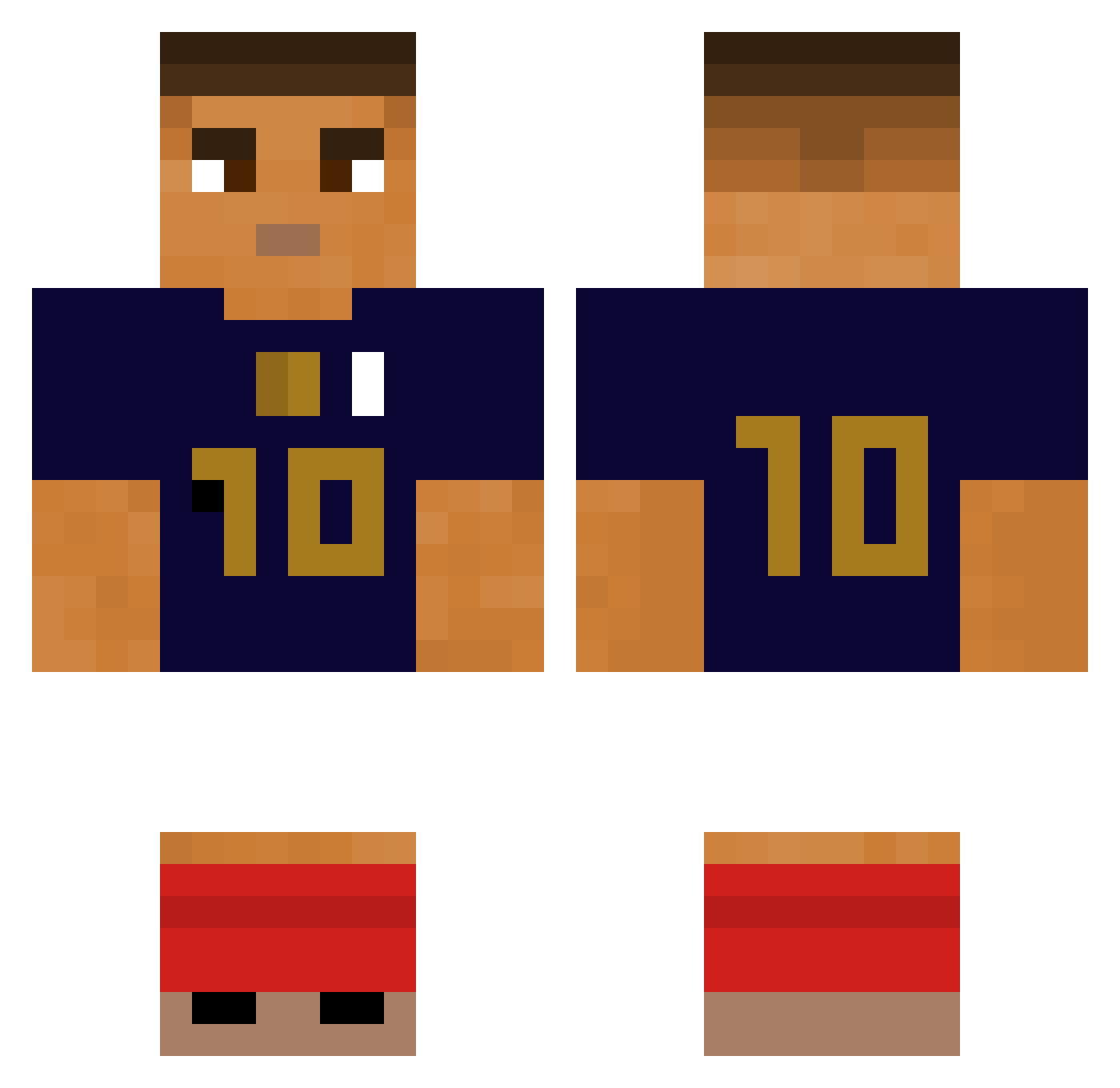
Current Minecraft skin of the player bankofchina2, loaded from the official Mojang API. Rotate the 3D model with your mouse or finger, then download the skin as a PNG file and use it in Minecraft: Bedrock Edition or Java Edition for free. When bankofchina2 changes their skin, this page updates automatically and the old skin stays in the history below.
Other players with this skin (347)
bankofchina2 was the 302nd player we have seen with this skin, first spotted on 28.10.2026. The same skin was seen on these players. Open a nickname to see their current skin and skin history.
 Pete_207 Luca_Massiv ASHLISM xWasabi1 Buba1337 Banane7002 angelxy AdvenMC1 BaxDeFrance AMJAD7K4R0 Nozzzdeee vwrd DrakBanana1 GEANDERSONBR Yusufffy ASAPButcheeks Kpqz pietrobossi RayNB Alexlo23 nazokxx Czib0_ Piter76 ichochi Skitee0 JongQueen Mudryk_miuuu dave_divad Skiba1899 Tanokiii GyeongChan danschell kamix1 adamleserpent enzo_rbx xonii24 Julesrf1 kizu_ke kevinke007 Mathpro16 _Bpt_ EpicViljamiBoi DonSarnoso ehyee YS_Block FLOWZEN39 Kebab19 rabisca b4gueTT AldoIHT0 Vasquezzz_ ManonEnGAV rlatpgus1007 istealyourdog ebrahe SimulisKietulis Zeuclo peks999 Adessu Fixtizz
More Kylian Mbappe Minecraft skins
See all 38 Kylian Mbappe skins
How to install the bankofchina2 skin
- Press the Download button above to save the skin as a PNG file.
- Minecraft: Bedrock Edition (PE): open the Dressing Room from the main menu (or tap your character → Edit Character), go to Classic Skins → Owned, press the + (new skin) button, choose the downloaded PNG and pick the Classic (Steve) model. Works on PC and mobile; consoles cannot import custom skins.
- Minecraft: Java Edition: open the Minecraft Launcher, go to the Skins tab, click New Skin, load the PNG, pick the Classic (Steve) model and press Save & Use. You can also upload it at minecraft.net → Profile → Change Skin.
The skin does not show up after import - what should I do?
Restart Minecraft and open the Dressing Room again - imported skins sometimes appear only after a restart. Also make sure you selected the imported skin and picked the Classic (Steve) model.
Which model should I choose, Classic or Slim?
This skin is designed for the Classic (Steve) model. If you pick the wrong model, the arms of the skin will look stretched or squeezed.
Is the skin of bankofchina2 free to download?
Yes. Press Download, save the PNG file and use it in Minecraft: Bedrock Edition or Java Edition - no payment or registration needed. The skin also works on multiplayer servers and Realms.
More skins
Looking for more? Go back to all Minecraft skins and check the top skins of the week, month and all time, or find any player's skin by nickname.