
awikss - Minecraft Skins & Skin History
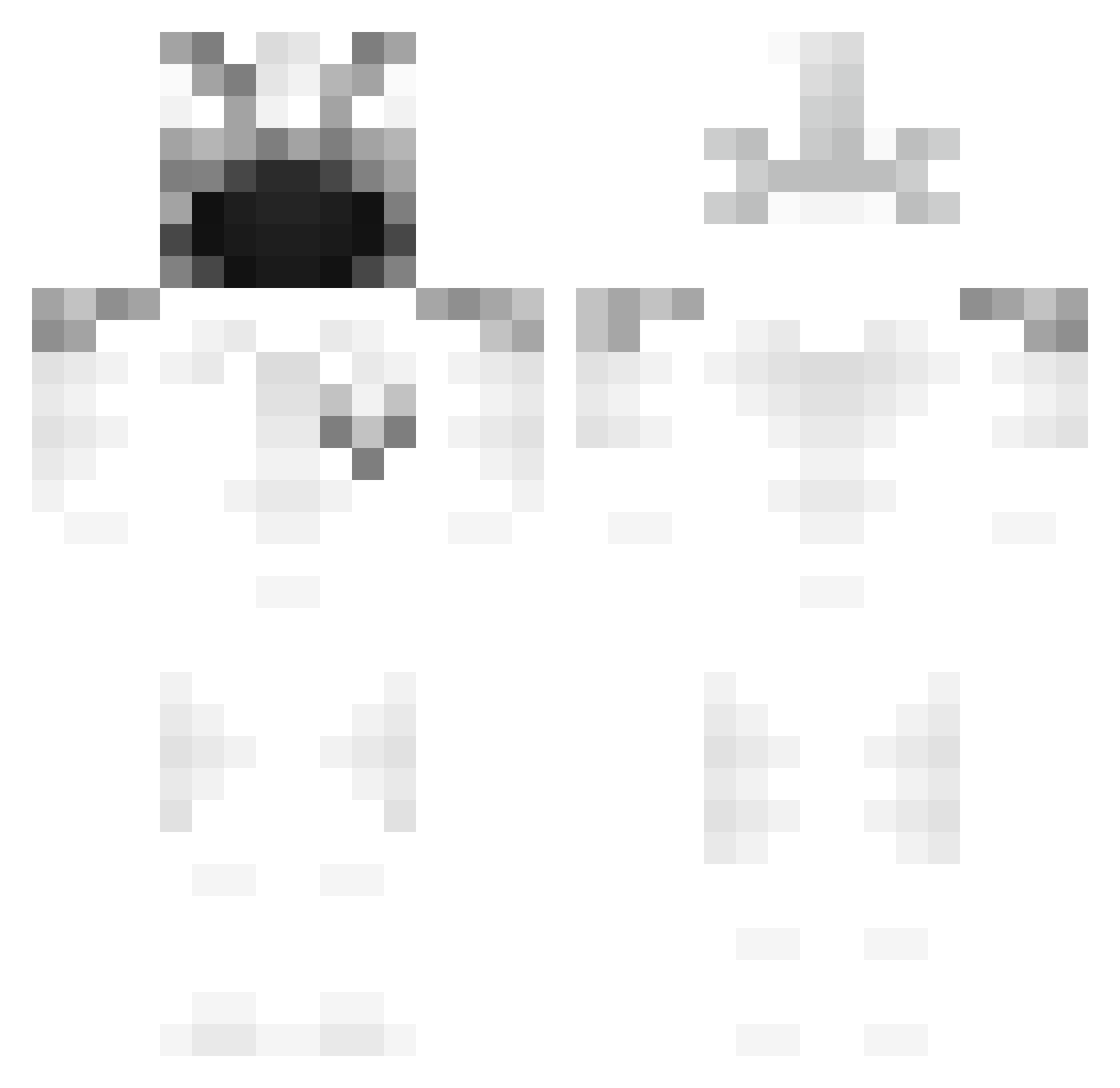
Current Minecraft skin of the player awikss, loaded from the official Mojang API. Rotate the 3D model with your mouse or finger, then download the skin as a PNG file and use it in Minecraft: Bedrock Edition or Java Edition for free. When awikss changes their skin, this page updates automatically and the old skin stays in the history below.
Other players with this skin (212)
awikss was the 187th player we have seen with this skin, first spotted on 28.10.2026. The same skin was seen on these players. Open a nickname to see their current skin and skin history.
 ooohidaniel ExeeENV zachy2204 StormWake12 wwhitex Deadmoon114 IchrizGB Stand1ng ZerkerLLL Nexoly wATERERERER PLAYSTATl0N wizaka 2vst uh4rm DragonKiter Retrak blqck__ CantA1m_ spidamen73 gonzogot noco977 GotTW LucaHB107 darkmand03 1mkw ChaseNotHere Fuzzyyyman airport37 cpdealer67 BqcLon ixc_dad Spellic gooo0onner AriR2011 Kalter_LeNx AntonSlayer09 SERTLEY LeoList exotiicshadwMC Carabok VorteVerner LFA_01 Real1one pvprp TTVSHADOWZ8612 JustPositif fliesey PabloZz_ suspicioso0013 DryFurball745 immagination52 qUoLzina FABchops Sambol_T NotThicc flang06 mcdonaldsmilk slx Pifouil
More Ghost Rider Minecraft skins
How to install the awikss skin
- Press the Download button above to save the skin as a PNG file.
- Minecraft: Bedrock Edition (PE): open the Dressing Room from the main menu (or tap your character → Edit Character), go to Classic Skins → Owned, press the + (new skin) button, choose the downloaded PNG and pick the Classic (Steve) model. Works on PC and mobile; consoles cannot import custom skins.
- Minecraft: Java Edition: open the Minecraft Launcher, go to the Skins tab, click New Skin, load the PNG, pick the Classic (Steve) model and press Save & Use. You can also upload it at minecraft.net → Profile → Change Skin.
The skin does not show up after import - what should I do?
Restart Minecraft and open the Dressing Room again - imported skins sometimes appear only after a restart. Also make sure you selected the imported skin and picked the Classic (Steve) model.
Which model should I choose, Classic or Slim?
This skin is designed for the Classic (Steve) model. If you pick the wrong model, the arms of the skin will look stretched or squeezed.
Is the skin of awikss free to download?
Yes. Press Download, save the PNG file and use it in Minecraft: Bedrock Edition or Java Edition - no payment or registration needed. The skin also works on multiplayer servers and Realms.
More skins
Looking for more? Go back to all Minecraft skins and check the top skins of the week, month and all time, or find any player's skin by nickname.