
_Tylerrr__ - Minecraft Skins & Skin History
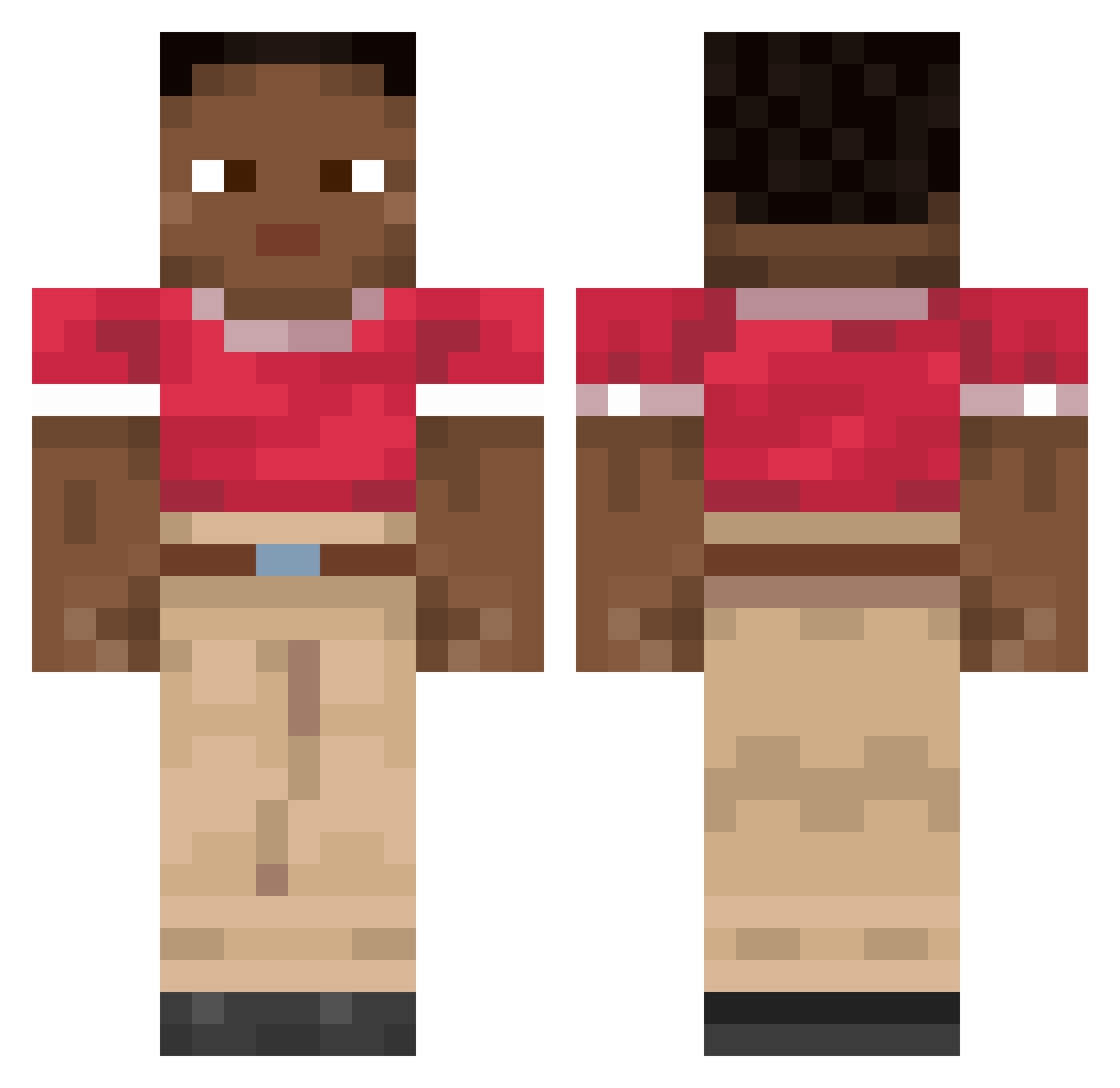
Current Minecraft skin of the player _Tylerrr__, loaded from the official Mojang API. Rotate the 3D model with your mouse or finger, then download the skin as a PNG file and use it in Minecraft: Bedrock Edition or Java Edition for free. When _Tylerrr__ changes their skin, this page updates automatically and the old skin stays in the history below.
Other players with this skin (1984)
_Tylerrr__ was the 1925th player we have seen with this skin, first spotted on 08.11.2026. The same skin was seen on these players. Open a nickname to see their current skin and skin history.
 Domeeenik CyByte Tankzwaluw sebbedw SchokMC ConTD pedro4510 Paardox POIUYR el_matamosquitos TIPTOPPER Cautions SlyLight frankstizzle castellation Chips122 nctt 2400__ Oliie Homepraim ssilv3r lamenters m4t3uu DDonGorilla mokey_d_luffy5 Its_aiham Importhaendler SlappyNan01 Abilla adyss Astro_tt R1ncewind MakisKatrapakias SFS9 Mister_Tate fromJkeeee Snoozydane optimums patamar beolegeno Fantaysify F1L1P3K_ securityLMH Heatronic Lebakasseml jechu123 Pulchniak My_name_deez Squattle Jono666 L0W_B4TT3RY Wonderyss Oromew GADDANG GatoSensual ZPetrock Virg29 Sitta stimulater pietr_usa
How to install the _Tylerrr__ skin
- Press the Download button above to save the skin as a PNG file.
- Minecraft: Bedrock Edition (PE): open the Dressing Room from the main menu (or tap your character → Edit Character), go to Classic Skins → Owned, press the + (new skin) button, choose the downloaded PNG and pick the Classic (Steve) model. Works on PC and mobile; consoles cannot import custom skins.
- Minecraft: Java Edition: open the Minecraft Launcher, go to the Skins tab, click New Skin, load the PNG, pick the Classic (Steve) model and press Save & Use. You can also upload it at minecraft.net → Profile → Change Skin.
The skin does not show up after import - what should I do?
Restart Minecraft and open the Dressing Room again - imported skins sometimes appear only after a restart. Also make sure you selected the imported skin and picked the Classic (Steve) model.
Which model should I choose, Classic or Slim?
This skin is designed for the Classic (Steve) model. If you pick the wrong model, the arms of the skin will look stretched or squeezed.
Is the skin of _Tylerrr__ free to download?
Yes. Press Download, save the PNG file and use it in Minecraft: Bedrock Edition or Java Edition - no payment or registration needed. The skin also works on multiplayer servers and Realms.
More skins
Looking for more? Go back to all Minecraft skins and check the top skins of the week, month and all time, or find any player's skin by nickname.