
_Shmob - Minecraft Skins & Skin History
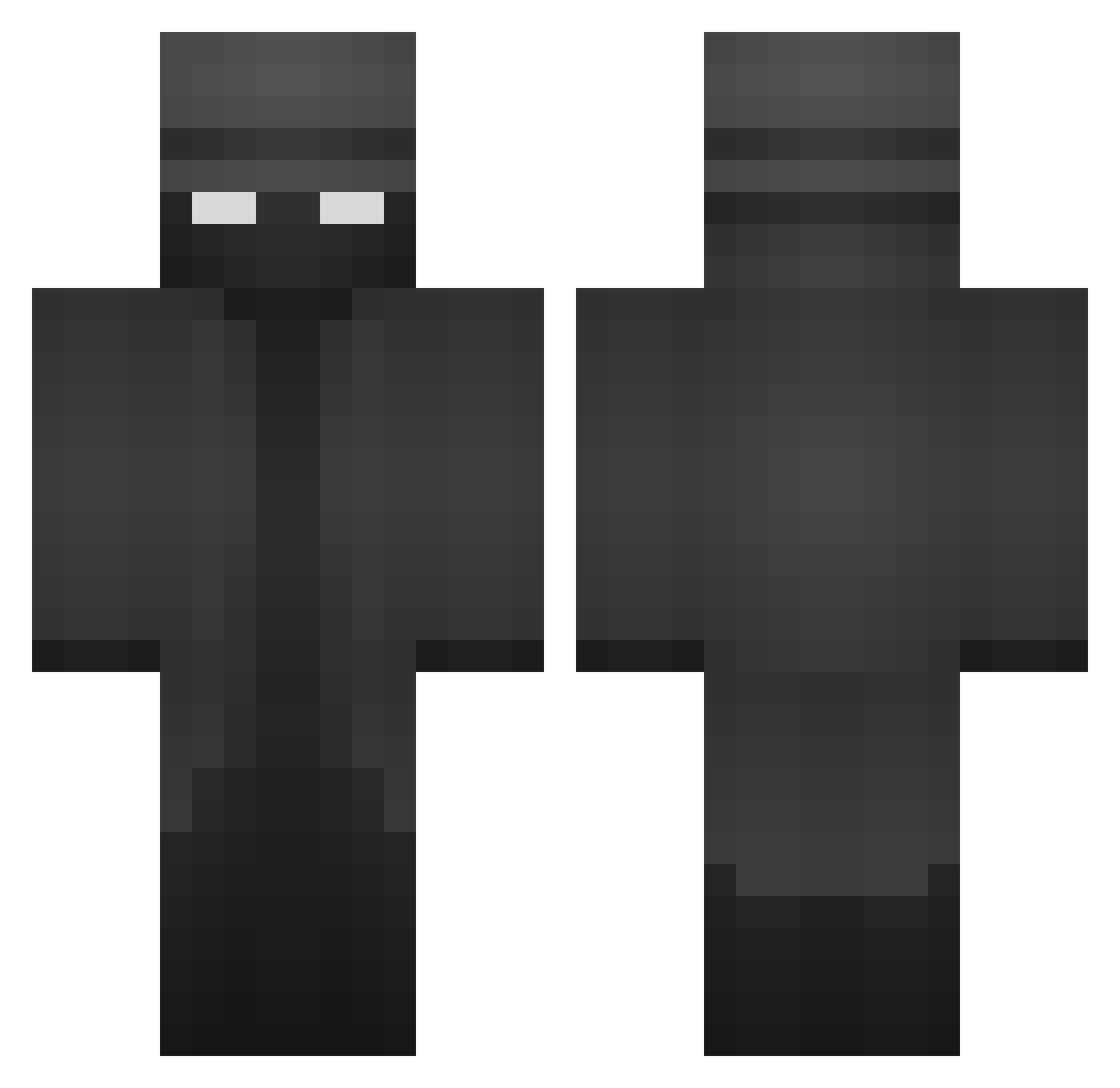
Current Minecraft skin of the player _Shmob, loaded from the official Mojang API. Rotate the 3D model with your mouse or finger, then download the skin as a PNG file and use it in Minecraft: Bedrock Edition or Java Edition for free. When _Shmob changes their skin, this page updates automatically and the old skin stays in the history below.
Other players with this skin (466)
_Shmob was the 438th player we have seen with this skin, first spotted on 05.11.2026. The same skin was seen on these players. Open a nickname to see their current skin and skin history.
 Bob_von_Rammel Iarxu maniacowl LaCraft08 QuitM3 Arkavil itsjxkob Taco_Mand Khione2 Kwicke Defk0 Prxy404 Apoz01 re101r pan_rafaeru Version8749 BluJayyyyy ThomasMosby Simply_better01 SaadisSmart BaggioM burkey090 Doddy745 Peder010 Kussko Kdeaddy Exn27 blaz3nn PHSP Stef_u Aleksombriskus Timmie0423 treash_123 MjTheArchitect Pykzz SteveHU85 AMAGUMO917 IcyPianist GhoulXD123 Alexis505 lncognitoMC tomczokpl Sasquwach cronies iSleepyDude xdErok takkohair TheChilli Murdock_08 DakkarOg Dav_inferno ItzRust Majezst ariyanaab PeanutPiglet Elbonet BulkiestSkate39 JayCondale CapyDBara rrtr1112
More Detective Minecraft skins
How to install the _Shmob skin
- Press the Download button above to save the skin as a PNG file.
- Minecraft: Bedrock Edition (PE): open the Dressing Room from the main menu (or tap your character → Edit Character), go to Classic Skins → Owned, press the + (new skin) button, choose the downloaded PNG and pick the Classic (Steve) model. Works on PC and mobile; consoles cannot import custom skins.
- Minecraft: Java Edition: open the Minecraft Launcher, go to the Skins tab, click New Skin, load the PNG, pick the Classic (Steve) model and press Save & Use. You can also upload it at minecraft.net → Profile → Change Skin.
The skin does not show up after import - what should I do?
Restart Minecraft and open the Dressing Room again - imported skins sometimes appear only after a restart. Also make sure you selected the imported skin and picked the Classic (Steve) model.
Which model should I choose, Classic or Slim?
This skin is designed for the Classic (Steve) model. If you pick the wrong model, the arms of the skin will look stretched or squeezed.
Is the skin of _Shmob free to download?
Yes. Press Download, save the PNG file and use it in Minecraft: Bedrock Edition or Java Edition - no payment or registration needed. The skin also works on multiplayer servers and Realms.
More skins
Looking for more? Go back to all Minecraft skins and check the top skins of the week, month and all time, or find any player's skin by nickname.