
Zajacucha4804 - Minecraft Skins & Skin History
Current Minecraft skin of the player Zajacucha4804, loaded from the official Mojang API. Rotate the 3D model with your mouse or finger, then download the skin as a PNG file and use it in Minecraft: Bedrock Edition or Java Edition for free. When Zajacucha4804 changes their skin, this page updates automatically and the old skin stays in the history below.
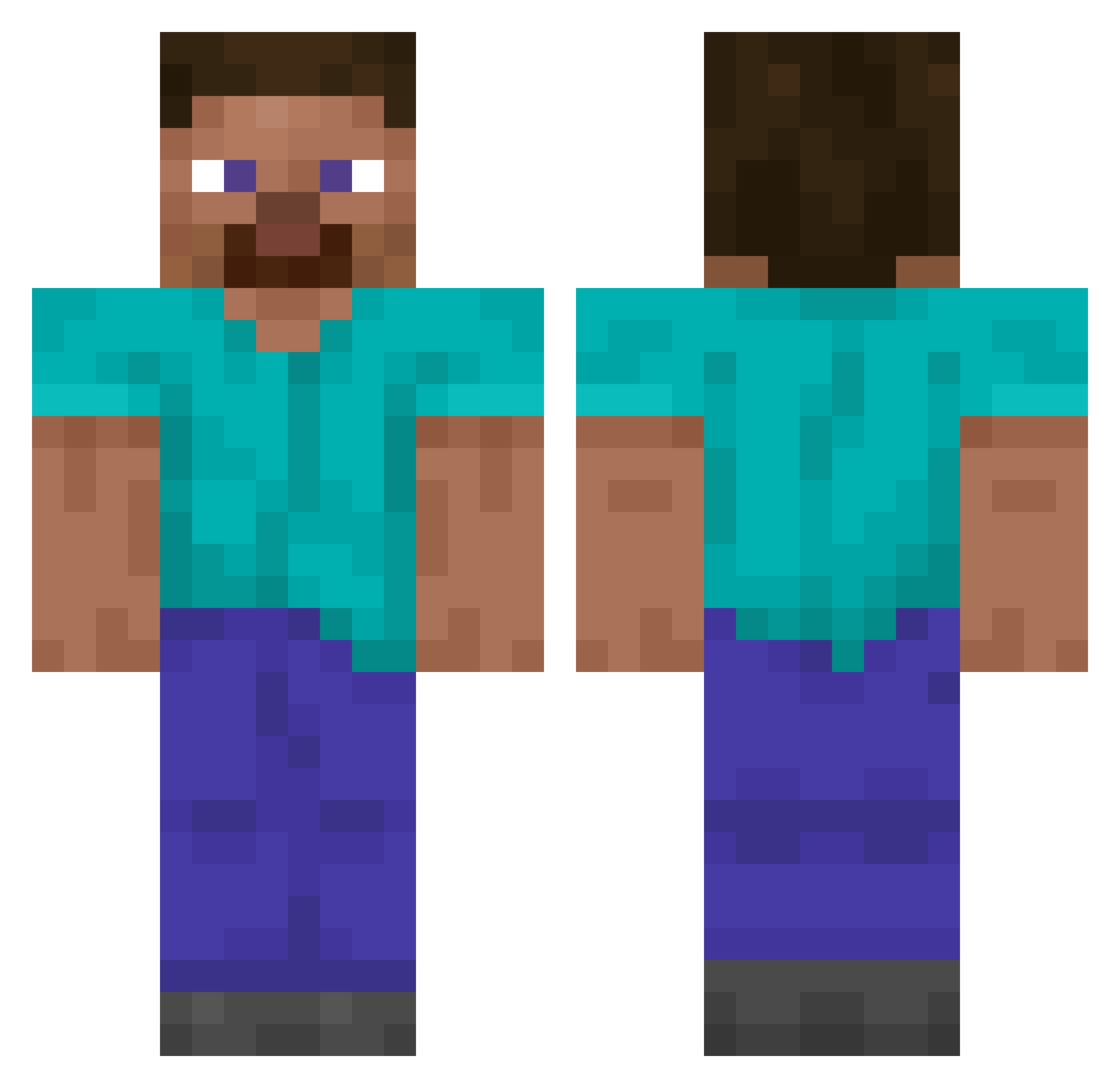
Other players with this skin (15162)
Zajacucha4804 was the 14931st player we have seen with this skin, first spotted on 10.11.2026. The same skin was seen on these players. Open a nickname to see their current skin and skin history.
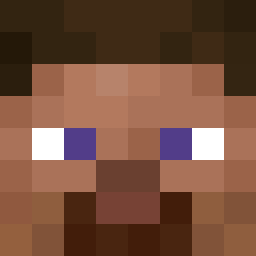 paulozoti GOWLAN Emptory _svet MatteJoinTheChat PeakGamer1234 GaboRafoX Arauna Pizzamandave cavalieri Norbus055 _Refax_ lamesj Nothypixellover saltato XdRoadRunner cjw405 notbibby king_playz_802 PericlesFeliz Pabletw000 ballthug Adielson n1corex010 Togless RizOLait MrBloxii Veminem LaySm0ker spongeblob24 ApolitoGaming67 GalacZ TinyTigers1 YDG1103 FshTheHungry Univercal Marecl0da nyspublc1 NAbsZero MTarada1 xxx_Darkiss_xxx n11NESPG ARCarrots deathlyhollows53 Aouzz JudgementGaming2 nxmb4321 dbwksl TillableArrow10 0a8borforest 332z Tolero epicness31 IXSOMAXI maci_us Hanlimhallym Joshyachoo Overdrivus MTES1205 TheShinyRoaster
How to install the Zajacucha4804 skin
- Press the Download button above to save the skin as a PNG file.
- Minecraft: Bedrock Edition (PE): open the Dressing Room from the main menu (or tap your character → Edit Character), go to Classic Skins → Owned, press the + (new skin) button, choose the downloaded PNG and pick the Classic (Steve) model. Works on PC and mobile; consoles cannot import custom skins.
- Minecraft: Java Edition: open the Minecraft Launcher, go to the Skins tab, click New Skin, load the PNG, pick the Classic (Steve) model and press Save & Use. You can also upload it at minecraft.net → Profile → Change Skin.
The skin does not show up after import - what should I do?
Restart Minecraft and open the Dressing Room again - imported skins sometimes appear only after a restart. Also make sure you selected the imported skin and picked the Classic (Steve) model.
Which model should I choose, Classic or Slim?
This skin is designed for the Classic (Steve) model. If you pick the wrong model, the arms of the skin will look stretched or squeezed.
Is the skin of Zajacucha4804 free to download?
Yes. Press Download, save the PNG file and use it in Minecraft: Bedrock Edition or Java Edition - no payment or registration needed. The skin also works on multiplayer servers and Realms.
More skins
Looking for more? Go back to all Minecraft skins and check the top skins of the week, month and all time, or find any player's skin by nickname.