
YEDEDE_XD - Minecraft Skins & Skin History
Current Minecraft skin of the player YEDEDE_XD, loaded from the official Mojang API. Rotate the 3D model with your mouse or finger, then download the skin as a PNG file and use it in Minecraft: Bedrock Edition or Java Edition for free. When YEDEDE_XD changes their skin, this page updates automatically and the old skin stays in the history below.
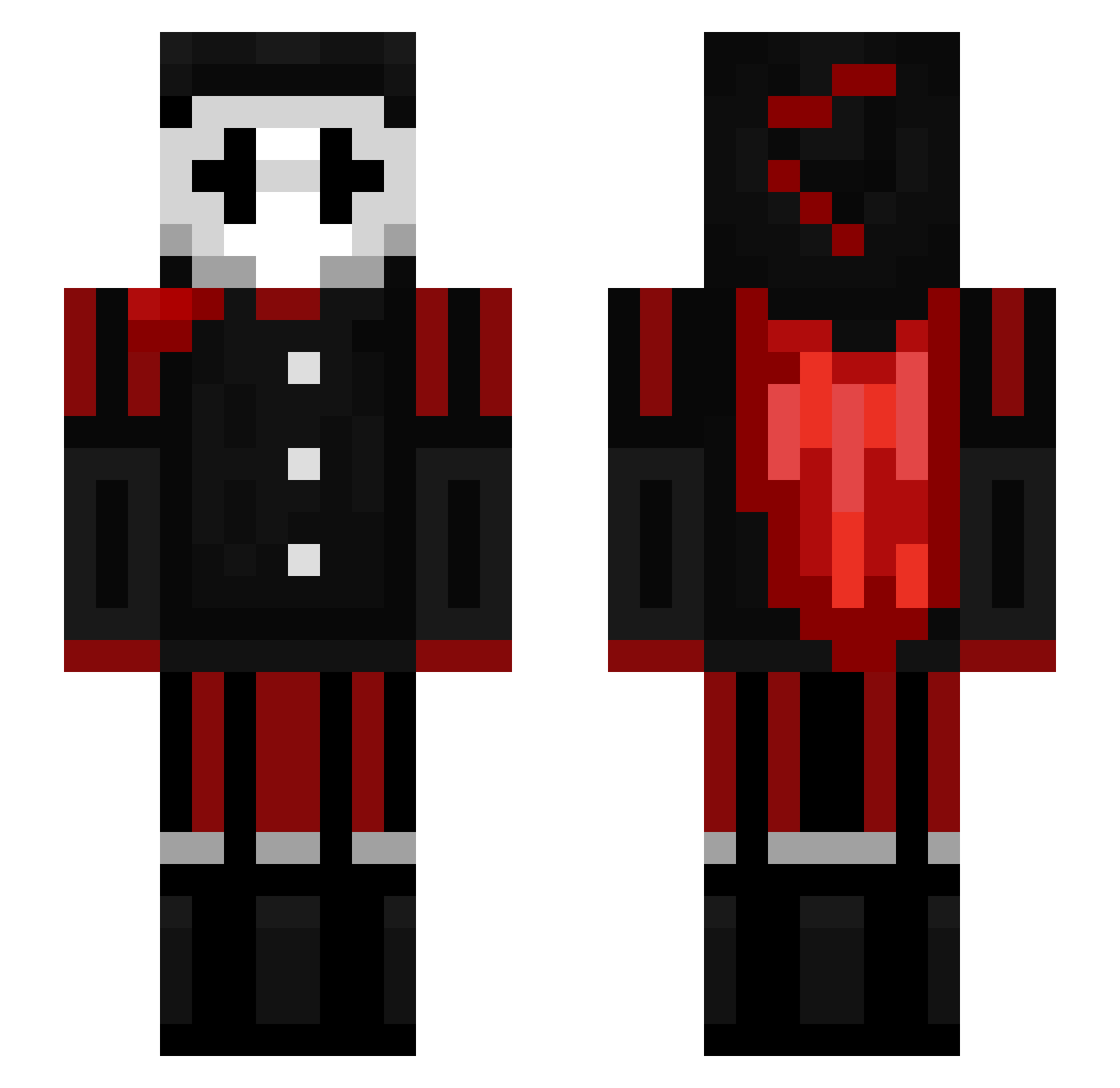
Other players with this skin (158)
YEDEDE_XD was the 123rd player we have seen with this skin, first spotted on 20.10.2026. The same skin was seen on these players. Open a nickname to see their current skin and skin history.
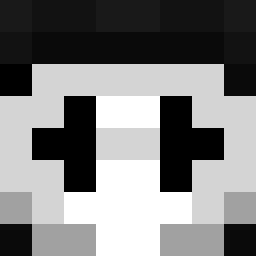 whynotd Boek_Pannenkoek oLawand anteq7777 contimnaynhoidau AdminRoss Gnome_Noj Romek__ Just2ZiCK Coolbuilder120 InsanePowerTrip vryrexs_own_dog Mees63 BigSB737Fan Ludsum Eddie2022pro QDH18 Macmag9 Malt404 Braam123 DrawnBroom52043 s3ad3 NOTFLUXNL costigno ClownPierce V1qq moozis2233 imRixu CoolDudes2911 heet_235 AlfredDeVlieg2 Creeperking_2011 Mikado_96 haidanut Xx_Tesc0_xX Atsukys BigBadBoba _Misty123 wadecorezz SpaceBubby drw2011 Li_DeFFeD dmvcodes13 IdanSkiTheBest StefanZielarz Tijmen2cool Alunatium Sw4gDaBoy Ramen__Noodle pimpin2trippin ItzBW DDBVon Indrx7 gallarywalk Eriki249 h0riz0ntAL_ TheBait DaffyChip507935 AsticMilan w0_o
More Jester Minecraft skins
How to install the YEDEDE_XD skin
- Press the Download button above to save the skin as a PNG file.
- Minecraft: Bedrock Edition (PE): open the Dressing Room from the main menu (or tap your character → Edit Character), go to Classic Skins → Owned, press the + (new skin) button, choose the downloaded PNG and pick the Slim (Alex) model. Works on PC and mobile; consoles cannot import custom skins.
- Minecraft: Java Edition: open the Minecraft Launcher, go to the Skins tab, click New Skin, load the PNG, pick the Slim (Alex) model and press Save & Use. You can also upload it at minecraft.net → Profile → Change Skin.
The skin does not show up after import - what should I do?
Restart Minecraft and open the Dressing Room again - imported skins sometimes appear only after a restart. Also make sure you selected the imported skin and picked the Slim (Alex) model.
Which model should I choose, Classic or Slim?
This skin is designed for the Slim (Alex) model. If you pick the wrong model, the arms of the skin will look stretched or squeezed.
Is the skin of YEDEDE_XD free to download?
Yes. Press Download, save the PNG file and use it in Minecraft: Bedrock Edition or Java Edition - no payment or registration needed. The skin also works on multiplayer servers and Realms.
More skins
Looking for more? Go back to all Minecraft skins and check the top skins of the week, month and all time, or find any player's skin by nickname.