
XWaveGHG - Minecraft Skins & Skin History
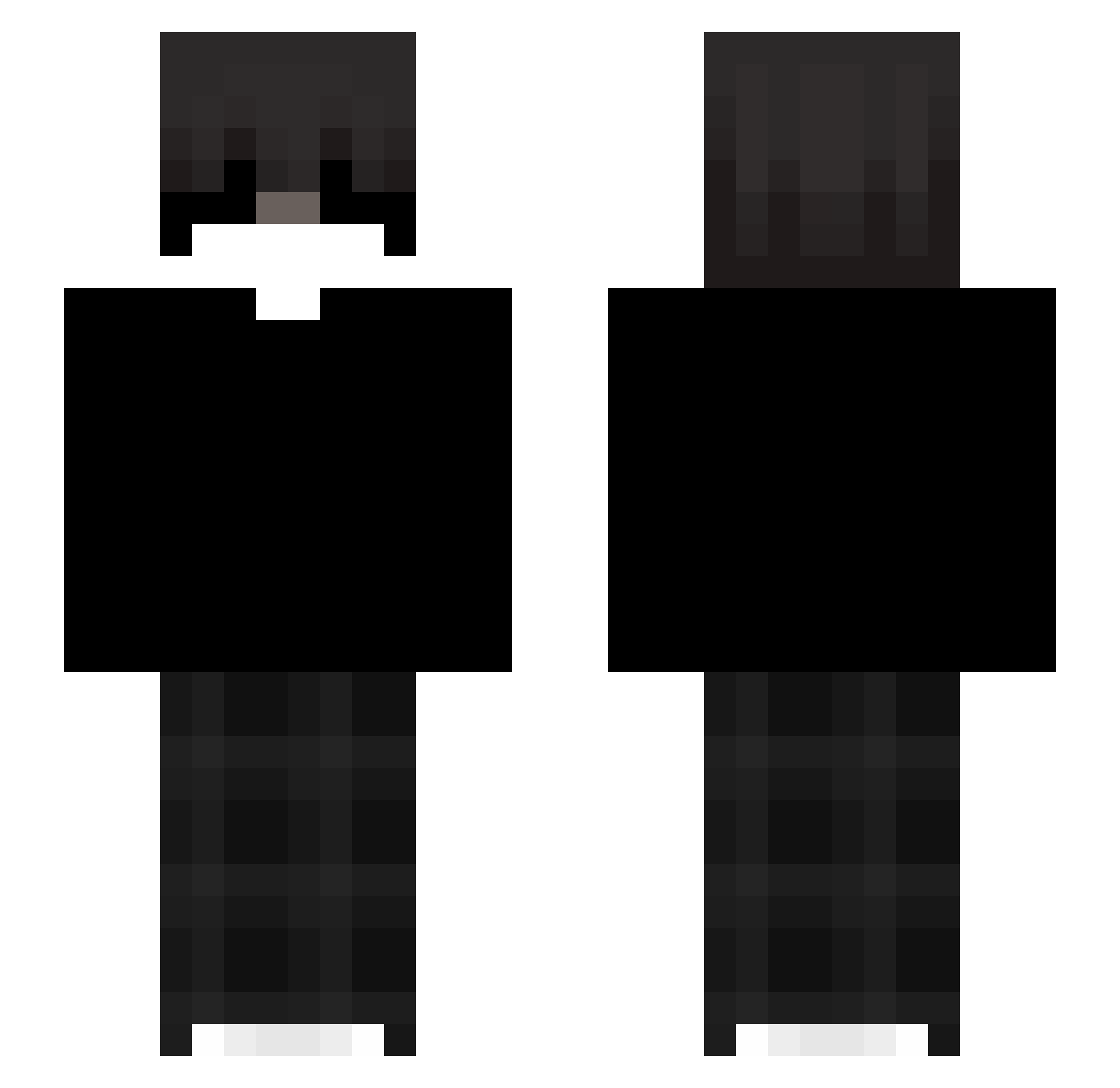
Current Minecraft skin of the player XWaveGHG, loaded from the official Mojang API. Rotate the 3D model with your mouse or finger, then download the skin as a PNG file and use it in Minecraft: Bedrock Edition or Java Edition for free. When XWaveGHG changes their skin, this page updates automatically and the old skin stays in the history below.
Other players with this skin (40)
XWaveGHG was the 36th player we have seen with this skin, first spotted on 25.10.2026. The same skin was seen on these players. Open a nickname to see their current skin and skin history.
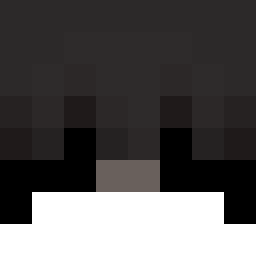 Chang02587 aliimrvn cnmagod KS_JiFRj_27 s0ume Wootinq skri312 wolfi455 Bobbycarfini Wys0usz0ny_ Knusperstange01 luzxc iTolgaWinner CrazySami4 Teilo1116 HollowMoonX evikk_ kuba38031
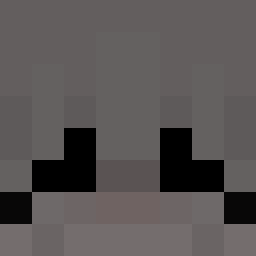 Cheepy1337_ urelost hydrazz_ momiinnit 0948newjason meowsnowy tvmhYT andribaby
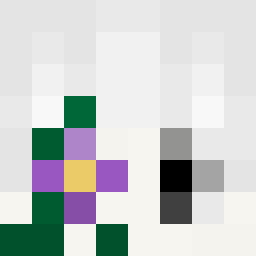 Pietrosz01 iRxx3n_ Monarch69_ MAXI58 CloyneZ
 xAnbu_19
 nicholasfv nioxxy Truelov
 naplxt3 iMetropolitano_ winogrono123 donthavefailures tqndra
More Emo Minecraft skins
How to install the XWaveGHG skin
- Press the Download button above to save the skin as a PNG file.
- Minecraft: Bedrock Edition (PE): open the Dressing Room from the main menu (or tap your character → Edit Character), go to Classic Skins → Owned, press the + (new skin) button, choose the downloaded PNG and pick the Slim (Alex) model. Works on PC and mobile; consoles cannot import custom skins.
- Minecraft: Java Edition: open the Minecraft Launcher, go to the Skins tab, click New Skin, load the PNG, pick the Slim (Alex) model and press Save & Use. You can also upload it at minecraft.net → Profile → Change Skin.
The skin does not show up after import - what should I do?
Restart Minecraft and open the Dressing Room again - imported skins sometimes appear only after a restart. Also make sure you selected the imported skin and picked the Slim (Alex) model.
Which model should I choose, Classic or Slim?
This skin is designed for the Slim (Alex) model. If you pick the wrong model, the arms of the skin will look stretched or squeezed.
Is the skin of XWaveGHG free to download?
Yes. Press Download, save the PNG file and use it in Minecraft: Bedrock Edition or Java Edition - no payment or registration needed. The skin also works on multiplayer servers and Realms.
More skins
Looking for more? Go back to all Minecraft skins and check the top skins of the week, month and all time, or find any player's skin by nickname.