
WolfroseMC - Minecraft Skins & Skin History
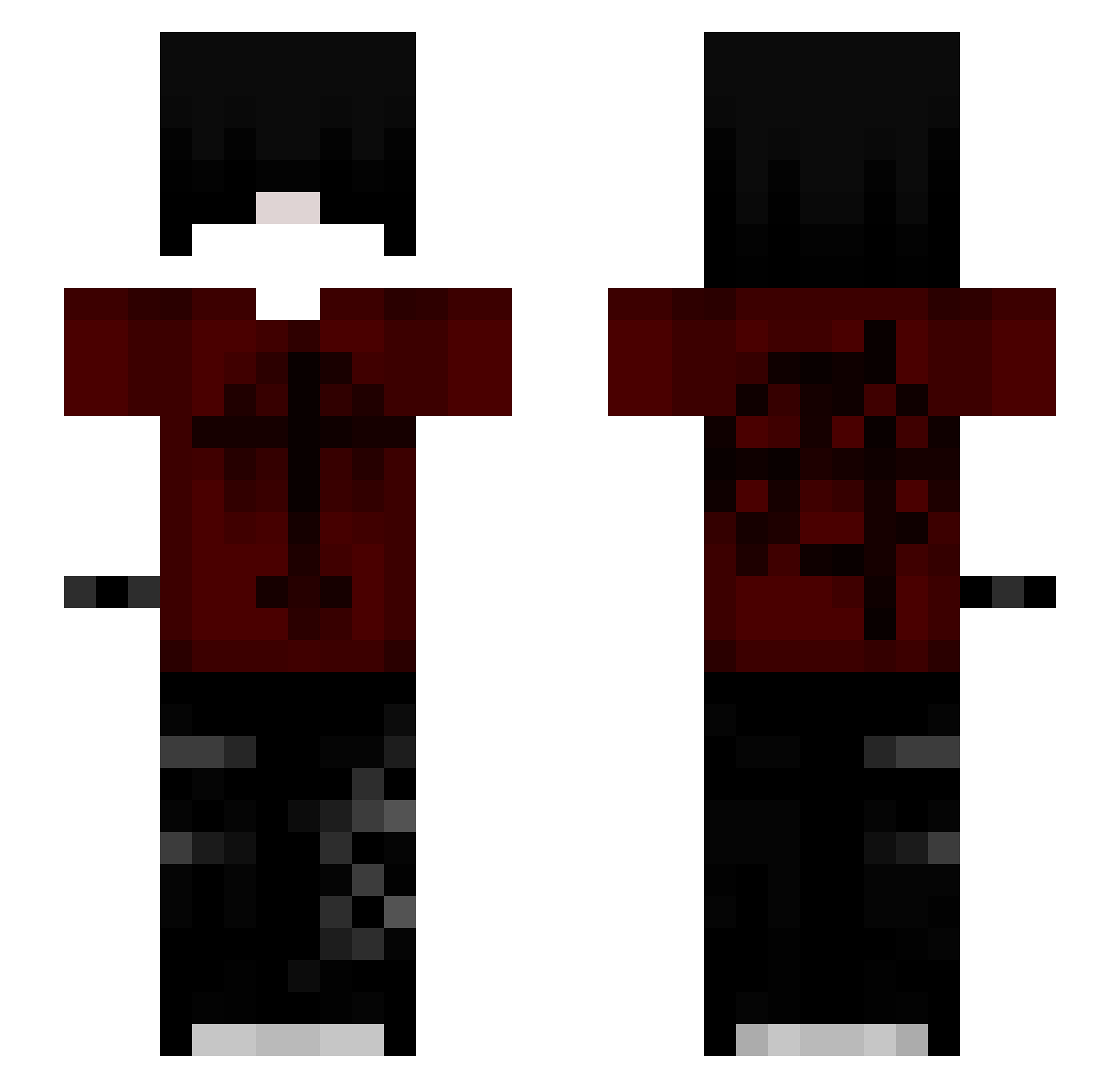
Current Minecraft skin of the player WolfroseMC, loaded from the official Mojang API. Rotate the 3D model with your mouse or finger, then download the skin as a PNG file and use it in Minecraft: Bedrock Edition or Java Edition for free. When WolfroseMC changes their skin, this page updates automatically and the old skin stays in the history below.
Other players with this skin (119)
WolfroseMC was the 92nd player we have seen with this skin, first spotted on 13.10.2026. The same skin was seen on these players. Open a nickname to see their current skin and skin history.
 Rwiee Hotsauce54 6bi_msmc_d5f norbercik6871 W19x ponws Seredaki 2KLUIZ Abravldx XNexotek_ ItzMeZenox Tartanacus raxzlol Nuvi27 Anthropomis SweetGhostie MemeGod3978 Alexx707 Rez8_ WoolCapturer Kenpaxhii Biel312 Kxstecik uni67 o24x zajacuYT awitaa_n _Iest Morldore007 MorritosDJ MindOfJoel Originzz_x Jlzin09 kurokaiju24 zScrea xInvestiert xXS7G4Xx Lostsapphire cpvp_Prues ehhfjeaw1664 willioub BlockMOICA Darthnerv aFtures GanGan7 Afrodytaa Santyh Scythe_God Passeport Yui_0112 Nath4nxz_ 5yhd Kuromi2707 fianma Memnut Demon_nixo xast55_ ClukYe wojtekiplacki xx629
More Grunge Minecraft skins
How to install the WolfroseMC skin
- Press the Download button above to save the skin as a PNG file.
- Minecraft: Bedrock Edition (PE): open the Dressing Room from the main menu (or tap your character → Edit Character), go to Classic Skins → Owned, press the + (new skin) button, choose the downloaded PNG and pick the Slim (Alex) model. Works on PC and mobile; consoles cannot import custom skins.
- Minecraft: Java Edition: open the Minecraft Launcher, go to the Skins tab, click New Skin, load the PNG, pick the Slim (Alex) model and press Save & Use. You can also upload it at minecraft.net → Profile → Change Skin.
The skin does not show up after import - what should I do?
Restart Minecraft and open the Dressing Room again - imported skins sometimes appear only after a restart. Also make sure you selected the imported skin and picked the Slim (Alex) model.
Which model should I choose, Classic or Slim?
This skin is designed for the Slim (Alex) model. If you pick the wrong model, the arms of the skin will look stretched or squeezed.
Is the skin of WolfroseMC free to download?
Yes. Press Download, save the PNG file and use it in Minecraft: Bedrock Edition or Java Edition - no payment or registration needed. The skin also works on multiplayer servers and Realms.
More skins
Looking for more? Go back to all Minecraft skins and check the top skins of the week, month and all time, or find any player's skin by nickname.