
WirtzJr - Minecraft Skins & Skin History
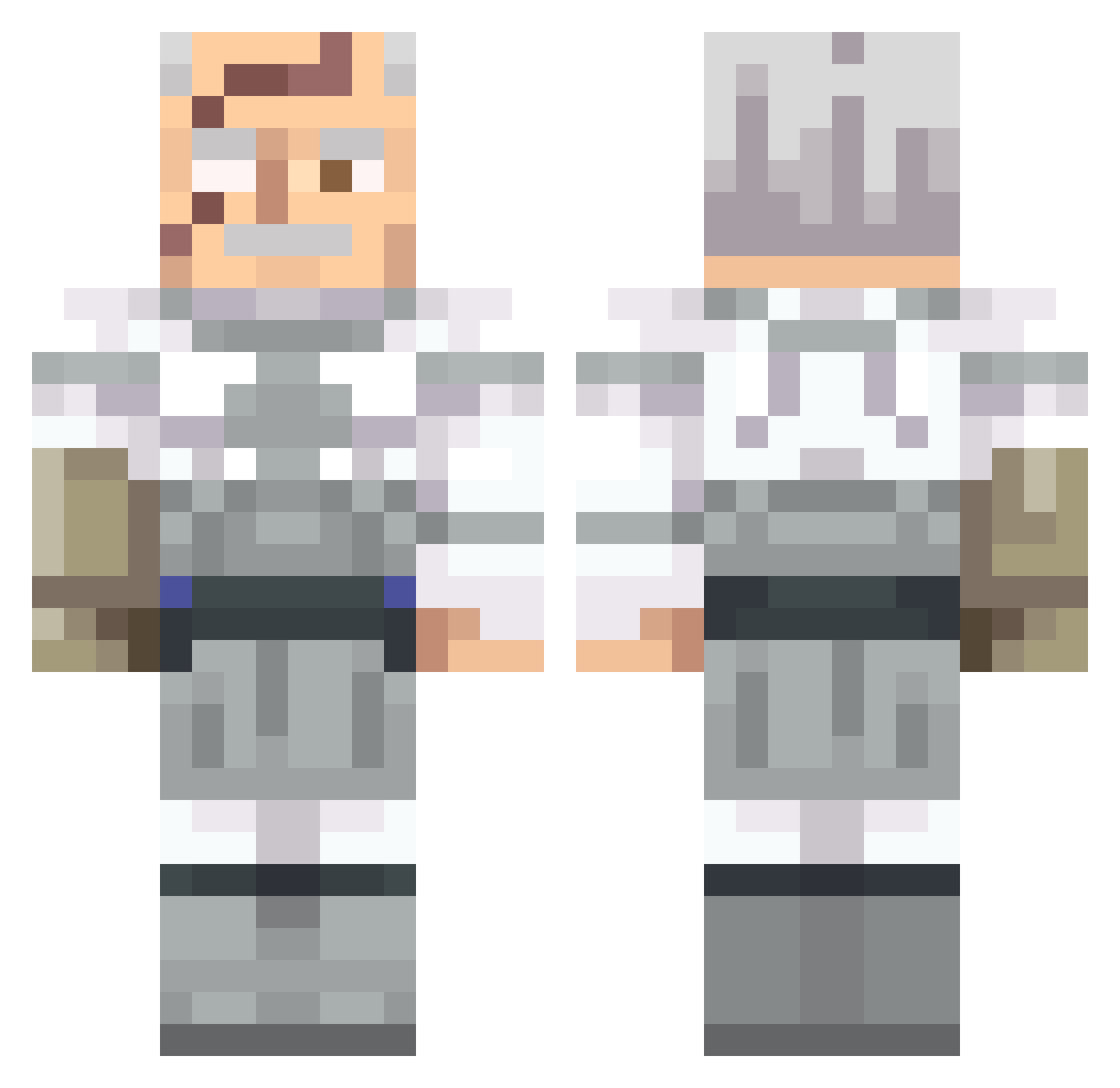
Current Minecraft skin of the player WirtzJr, loaded from the official Mojang API. Rotate the 3D model with your mouse or finger, then download the skin as a PNG file and use it in Minecraft: Bedrock Edition or Java Edition for free. When WirtzJr changes their skin, this page updates automatically and the old skin stays in the history below.
Other players with this skin (562)
WirtzJr was the 538th player we have seen with this skin, first spotted on 31.10.2026. The same skin was seen on these players. Open a nickname to see their current skin and skin history.
 EmpireConquest AlfredoBucellati DoctorSchnail djcallon Lil_Sweat86 ZAD1E23 howdoichangeskin enjoyerofCBT CrazyCowsert JarbeanT Alapoo ImboBv xXYoiNationXx gyatt_zilla Devees nonstickpan1 Caquimbo kfdd42 XRedSkiesX RicketySpace KeiMmx VinsX_ Mo0nlight_0527 jdevl_ nemesiswhip847 HerculesXI miga85211 RakijaMan Gardunkel DismissedName Ceniza_ashes Master_Corgi Cansanity slaythefed Venomorfine eLapis TheBearrMan CloakedDaggeRz Ensar36 Neo_Lauch Mareckii AEOLegend ThatSameNinja bsav16 iciclegt TZenin zeke3409 f4radayrr DJ_TOMMYX Kuarz Skeppys_Taco awesomesam35 Shaqfully TheHadesp Volitiv HotPotatoEnjoyer pinkaoz Amanster23 N1NJACOL3 Xori16893
More Commander Pyxis Minecraft skins
See all 3 Commander Pyxis skins
How to install the WirtzJr skin
- Press the Download button above to save the skin as a PNG file.
- Minecraft: Bedrock Edition (PE): open the Dressing Room from the main menu (or tap your character → Edit Character), go to Classic Skins → Owned, press the + (new skin) button, choose the downloaded PNG and pick the Classic (Steve) model. Works on PC and mobile; consoles cannot import custom skins.
- Minecraft: Java Edition: open the Minecraft Launcher, go to the Skins tab, click New Skin, load the PNG, pick the Classic (Steve) model and press Save & Use. You can also upload it at minecraft.net → Profile → Change Skin.
The skin does not show up after import - what should I do?
Restart Minecraft and open the Dressing Room again - imported skins sometimes appear only after a restart. Also make sure you selected the imported skin and picked the Classic (Steve) model.
Which model should I choose, Classic or Slim?
This skin is designed for the Classic (Steve) model. If you pick the wrong model, the arms of the skin will look stretched or squeezed.
Is the skin of WirtzJr free to download?
Yes. Press Download, save the PNG file and use it in Minecraft: Bedrock Edition or Java Edition - no payment or registration needed. The skin also works on multiplayer servers and Realms.
More skins
Looking for more? Go back to all Minecraft skins and check the top skins of the week, month and all time, or find any player's skin by nickname.