
Winterferijer - Minecraft Skins & Skin History
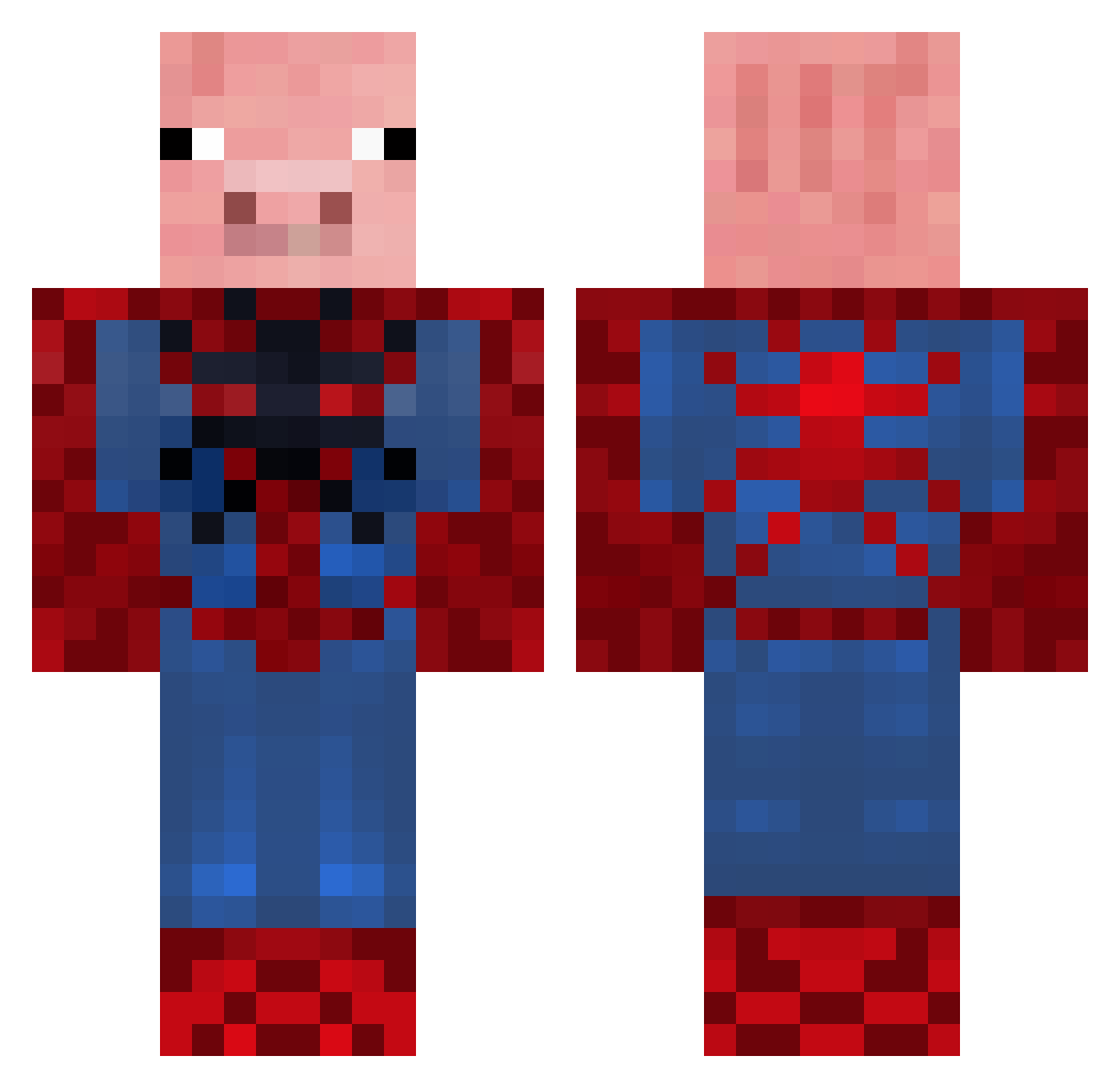
Current Minecraft skin of the player Winterferijer, loaded from the official Mojang API. Rotate the 3D model with your mouse or finger, then download the skin as a PNG file and use it in Minecraft: Bedrock Edition or Java Edition for free. When Winterferijer changes their skin, this page updates automatically and the old skin stays in the history below.
Other players with this skin (136)
Winterferijer was the 91st player we have seen with this skin, first spotted on 12.10.2026. The same skin was seen on these players. Open a nickname to see their current skin and skin history.
 LaoShiRen77 jacktylermurphy SugaredWall2319 PolskaGora Sp4rtakis hydra5245 ShlippyShlap Briglight alfiew0711 SPIDERPIGREIS waddlewaddle21 BabiGuling peppaisbacon123 Harry20171 TaytosCam Bumboclaut munkefar_xd Rappa78 RickChann From_The_Moon GTIandDanWesson Haoge110 cb233 pi1992_ swine_fluke Yatato0 Toomnahm407 rasmussolbakken donbalenciaga cmyersbeast Wundrbaa Ghost5Chicken Jeffbird0 Knasen42 dhmfu Bretano jclzz Misterchicken003 Pigs144 Ossipinho PooChild Buddersteinn Nonoletuc godbeer Josephtron21 Big_Mac_Attack_ asmr1214 DrMrPig hellerzz Robby24901 DarkManDark MelancholyYu OwnDuckling9052 KingFinlay24 Brambly123 Boorlk2388 kleinen202 X_xiangpi DavidDeVis Tony4188
More Pig Minecraft skins
How to install the Winterferijer skin
- Press the Download button above to save the skin as a PNG file.
- Minecraft: Bedrock Edition (PE): open the Dressing Room from the main menu (or tap your character → Edit Character), go to Classic Skins → Owned, press the + (new skin) button, choose the downloaded PNG and pick the Classic (Steve) model. Works on PC and mobile; consoles cannot import custom skins.
- Minecraft: Java Edition: open the Minecraft Launcher, go to the Skins tab, click New Skin, load the PNG, pick the Classic (Steve) model and press Save & Use. You can also upload it at minecraft.net → Profile → Change Skin.
The skin does not show up after import - what should I do?
Restart Minecraft and open the Dressing Room again - imported skins sometimes appear only after a restart. Also make sure you selected the imported skin and picked the Classic (Steve) model.
Which model should I choose, Classic or Slim?
This skin is designed for the Classic (Steve) model. If you pick the wrong model, the arms of the skin will look stretched or squeezed.
Is the skin of Winterferijer free to download?
Yes. Press Download, save the PNG file and use it in Minecraft: Bedrock Edition or Java Edition - no payment or registration needed. The skin also works on multiplayer servers and Realms.
More skins
Looking for more? Go back to all Minecraft skins and check the top skins of the week, month and all time, or find any player's skin by nickname.