
WantDimsum - Minecraft Skins & Skin History
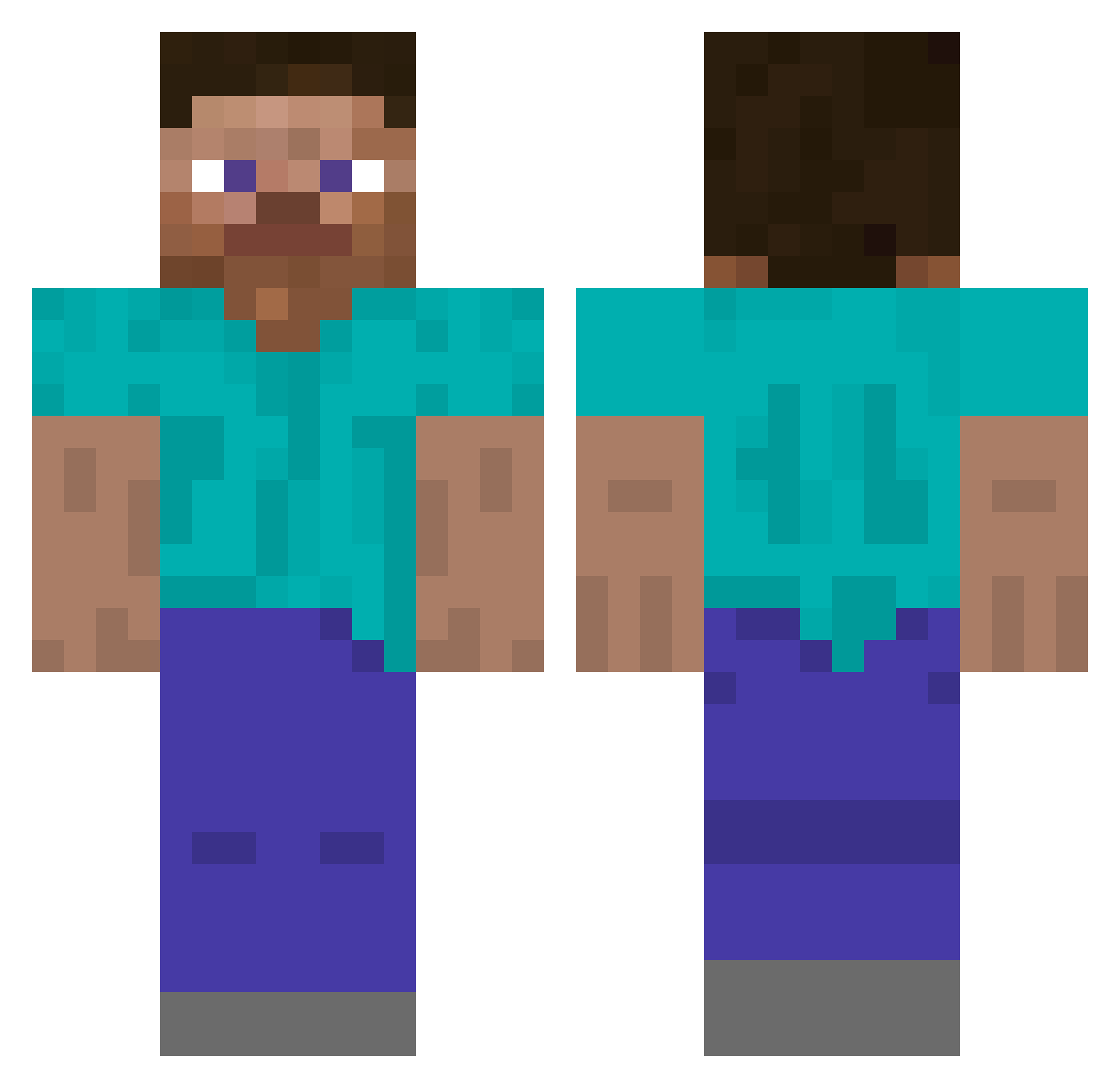
Current Minecraft skin of the player WantDimsum, loaded from the official Mojang API. Rotate the 3D model with your mouse or finger, then download the skin as a PNG file and use it in Minecraft: Bedrock Edition or Java Edition for free. When WantDimsum changes their skin, this page updates automatically and the old skin stays in the history below.
Other players with this skin (4796)
WantDimsum was the 3875th player we have seen with this skin, first spotted on 18.10.2026. The same skin was seen on these players. Open a nickname to see their current skin and skin history.
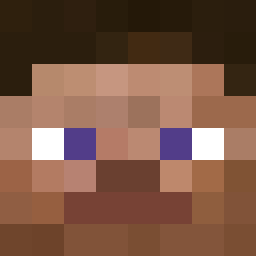 _________W______ Pyromedic_ mo_juma taper1 sllavs mohamj0102 willering MiaZoe01 BRILLIANT114 BiffAnders Kunu00 jayna NateDunford yeoolennyy ratsonic Aras0 DrakenSagir ajehs Sophiebearx 3Hydroxytyramine Kitiko Treach_ Mantidae jamesn1 Gleb303 BingusBrewer XoRboT hypicles ImBuiltt SPoteto EinWahlfisch nmnjjgjy Downpouring woodbines ThickElmo Tiven08 Fireking77 tmdqja23 ozhay Cas3Oh Defsender fergie2211 LAxBimss PlazmaGT tsdy MrSemQ rnkh Pi_981 Oneiros89 SSANGKOPI123 Kyolic G_sansan TheTud Arecreation TheLoneFatGuy erobayashi shrekyr4 Bloodloon73 narakin_is_BOT TzuyuBias
How to install the WantDimsum skin
- Press the Download button above to save the skin as a PNG file.
- Minecraft: Bedrock Edition (PE): open the Dressing Room from the main menu (or tap your character → Edit Character), go to Classic Skins → Owned, press the + (new skin) button, choose the downloaded PNG and pick the Classic (Steve) model. Works on PC and mobile; consoles cannot import custom skins.
- Minecraft: Java Edition: open the Minecraft Launcher, go to the Skins tab, click New Skin, load the PNG, pick the Classic (Steve) model and press Save & Use. You can also upload it at minecraft.net → Profile → Change Skin.
The skin does not show up after import - what should I do?
Restart Minecraft and open the Dressing Room again - imported skins sometimes appear only after a restart. Also make sure you selected the imported skin and picked the Classic (Steve) model.
Which model should I choose, Classic or Slim?
This skin is designed for the Classic (Steve) model. If you pick the wrong model, the arms of the skin will look stretched or squeezed.
Is the skin of WantDimsum free to download?
Yes. Press Download, save the PNG file and use it in Minecraft: Bedrock Edition or Java Edition - no payment or registration needed. The skin also works on multiplayer servers and Realms.
More skins
Looking for more? Go back to all Minecraft skins and check the top skins of the week, month and all time, or find any player's skin by nickname.