
Virulencia - Minecraft Skins & Skin History
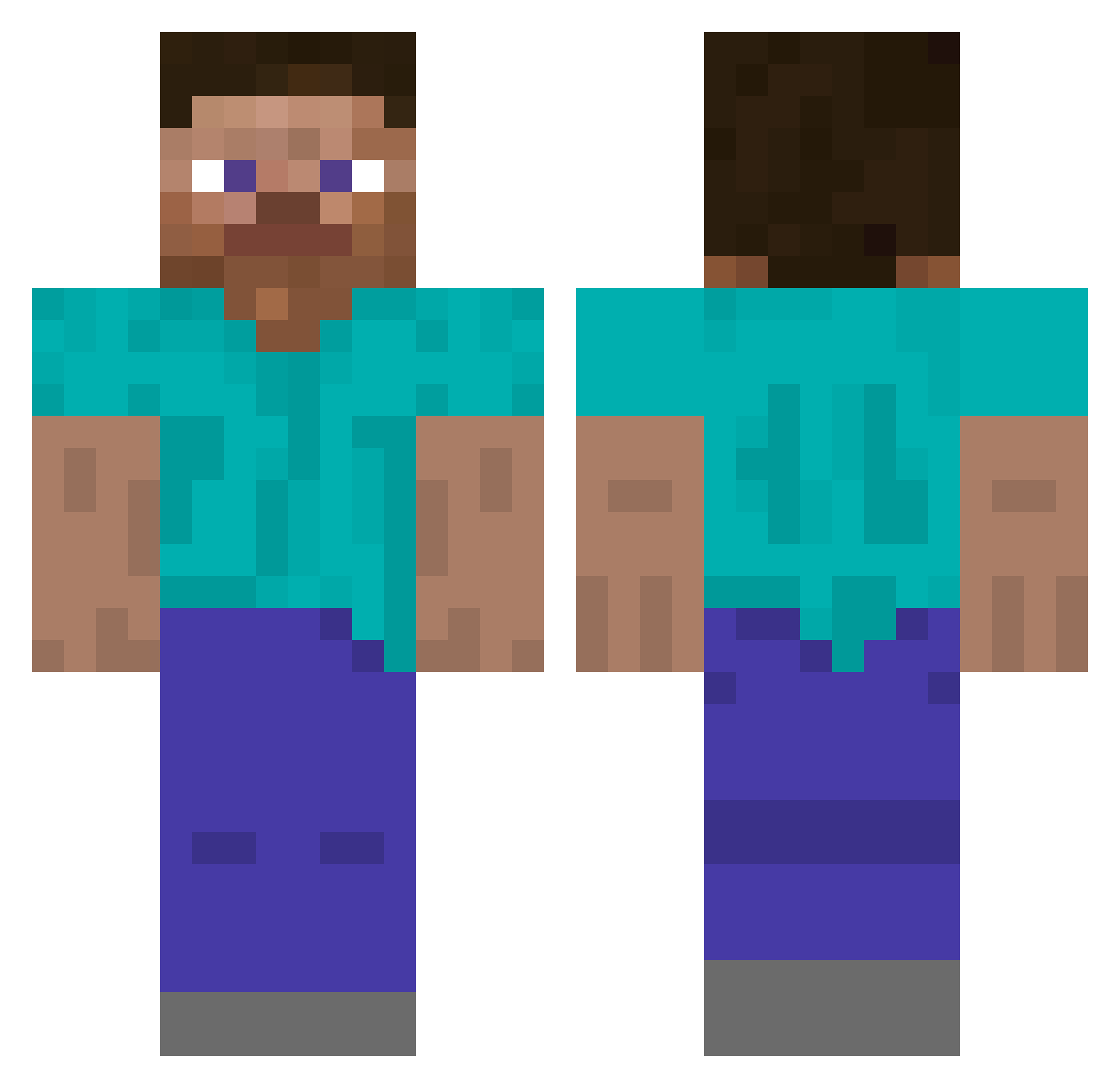
Current Minecraft skin of the player Virulencia, loaded from the official Mojang API. Rotate the 3D model with your mouse or finger, then download the skin as a PNG file and use it in Minecraft: Bedrock Edition or Java Edition for free. When Virulencia changes their skin, this page updates automatically and the old skin stays in the history below.
Other players with this skin (5294)
Virulencia was the 5216th player we have seen with this skin, first spotted on 09.11.2026. The same skin was seen on these players. Open a nickname to see their current skin and skin history.
 omcw Sayouuu onh250504 Devanite Molts Pendigard69 Vi_0le Crlnts SCP_Infinity 555aris frozenveggies HEROGAMER21 FatehFF1 Skyployee KevinSR08 StrongCreeper88 Maethornis Nikolaixd Senyo venpenfen9 jayden1032 lawhichcraft SasigamerPro Team_Wes shick Percale YoudBeSurprised NobuKira1 Operance NotSnarly S3XYTesla XfatboyX shanetopping Iamtheonlydean APMS Azath_ ArdarrKan Carqo RUFNN HotTeensNearYou USER912 Biesi05 F4lah Megaro83 Dolina ZTD09 Parrotnator iDevildog ProfPrimo ThebronyChef slaszy ylhf Pumped Skyb1ack frostbait_ SaulGoonMen69 mrklobuerste Miykull Teammatteo22 jayred
How to install the Virulencia skin
- Press the Download button above to save the skin as a PNG file.
- Minecraft: Bedrock Edition (PE): open the Dressing Room from the main menu (or tap your character → Edit Character), go to Classic Skins → Owned, press the + (new skin) button, choose the downloaded PNG and pick the Classic (Steve) model. Works on PC and mobile; consoles cannot import custom skins.
- Minecraft: Java Edition: open the Minecraft Launcher, go to the Skins tab, click New Skin, load the PNG, pick the Classic (Steve) model and press Save & Use. You can also upload it at minecraft.net → Profile → Change Skin.
The skin does not show up after import - what should I do?
Restart Minecraft and open the Dressing Room again - imported skins sometimes appear only after a restart. Also make sure you selected the imported skin and picked the Classic (Steve) model.
Which model should I choose, Classic or Slim?
This skin is designed for the Classic (Steve) model. If you pick the wrong model, the arms of the skin will look stretched or squeezed.
Is the skin of Virulencia free to download?
Yes. Press Download, save the PNG file and use it in Minecraft: Bedrock Edition or Java Edition - no payment or registration needed. The skin also works on multiplayer servers and Realms.
More skins
Looking for more? Go back to all Minecraft skins and check the top skins of the week, month and all time, or find any player's skin by nickname.