
TopSqigga123 - Minecraft Skins & Skin History
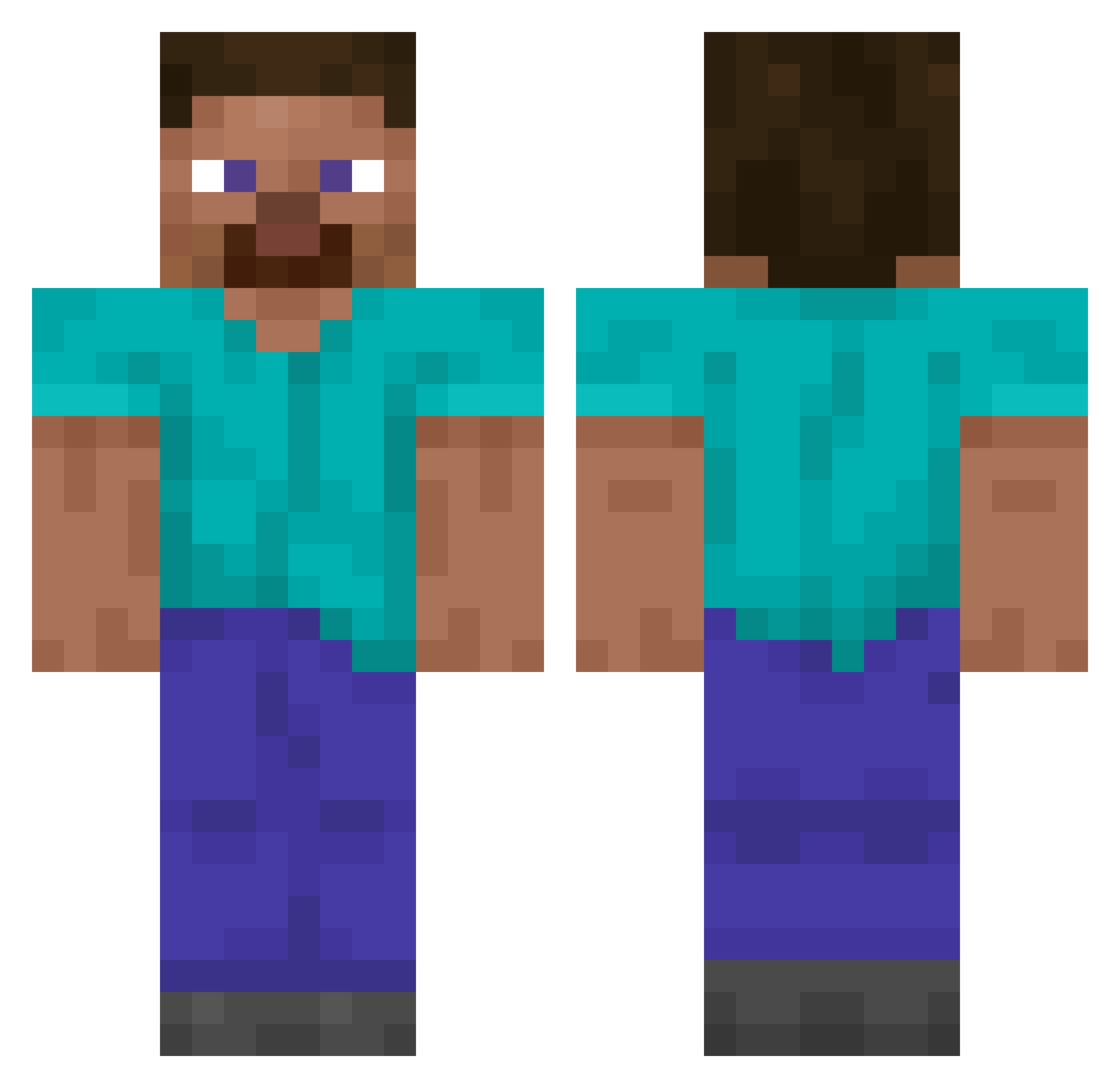
Current Minecraft skin of the player TopSqigga123, loaded from the official Mojang API. Rotate the 3D model with your mouse or finger, then download the skin as a PNG file and use it in Minecraft: Bedrock Edition or Java Edition for free. When TopSqigga123 changes their skin, this page updates automatically and the old skin stays in the history below.
Other players with this skin (14866)
TopSqigga123 was the 14263rd player we have seen with this skin, first spotted on 06.11.2026. The same skin was seen on these players. Open a nickname to see their current skin and skin history.
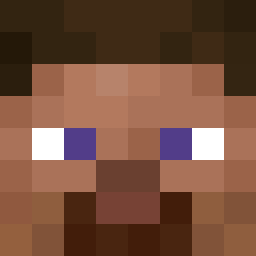 Vinniezz Villads_Juno Kylto NiDiet MHolt Unus_Rex NoCapBlocBoys Galley Zackt1 ODAWGiscool TimeGoseBy DISRANDOMGUY Martimr_ Yarrowset ItLarpMe Goose30215 LucasCHRW Moshiiiiiiiiiiii Elmart38 Quizaciously ruirr7 likainenapina Dubinek13 KUWA1 Pewits RexMoriarty RivenxRooz Albertgar01 gralhazimara Hack_Pack Jahnri Nozri Frukten23 MUDERER MoonLord023 PaTrOcL0 diwad3956 stadre Soshir ErSiPoTiTo_HD Kookala NKA3YM Zendez2008 tetsuyuh HIPERGRIF GluePillar emvr Samumymu mateuzinpvps Barcos alumashit Gotlow29 Balistarius SFBNO Dino_Here MisterFrame AHHHnya Kraleeeo supertot947 AndySevenFour
How to install the TopSqigga123 skin
- Press the Download button above to save the skin as a PNG file.
- Minecraft: Bedrock Edition (PE): open the Dressing Room from the main menu (or tap your character → Edit Character), go to Classic Skins → Owned, press the + (new skin) button, choose the downloaded PNG and pick the Classic (Steve) model. Works on PC and mobile; consoles cannot import custom skins.
- Minecraft: Java Edition: open the Minecraft Launcher, go to the Skins tab, click New Skin, load the PNG, pick the Classic (Steve) model and press Save & Use. You can also upload it at minecraft.net → Profile → Change Skin.
The skin does not show up after import - what should I do?
Restart Minecraft and open the Dressing Room again - imported skins sometimes appear only after a restart. Also make sure you selected the imported skin and picked the Classic (Steve) model.
Which model should I choose, Classic or Slim?
This skin is designed for the Classic (Steve) model. If you pick the wrong model, the arms of the skin will look stretched or squeezed.
Is the skin of TopSqigga123 free to download?
Yes. Press Download, save the PNG file and use it in Minecraft: Bedrock Edition or Java Edition - no payment or registration needed. The skin also works on multiplayer servers and Realms.
More skins
Looking for more? Go back to all Minecraft skins and check the top skins of the week, month and all time, or find any player's skin by nickname.