
TheShrekinator - Minecraft Skins & Skin History
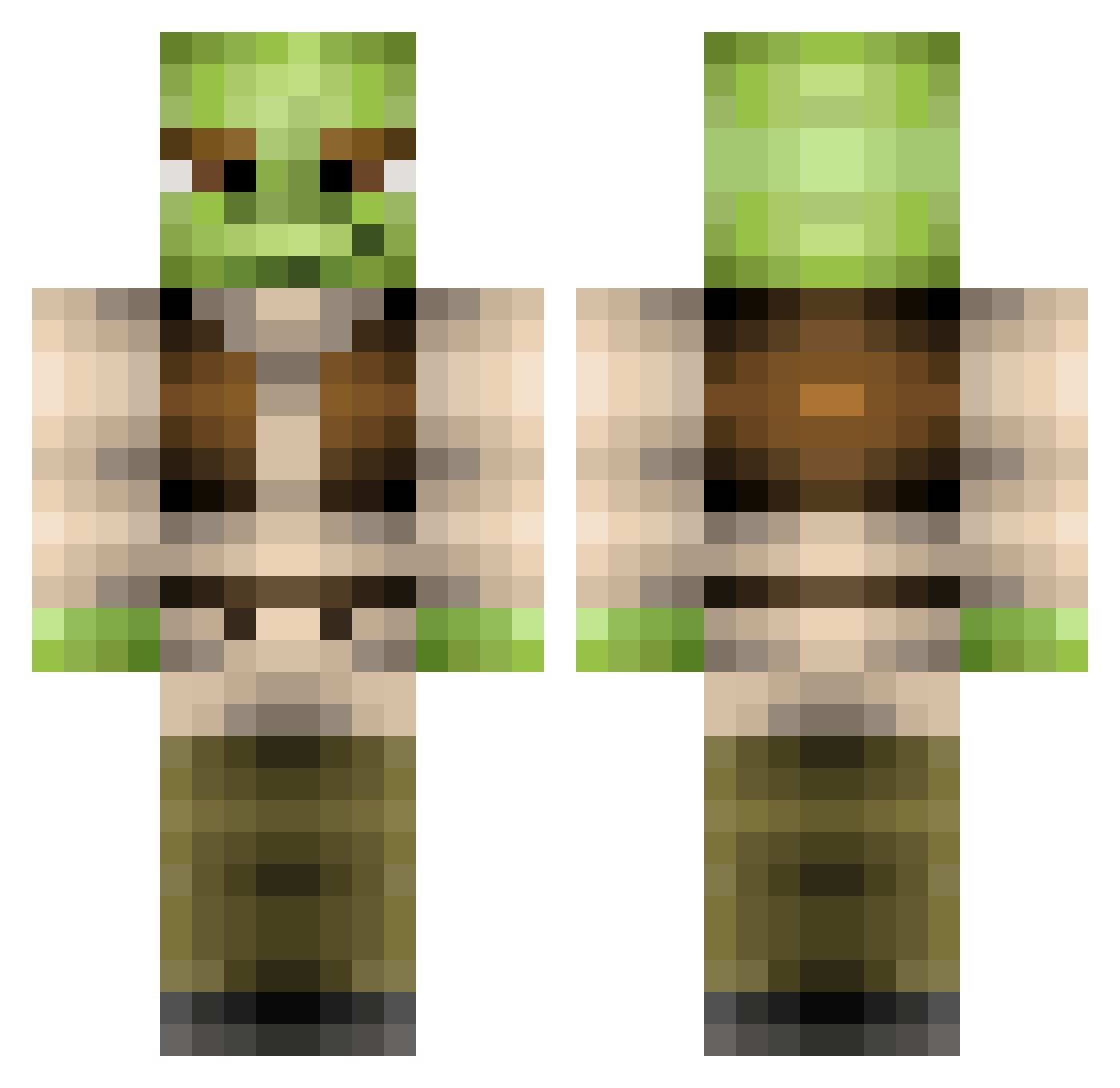
Current Minecraft skin of the player TheShrekinator, loaded from the official Mojang API. Rotate the 3D model with your mouse or finger, then download the skin as a PNG file and use it in Minecraft: Bedrock Edition or Java Edition for free. When TheShrekinator changes their skin, this page updates automatically and the old skin stays in the history below.
Other players with this skin (369)
TheShrekinator was the 279th player we have seen with this skin, first spotted on 14.10.2026. The same skin was seen on these players. Open a nickname to see their current skin and skin history.
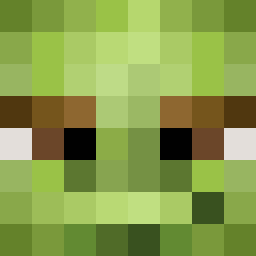 Driskyy maxiking01 TheKillFeedBeast bkerst01 fillfeather chainslicer5 HawkunaMatata kingkaidyn Rynorules2 WebbysDad tristanatkinson bobafetttom TheH4cker Ravenous422 sommens Camel_Victory shrekthehalls69 dimsumdaddy Rock_Forehead Jamser52 clokeymate Sammy13361 Shrekzilla Spooncer69420 6nk Swegmooster Ernst_K Waffle_Doggy ShrekIsCool Roastbeef4Life Awimpyman sarton999 RashidCakes Wingman__98 sportnisse julianc04ddh DominantSchulte Willb155 MarcusDK2640 Gentyj97 spongebobbilly22 Jakkdaw BidenBlows XxKratosxX321 Ketchup_420 King_Nugqet zman117 AFCMANIAC Shrekulf Lulz2 RPS64 KellianneJane 29Nathan Dasspapper94 Iceking09 EethKoth cRockLee JohnnnKB Krelldog twittles2
More Yoda Minecraft skins
How to install the TheShrekinator skin
- Press the Download button above to save the skin as a PNG file.
- Minecraft: Bedrock Edition (PE): open the Dressing Room from the main menu (or tap your character → Edit Character), go to Classic Skins → Owned, press the + (new skin) button, choose the downloaded PNG and pick the Classic (Steve) model. Works on PC and mobile; consoles cannot import custom skins.
- Minecraft: Java Edition: open the Minecraft Launcher, go to the Skins tab, click New Skin, load the PNG, pick the Classic (Steve) model and press Save & Use. You can also upload it at minecraft.net → Profile → Change Skin.
The skin does not show up after import - what should I do?
Restart Minecraft and open the Dressing Room again - imported skins sometimes appear only after a restart. Also make sure you selected the imported skin and picked the Classic (Steve) model.
Which model should I choose, Classic or Slim?
This skin is designed for the Classic (Steve) model. If you pick the wrong model, the arms of the skin will look stretched or squeezed.
Is the skin of TheShrekinator free to download?
Yes. Press Download, save the PNG file and use it in Minecraft: Bedrock Edition or Java Edition - no payment or registration needed. The skin also works on multiplayer servers and Realms.
More skins
Looking for more? Go back to all Minecraft skins and check the top skins of the week, month and all time, or find any player's skin by nickname.