
TheRareOutlaw - Minecraft Skins & Skin History
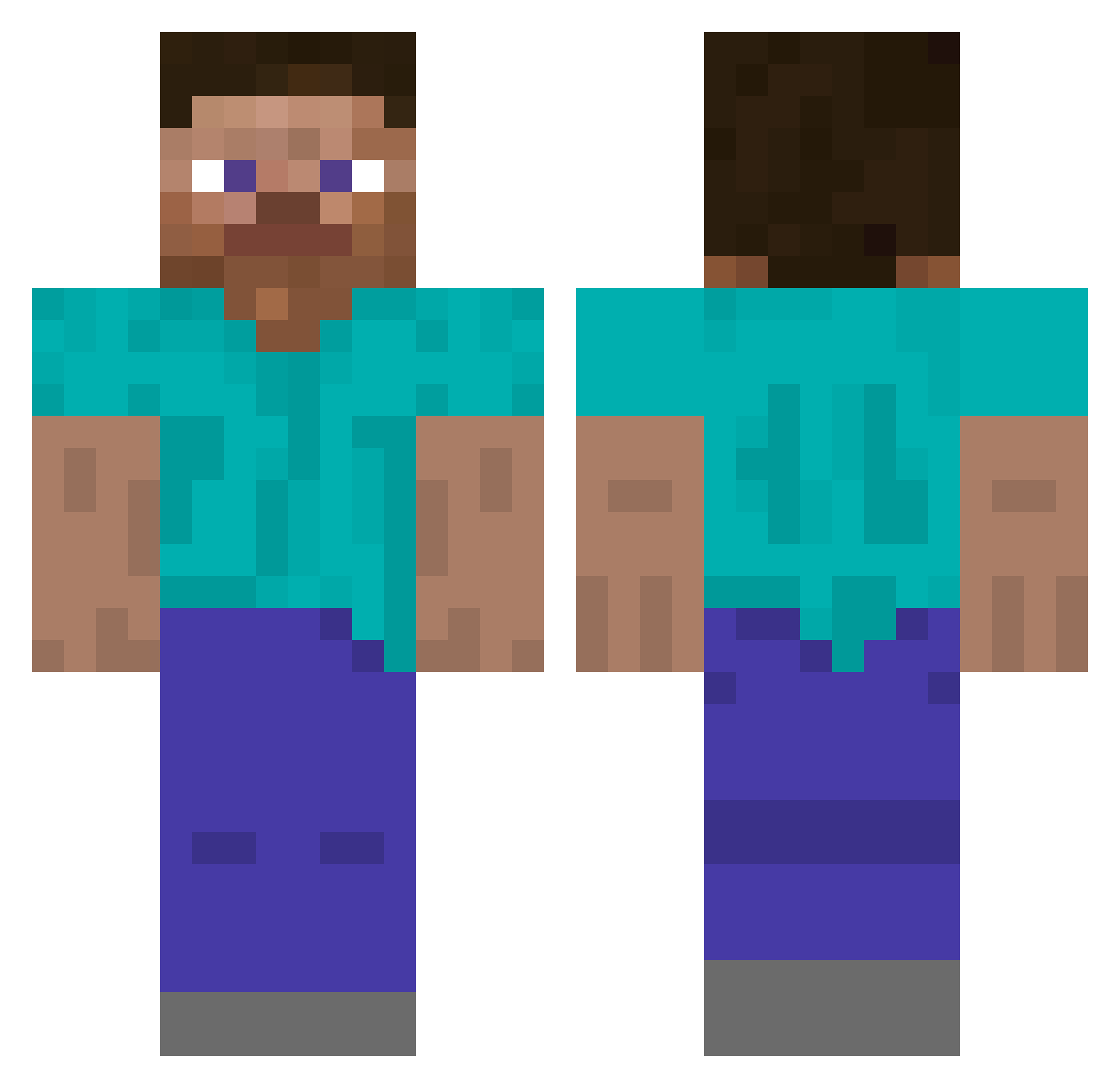
Current Minecraft skin of the player TheRareOutlaw, loaded from the official Mojang API. Rotate the 3D model with your mouse or finger, then download the skin as a PNG file and use it in Minecraft: Bedrock Edition or Java Edition for free. When TheRareOutlaw changes their skin, this page updates automatically and the old skin stays in the history below.
Other players with this skin (5299)
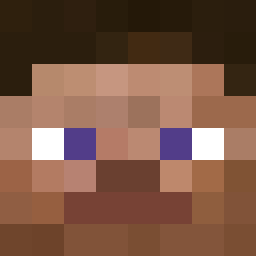
TheRareOutlaw was the 4798th player we have seen with this skin, first spotted on 02.11.2026. The same skin was seen on these players. Open a nickname to see their current skin and skin history.
 SammyOliver1 ProXcaliber FearlessPhantom_ Zan12 TCPshadow Fineday_ DreadTeddy Woish Skinch BlockDestroy69 HenHen01 kodakzz9409 ItsJunior10 TooMessy iLoveWER5 SubwayZero Astrongblackman EvanG Ranz2k jcjackyman1212 hatena1224 jus61 CweedDonDomingo Ashert baslan Davonx3x plechovka2 Nickxz945 DonnJonn JTURNR Ballhooter goozy97 Clicksss Joedash T0rb1kea steve5593 BIZEN Cryyme v_jaff BrockasaurusRex Yewdingus Danny123711 meh_zy Strombolian Joldeon Cool_Guy07 kasqwer rptz Thymosaurus Gustafarian8722 okayjoshuaa DriftingCandy58 Nobodyswe Bankzaophon551 heehehhehe Jayden_7 Didoslaw IskaralTok saim AliAbboud
How to install the TheRareOutlaw skin
- Press the Download button above to save the skin as a PNG file.
- Minecraft: Bedrock Edition (PE): open the Dressing Room from the main menu (or tap your character → Edit Character), go to Classic Skins → Owned, press the + (new skin) button, choose the downloaded PNG and pick the Classic (Steve) model. Works on PC and mobile; consoles cannot import custom skins.
- Minecraft: Java Edition: open the Minecraft Launcher, go to the Skins tab, click New Skin, load the PNG, pick the Classic (Steve) model and press Save & Use. You can also upload it at minecraft.net → Profile → Change Skin.
The skin does not show up after import - what should I do?
Restart Minecraft and open the Dressing Room again - imported skins sometimes appear only after a restart. Also make sure you selected the imported skin and picked the Classic (Steve) model.
Which model should I choose, Classic or Slim?
This skin is designed for the Classic (Steve) model. If you pick the wrong model, the arms of the skin will look stretched or squeezed.
Is the skin of TheRareOutlaw free to download?
Yes. Press Download, save the PNG file and use it in Minecraft: Bedrock Edition or Java Edition - no payment or registration needed. The skin also works on multiplayer servers and Realms.
More skins
Looking for more? Go back to all Minecraft skins and check the top skins of the week, month and all time, or find any player's skin by nickname.