
TheKillerStan - Minecraft Skins & Skin History
Current Minecraft skin of the player TheKillerStan, loaded from the official Mojang API. Rotate the 3D model with your mouse or finger, then download the skin as a PNG file and use it in Minecraft: Bedrock Edition or Java Edition for free. When TheKillerStan changes their skin, this page updates automatically and the old skin stays in the history below.
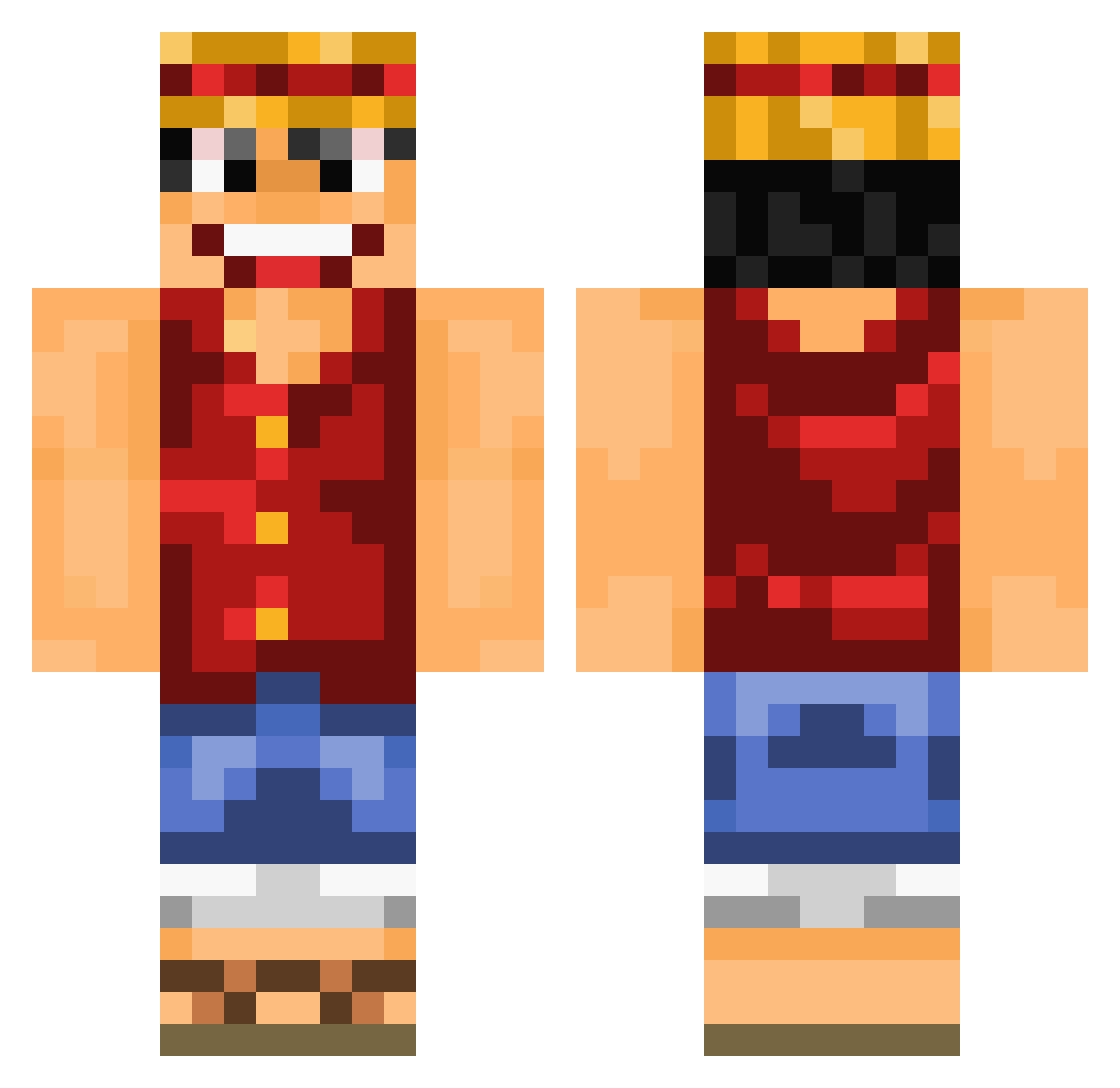
Other players with this skin (1080)
TheKillerStan was the 895th player we have seen with this skin, first spotted on 21.10.2026. The same skin was seen on these players. Open a nickname to see their current skin and skin history.
 Roottaket Onawaf111 Armander1688 dvs98 peterdu77 Hazzamonium AzzuriPundit CHEVEUXLONG5 flamefusion123 UberLucas 3_Monkeys BeachChiller _Satro_ Rockaze Fire_Fist_Ace135 Feind punto92 VeliXD babouche35 LeHandin Divad5586 TheClutch_ jereneal20 TDotDubz ShadowWolf956 yu1229 Amacius apeegun Vigoorian SilversRay alex3142 Raffi1599 Wannou11 Maaarc oonip0715 catapum21 Cediced Fasol Redpandaz07 atlebjoe SIay3r _Monkey_D__Luffy IShanDutta Sombrillance xLuffyx01 DannyBane ZacHerobrine HamcobHero Elite_Sensei Xerxvlavie SmashyAshy Michaelangelo606 Nafsika Mechanix99 SexxyPigg Teichkohorte1337 Messermega picachu9566 LenoraDelio Kohmoshun
More Luffy Minecraft skins
How to install the TheKillerStan skin
- Press the Download button above to save the skin as a PNG file.
- Minecraft: Bedrock Edition (PE): open the Dressing Room from the main menu (or tap your character → Edit Character), go to Classic Skins → Owned, press the + (new skin) button, choose the downloaded PNG and pick the Classic (Steve) model. Works on PC and mobile; consoles cannot import custom skins.
- Minecraft: Java Edition: open the Minecraft Launcher, go to the Skins tab, click New Skin, load the PNG, pick the Classic (Steve) model and press Save & Use. You can also upload it at minecraft.net → Profile → Change Skin.
The skin does not show up after import - what should I do?
Restart Minecraft and open the Dressing Room again - imported skins sometimes appear only after a restart. Also make sure you selected the imported skin and picked the Classic (Steve) model.
Which model should I choose, Classic or Slim?
This skin is designed for the Classic (Steve) model. If you pick the wrong model, the arms of the skin will look stretched or squeezed.
Is the skin of TheKillerStan free to download?
Yes. Press Download, save the PNG file and use it in Minecraft: Bedrock Edition or Java Edition - no payment or registration needed. The skin also works on multiplayer servers and Realms.
More skins
Looking for more? Go back to all Minecraft skins and check the top skins of the week, month and all time, or find any player's skin by nickname.