
ThatMagicKid - Minecraft Skins & Skin History
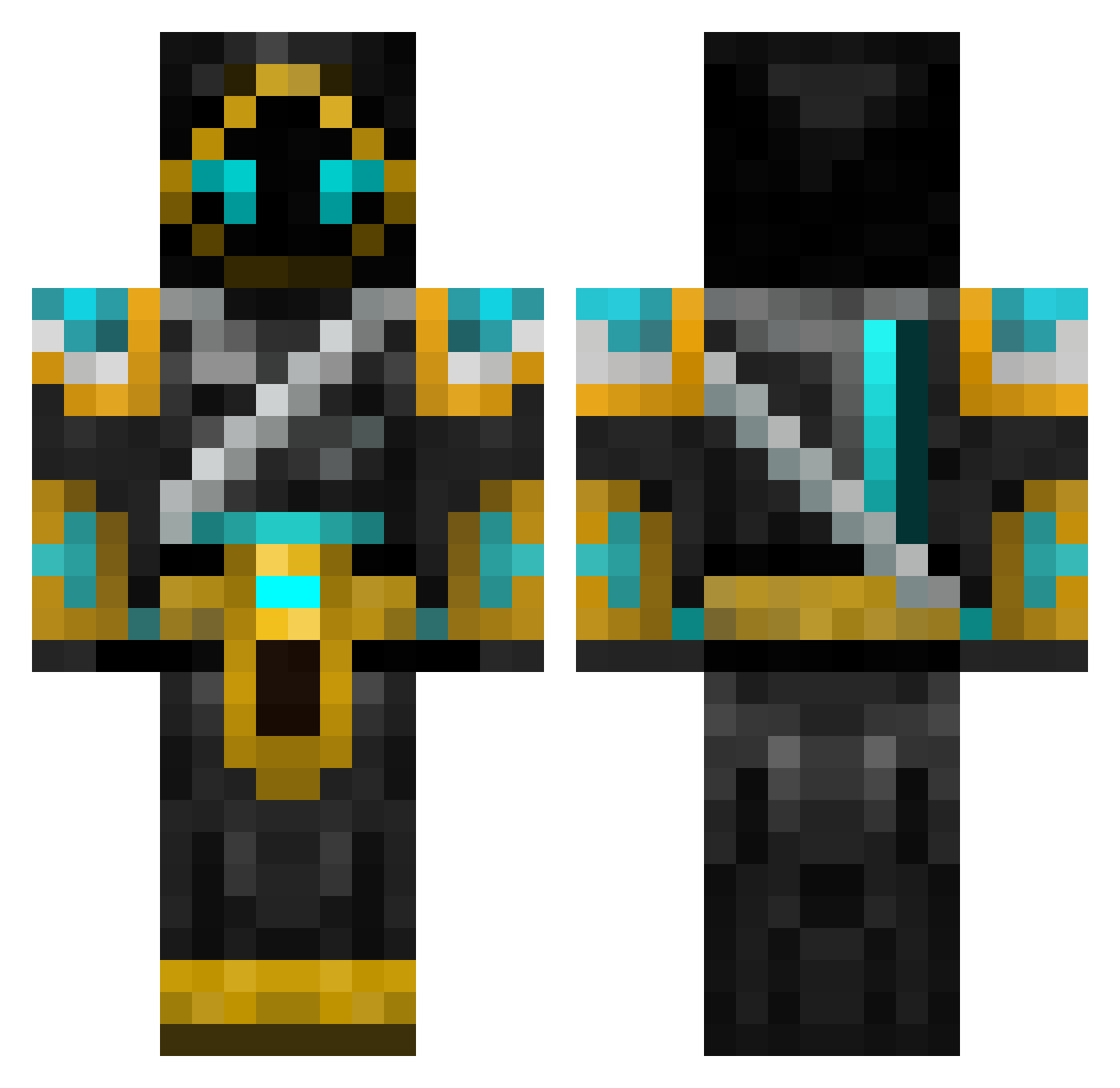
Current Minecraft skin of the player ThatMagicKid, loaded from the official Mojang API. Rotate the 3D model with your mouse or finger, then download the skin as a PNG file and use it in Minecraft: Bedrock Edition or Java Edition for free. When ThatMagicKid changes their skin, this page updates automatically and the old skin stays in the history below.
Other players with this skin (698)
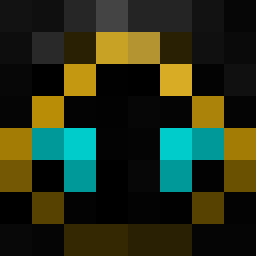
ThatMagicKid was the 653rd player we have seen with this skin, first spotted on 30.10.2026. The same skin was seen on these players. Open a nickname to see their current skin and skin history.
 sammiller89 Ironboy3201 juwon0814 Ryank1908 UnunHexium JordanSamosa Alemi Odoyle102 FireStars54 Xar015 Roryomg Tnickyf1234 Aristho reallyanonymous adhudson Servin97 fredeogalbert jakato Ahmed_Alazmi Emshme dink218 SpanishTaco1213 minecraftdudeper Neymar1159 Zdawson01 hunter22296 Albert_0000 kirby035 oilers0303YT _Kittles_ Yoh3i SpiralMech GoldenMp5 TJ_Haze Onmyouji_Seimei super3razor Maxerms jayzl velmont Phantasma12 tigerjack11 joefloe16 fireclaw1024 MatterzJokez arshd2005 AsianCultist sonicx2786 albenj enderblast904 johnnie2411 wgeurts huluxiaojingang FmacF EnigmaDavid Mthemonk Ninja__Warrior danelo789 fluffybunny1123 tvsjov Asharn00
More Hooded Warrior Minecraft skins
See all 49 Hooded Warrior skins
How to install the ThatMagicKid skin
- Press the Download button above to save the skin as a PNG file.
- Minecraft: Bedrock Edition (PE): open the Dressing Room from the main menu (or tap your character → Edit Character), go to Classic Skins → Owned, press the + (new skin) button, choose the downloaded PNG and pick the Classic (Steve) model. Works on PC and mobile; consoles cannot import custom skins.
- Minecraft: Java Edition: open the Minecraft Launcher, go to the Skins tab, click New Skin, load the PNG, pick the Classic (Steve) model and press Save & Use. You can also upload it at minecraft.net → Profile → Change Skin.
The skin does not show up after import - what should I do?
Restart Minecraft and open the Dressing Room again - imported skins sometimes appear only after a restart. Also make sure you selected the imported skin and picked the Classic (Steve) model.
Which model should I choose, Classic or Slim?
This skin is designed for the Classic (Steve) model. If you pick the wrong model, the arms of the skin will look stretched or squeezed.
Is the skin of ThatMagicKid free to download?
Yes. Press Download, save the PNG file and use it in Minecraft: Bedrock Edition or Java Edition - no payment or registration needed. The skin also works on multiplayer servers and Realms.
More skins
Looking for more? Go back to all Minecraft skins and check the top skins of the week, month and all time, or find any player's skin by nickname.