
Sydez - Minecraft Skins & Skin History
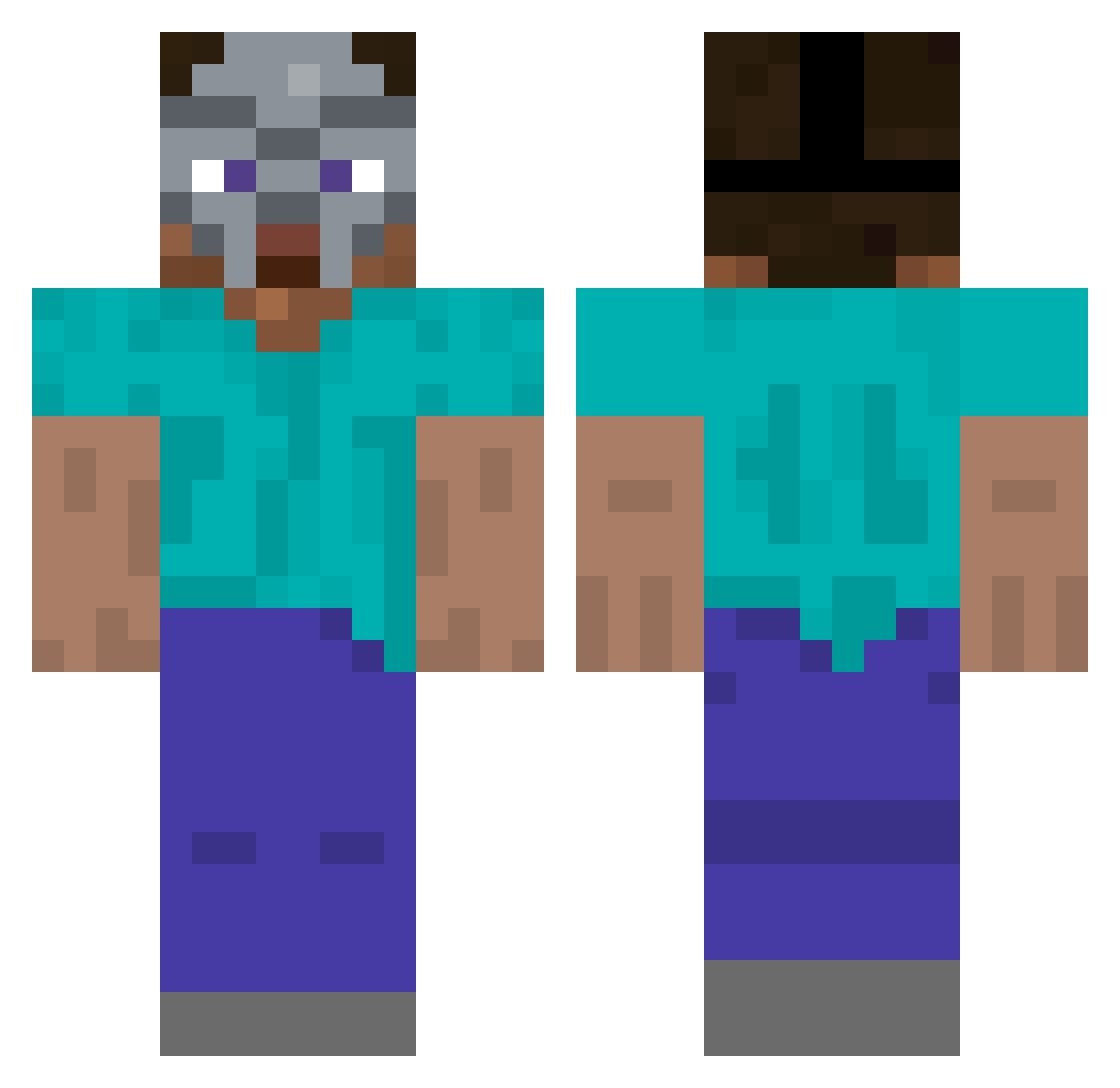
Current Minecraft skin of the player Sydez, loaded from the official Mojang API. Rotate the 3D model with your mouse or finger, then download the skin as a PNG file and use it in Minecraft: Bedrock Edition or Java Edition for free. When Sydez changes their skin, this page updates automatically and the old skin stays in the history below.
Other players with this skin (336)
Sydez was the 276th player we have seen with this skin, first spotted on 24.10.2026. The same skin was seen on these players. Open a nickname to see their current skin and skin history.
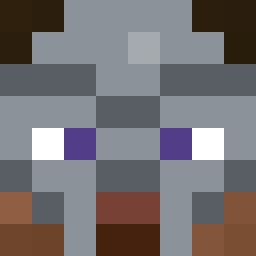 Skull48_ roglezz riuuuusma sideshowpe WhacknStack deafgripz gabemule Nufug shewasonlyXIII Amvsniper Hunnewell GOMAC2019 toaleken13 shailushai_ nbhyas p1ckl3r1ck2007 NateSoup_ Tomate554 TunaRiverTR BDawgStinkyDraws SAGEISKAMI Sammydog3 EaBaboon beelovessssss UTD_FORLIFE Zephyed ashenn6 nacred YourBoyfriendd Krinklebop Miloshswag typhos01 RealBazinga FakeDiamond e4ddie Redhoney901 ciannash CrippledChild09 suyks MikeySQ FadingFire_ Cloizy kritica9 BOKZA5 Maitzwile unprada EMC3877 AreYouDun yedium ItayTheGhost Subverse_ ces3k jay700800 437dollars Carl8D zadedark skyisthelimit808 Ieat10children riverhall SleepyM0MT0M
More Hip Hop Minecraft skins
How to install the Sydez skin
- Press the Download button above to save the skin as a PNG file.
- Minecraft: Bedrock Edition (PE): open the Dressing Room from the main menu (or tap your character → Edit Character), go to Classic Skins → Owned, press the + (new skin) button, choose the downloaded PNG and pick the Classic (Steve) model. Works on PC and mobile; consoles cannot import custom skins.
- Minecraft: Java Edition: open the Minecraft Launcher, go to the Skins tab, click New Skin, load the PNG, pick the Classic (Steve) model and press Save & Use. You can also upload it at minecraft.net → Profile → Change Skin.
The skin does not show up after import - what should I do?
Restart Minecraft and open the Dressing Room again - imported skins sometimes appear only after a restart. Also make sure you selected the imported skin and picked the Classic (Steve) model.
Which model should I choose, Classic or Slim?
This skin is designed for the Classic (Steve) model. If you pick the wrong model, the arms of the skin will look stretched or squeezed.
Is the skin of Sydez free to download?
Yes. Press Download, save the PNG file and use it in Minecraft: Bedrock Edition or Java Edition - no payment or registration needed. The skin also works on multiplayer servers and Realms.
More skins
Looking for more? Go back to all Minecraft skins and check the top skins of the week, month and all time, or find any player's skin by nickname.