
Sucukman360 - Minecraft Skins & Skin History
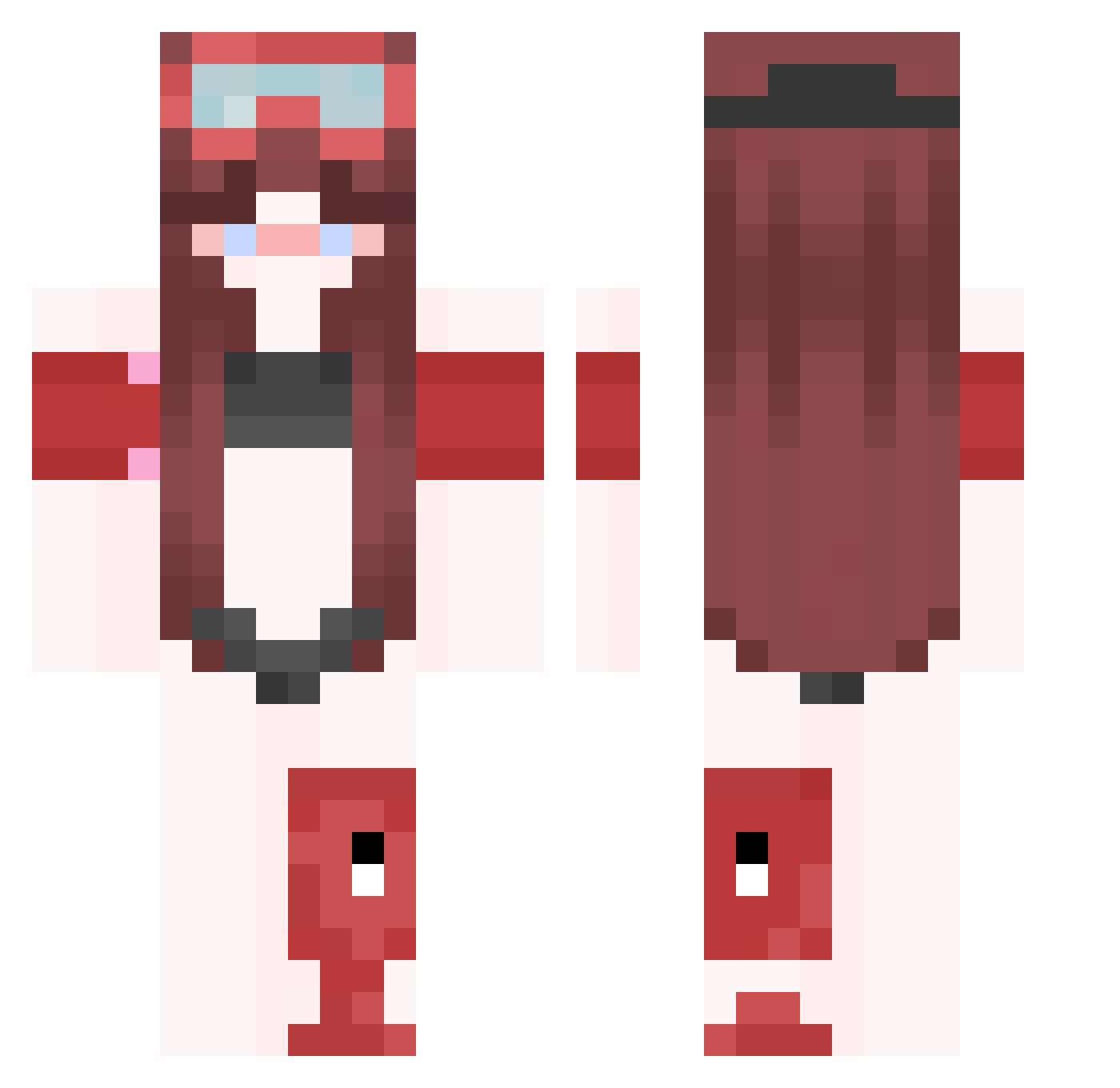
Current Minecraft skin of the player Sucukman360, loaded from the official Mojang API. Rotate the 3D model with your mouse or finger, then download the skin as a PNG file and use it in Minecraft: Bedrock Edition or Java Edition for free. When Sucukman360 changes their skin, this page updates automatically and the old skin stays in the history below.
Other players with this skin (431)
Sucukman360 was the 377th player we have seen with this skin, first spotted on 28.10.2026. The same skin was seen on these players. Open a nickname to see their current skin and skin history.
 Liamkorr _blvkz_ motivatio3nalin LinhglTFZ0129 Bboorrsellino Leonl629 N6i_mcccolA LinhYfzXU0118 dertraumistecht Umb8bErto_pro_ PedroPerezDiniz lun0rh8l1ow D1es3ll ravelCKIGuCr AnyFox_ DcGgFreealt2624 WildBee33 Zikawhite c6i4son82t8 Dackxs raveISffmlbG blazecat00 koreyrob Benji_0510 zz_UBOvg_12_12 BIGBXTDP unwisepresumabl iLeonTs Jean1_god superassassin007 Dukingg SiilveirA8_ Banana_6XN Ni0tti_pro_ vertex_izDPD_ ptaltsaOsDu 1w1_Chappy Harry_T_OwO rave7NmJTEul Linh_mc12 Tiaomurcho voxerismwyjOg B_ZzdwV_12_14 raveNh3upiTQ Oli9viie LinhSfnEY1229 XxxxxdLucia LinhJOmJD0105 Clownkiller31 IHxnnah052 deliberateTvai2 wander5ravity MrDekuHDYT rave045M7Vwc DaaaNTn1iel_ ksyzISchefphFOn aise1untimely890 DragonSpirity wearisomeunhur4 DripGEN127346
More Lifeguard Minecraft skins
How to install the Sucukman360 skin
- Press the Download button above to save the skin as a PNG file.
- Minecraft: Bedrock Edition (PE): open the Dressing Room from the main menu (or tap your character → Edit Character), go to Classic Skins → Owned, press the + (new skin) button, choose the downloaded PNG and pick the Classic (Steve) model. Works on PC and mobile; consoles cannot import custom skins.
- Minecraft: Java Edition: open the Minecraft Launcher, go to the Skins tab, click New Skin, load the PNG, pick the Classic (Steve) model and press Save & Use. You can also upload it at minecraft.net → Profile → Change Skin.
The skin does not show up after import - what should I do?
Restart Minecraft and open the Dressing Room again - imported skins sometimes appear only after a restart. Also make sure you selected the imported skin and picked the Classic (Steve) model.
Which model should I choose, Classic or Slim?
This skin is designed for the Classic (Steve) model. If you pick the wrong model, the arms of the skin will look stretched or squeezed.
Is the skin of Sucukman360 free to download?
Yes. Press Download, save the PNG file and use it in Minecraft: Bedrock Edition or Java Edition - no payment or registration needed. The skin also works on multiplayer servers and Realms.
More skins
Looking for more? Go back to all Minecraft skins and check the top skins of the week, month and all time, or find any player's skin by nickname.