
SpeciousRelic41 - Minecraft Skins & Skin History
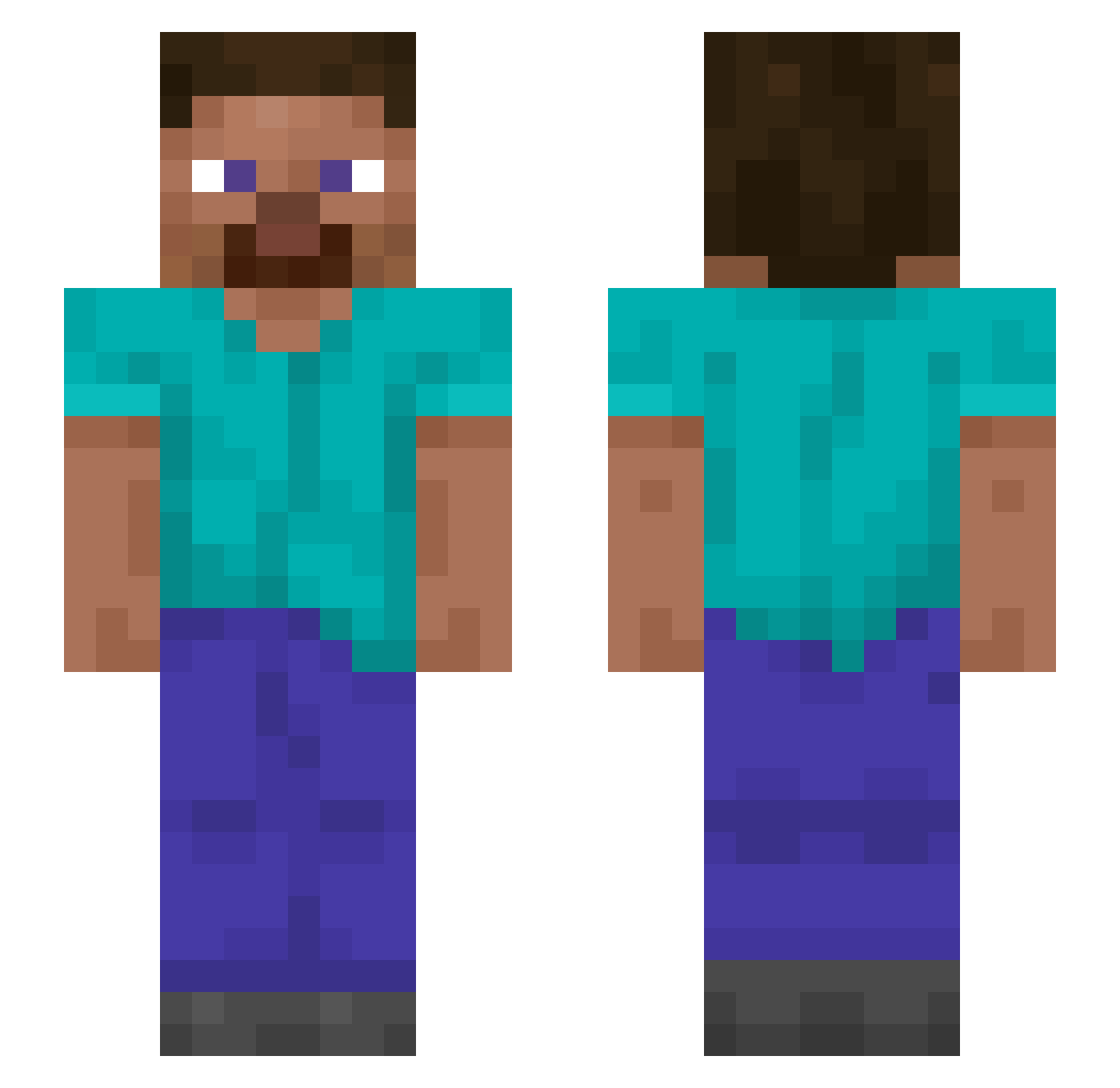
Current Minecraft skin of the player SpeciousRelic41, loaded from the official Mojang API. Rotate the 3D model with your mouse or finger, then download the skin as a PNG file and use it in Minecraft: Bedrock Edition or Java Edition for free. When SpeciousRelic41 changes their skin, this page updates automatically and the old skin stays in the history below.
Other players with this skin (1505)
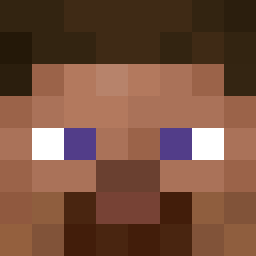
SpeciousRelic41 was the 1441st player we have seen with this skin, first spotted on 09.11.2026. The same skin was seen on these players. Open a nickname to see their current skin and skin history.
 Lordhaumichblau Cheesily hmalter Enamorate Snaggled Pulless Breeazy Cgleaso Pyrographic misaa_a pigdog04 Concool seimaboss Ja2RY Woomp BHD JapaJew69 Ascill CarlosxD_YT r4m0n4f10w3r5 LorioElFourbo hodgiewodgie cxmq Pechka_Bell Urrazeb Woodlots Lobos DixeyDo FloTubeHD Digested xidetooth Cimmerian Narraf HYPERPREDATOR AYYMD iStussy 27theoqq jkmcconnell OsamaaBinnLadenn chilly_playing drum5489 Spo0kypotat0 Boop_bop Spatulate Hexocat POPOaa Memorialiser dknSEN Aureola Unexotic Cruizergamer WAZ3Y ESHAYLAD9000 Oriigine Sihunss Celum qindarka Mampara PlagueDoctor54 Scolopendrid
How to install the SpeciousRelic41 skin
- Press the Download button above to save the skin as a PNG file.
- Minecraft: Bedrock Edition (PE): open the Dressing Room from the main menu (or tap your character → Edit Character), go to Classic Skins → Owned, press the + (new skin) button, choose the downloaded PNG and pick the Slim (Alex) model. Works on PC and mobile; consoles cannot import custom skins.
- Minecraft: Java Edition: open the Minecraft Launcher, go to the Skins tab, click New Skin, load the PNG, pick the Slim (Alex) model and press Save & Use. You can also upload it at minecraft.net → Profile → Change Skin.
The skin does not show up after import - what should I do?
Restart Minecraft and open the Dressing Room again - imported skins sometimes appear only after a restart. Also make sure you selected the imported skin and picked the Slim (Alex) model.
Which model should I choose, Classic or Slim?
This skin is designed for the Slim (Alex) model. If you pick the wrong model, the arms of the skin will look stretched or squeezed.
Is the skin of SpeciousRelic41 free to download?
Yes. Press Download, save the PNG file and use it in Minecraft: Bedrock Edition or Java Edition - no payment or registration needed. The skin also works on multiplayer servers and Realms.
More skins
Looking for more? Go back to all Minecraft skins and check the top skins of the week, month and all time, or find any player's skin by nickname.