
SnugDinosaur51 - Minecraft Skins & Skin History
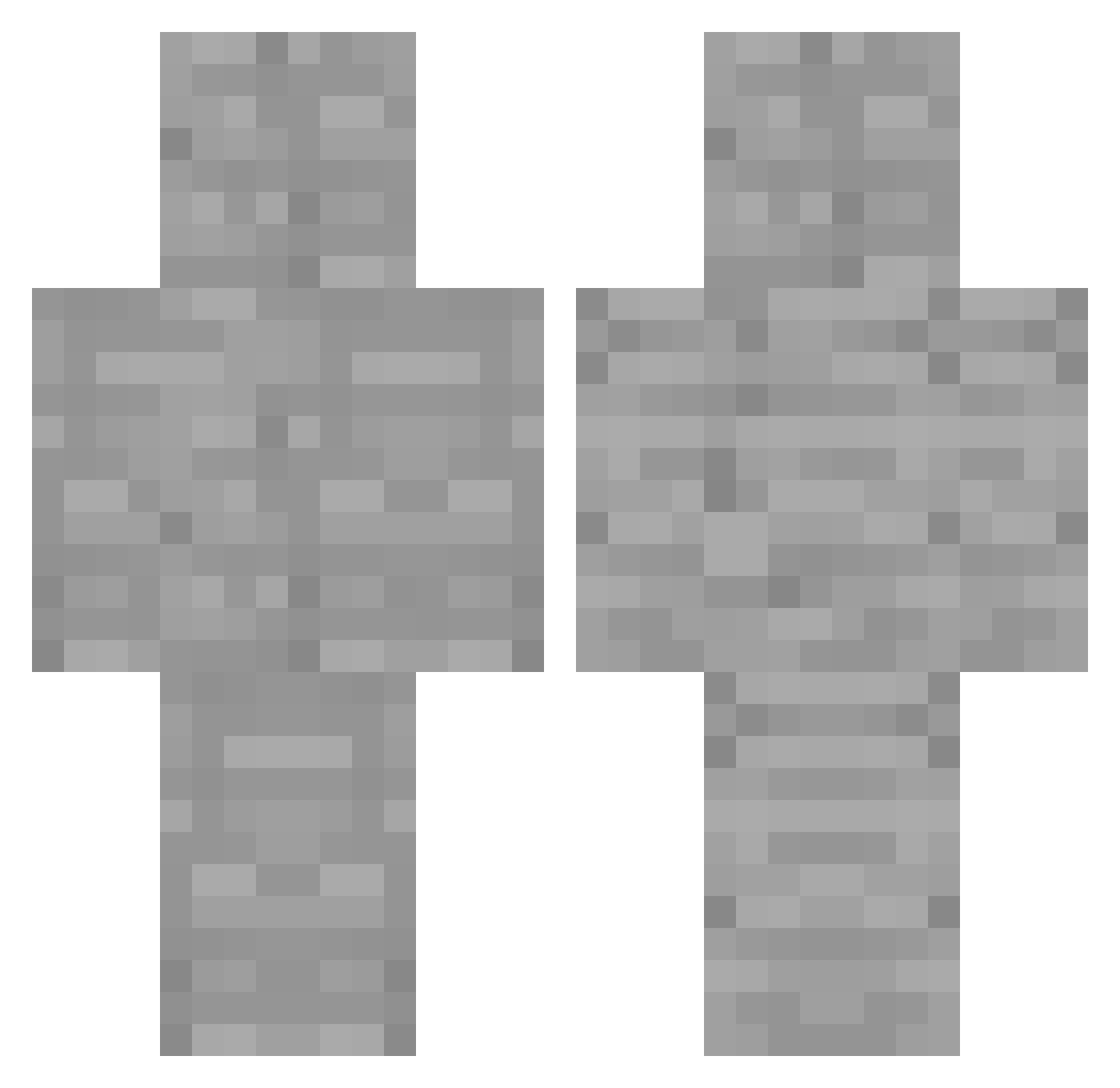
Current Minecraft skin of the player SnugDinosaur51, loaded from the official Mojang API. Rotate the 3D model with your mouse or finger, then download the skin as a PNG file and use it in Minecraft: Bedrock Edition or Java Edition for free. When SnugDinosaur51 changes their skin, this page updates automatically and the old skin stays in the history below.
Other players with this skin (159)
SnugDinosaur51 was the 118th player we have seen with this skin, first spotted on 19.10.2026. The same skin was seen on these players. Open a nickname to see their current skin and skin history.
 Zenabiii sjk5198 newzorin Backy_McStabStab dorranzzangpapa OlliPolli101 Sylver81 Teamiscry TTVredsoxYT timmy10230 REDFF00 Robbe001 netPz KyleCHU7169 RLProductions SpectreMax Barol_ JL_21 pOp_chOrk _fdzz Davosek BensonWen ASM_sumin_2013 KA_CFC_24 seoyeon_0915 Kradisco DamagingSine101 yokopototo OnurBaba31 babypapa2 GOD_Com_On simsimhada_5 Just_light1 ArtfulPen1234 benjaminfallahy ELValouuu eliasminecraft12 GrenRizzla wel0x hajun4251 phatslacks Skadiologist Peachniil hamonth rgbhex nlnis _chipsogdip LANIAKEA920 Mildlionheart HazSosidk CactusGenerate Snaukball W1ndf0rce Leafonline01 Norain_C dhdjwld_dj Cateen015368 HOTJJING76 ProFXv1 Wereflyinghigh
More Cobblestone Minecraft skins
How to install the SnugDinosaur51 skin
- Press the Download button above to save the skin as a PNG file.
- Minecraft: Bedrock Edition (PE): open the Dressing Room from the main menu (or tap your character → Edit Character), go to Classic Skins → Owned, press the + (new skin) button, choose the downloaded PNG and pick the Classic (Steve) model. Works on PC and mobile; consoles cannot import custom skins.
- Minecraft: Java Edition: open the Minecraft Launcher, go to the Skins tab, click New Skin, load the PNG, pick the Classic (Steve) model and press Save & Use. You can also upload it at minecraft.net → Profile → Change Skin.
The skin does not show up after import - what should I do?
Restart Minecraft and open the Dressing Room again - imported skins sometimes appear only after a restart. Also make sure you selected the imported skin and picked the Classic (Steve) model.
Which model should I choose, Classic or Slim?
This skin is designed for the Classic (Steve) model. If you pick the wrong model, the arms of the skin will look stretched or squeezed.
Is the skin of SnugDinosaur51 free to download?
Yes. Press Download, save the PNG file and use it in Minecraft: Bedrock Edition or Java Edition - no payment or registration needed. The skin also works on multiplayer servers and Realms.
More skins
Looking for more? Go back to all Minecraft skins and check the top skins of the week, month and all time, or find any player's skin by nickname.