
SlaveX_YT - Minecraft Skins & Skin History
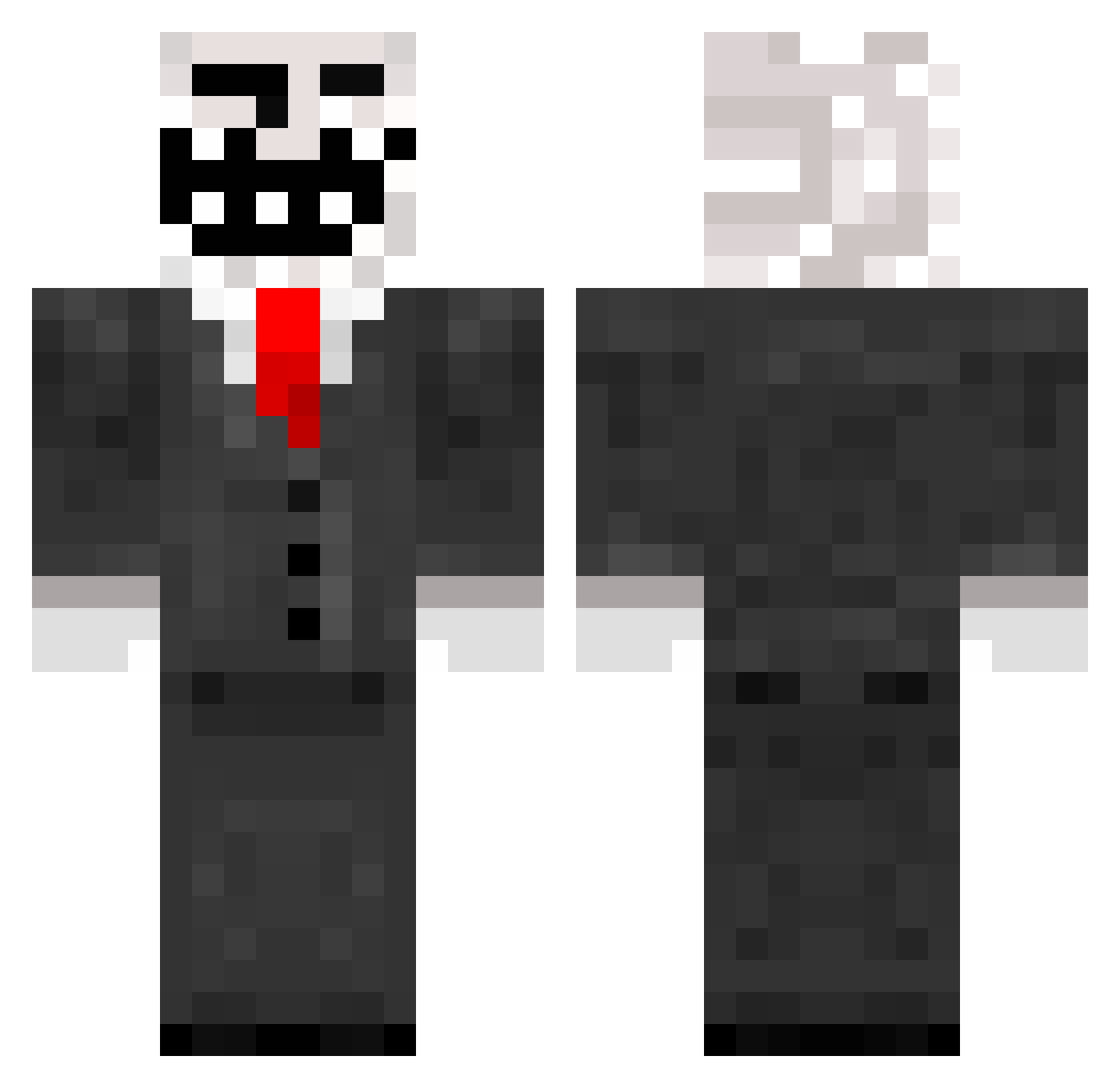
Current Minecraft skin of the player SlaveX_YT, loaded from the official Mojang API. Rotate the 3D model with your mouse or finger, then download the skin as a PNG file and use it in Minecraft: Bedrock Edition or Java Edition for free. When SlaveX_YT changes their skin, this page updates automatically and the old skin stays in the history below.
Other players with this skin (150)
SlaveX_YT was the 128th player we have seen with this skin, first spotted on 23.10.2026. The same skin was seen on these players. Open a nickname to see their current skin and skin history.
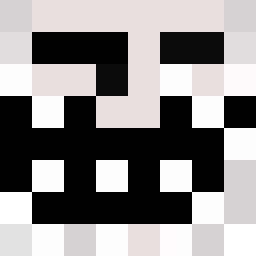 Tobihaze cooler92054 nandayo55 TKGamerBR1010 iballisticfoxes Prcoje Floth286 cxmpants LEBR0N Lil_Gsson Koek_wout gustav00022 SLsteve bitefun2 meisterkreig LucasPT123 helms2015 Jfaxet Blockmaster2345 DerPawlo YoungAaronG rafail444 Habe123Hunger AnaoPeludo MeatiusV2 yeslol NO_HACKZ kuxa George7878 Veniay Andy291 Sinfonyprime Spy_Dr PinkFrogBoi_37 DaCostaSamuel _arru2005_ omri4 Kaelderkiller Heroder NLzinedin crazyminer38 Tatanka47 MPKiller545 QuiteSpooky IamUsingSigma mr_nice_8892 ivilited fera004 Dean_Woodward HePhilip jcfoley10 arberjon Matysek07 Dany_H Professor_C2 lol_haha_dead randy204 Hope200 ruberith kingofthekill201
More Trollface Minecraft skins
How to install the SlaveX_YT skin
- Press the Download button above to save the skin as a PNG file.
- Minecraft: Bedrock Edition (PE): open the Dressing Room from the main menu (or tap your character → Edit Character), go to Classic Skins → Owned, press the + (new skin) button, choose the downloaded PNG and pick the Classic (Steve) model. Works on PC and mobile; consoles cannot import custom skins.
- Minecraft: Java Edition: open the Minecraft Launcher, go to the Skins tab, click New Skin, load the PNG, pick the Classic (Steve) model and press Save & Use. You can also upload it at minecraft.net → Profile → Change Skin.
The skin does not show up after import - what should I do?
Restart Minecraft and open the Dressing Room again - imported skins sometimes appear only after a restart. Also make sure you selected the imported skin and picked the Classic (Steve) model.
Which model should I choose, Classic or Slim?
This skin is designed for the Classic (Steve) model. If you pick the wrong model, the arms of the skin will look stretched or squeezed.
Is the skin of SlaveX_YT free to download?
Yes. Press Download, save the PNG file and use it in Minecraft: Bedrock Edition or Java Edition - no payment or registration needed. The skin also works on multiplayer servers and Realms.
More skins
Looking for more? Go back to all Minecraft skins and check the top skins of the week, month and all time, or find any player's skin by nickname.