
Skidevans - Minecraft Skins & Skin History
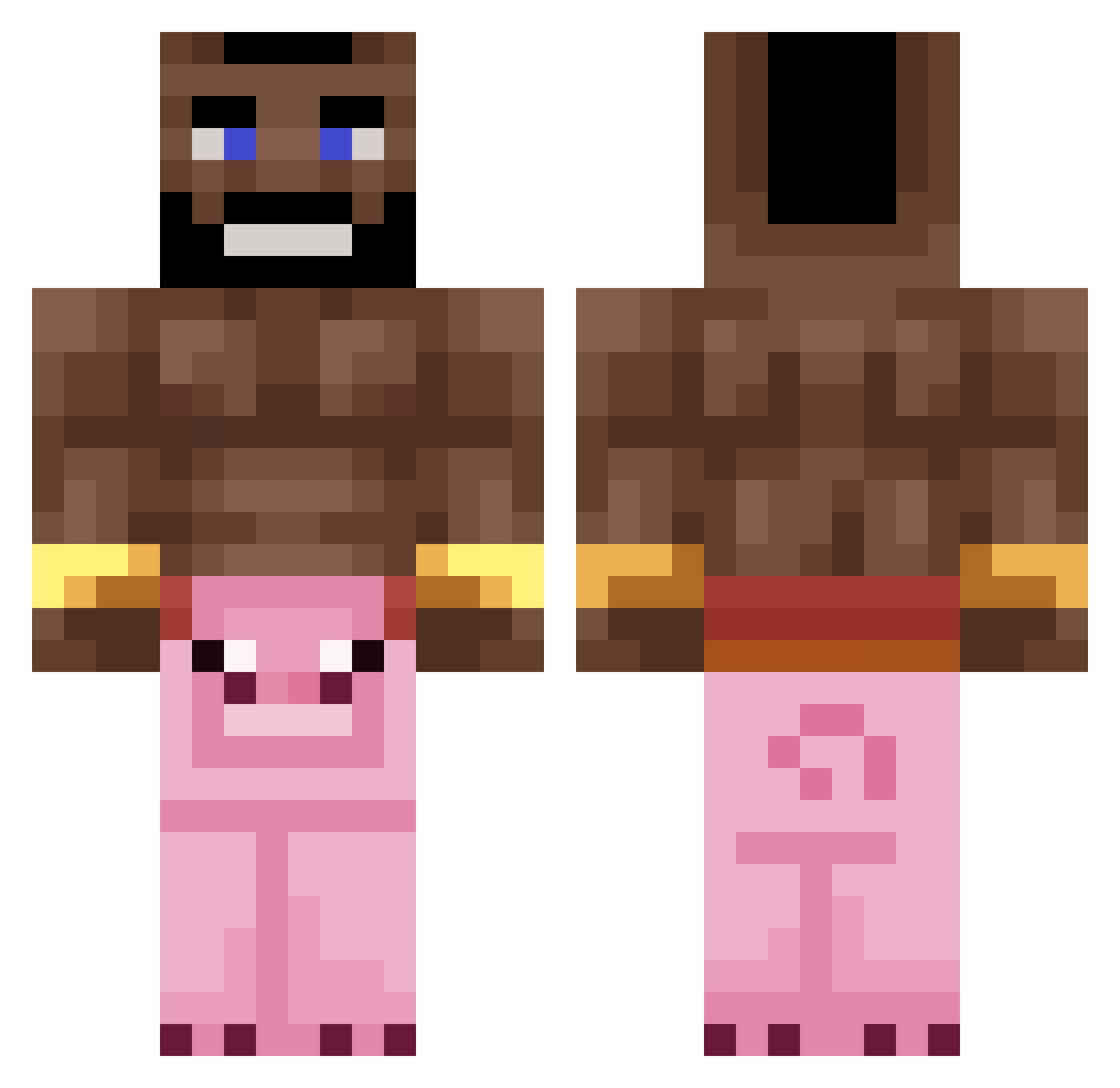
Current Minecraft skin of the player Skidevans, loaded from the official Mojang API. Rotate the 3D model with your mouse or finger, then download the skin as a PNG file and use it in Minecraft: Bedrock Edition or Java Edition for free. When Skidevans changes their skin, this page updates automatically and the old skin stays in the history below.
Other players with this skin (296)
Skidevans was the 256th player we have seen with this skin, first spotted on 27.10.2026. The same skin was seen on these players. Open a nickname to see their current skin and skin history.
 AirJorfan Carloooooooooooo DemiSavage Modoking95 SorryIAmGood King_Alex3634 jhuhgbghgf szm3req fiszki Kapiik SeanNg0829 ImReallyGoodAtBW Blvrr Michal_pindoI1 BenniG Medve0804 rupi8245 Mr_evixity Kokspang Viggo_MM fergusono TicTacTony_ _Saooo_ Tehbesco808 Robott_ pablooo03_ Zlodziej123 Montana_13 OffenKartoffel xwas Mexo__ byWhite06 ImagineWagon420 MEIH_ sergioglez Lafu2886 The_trashmannn meilinger7 cashew_water SaidKouachi_ kraqso ZYPERzy Sir_oh Corbeostoto GlauberOTijolo Arakelian46 BoujeeSux jotennuz shgeth elo_xd Draca_ ErikNinja25 Breakerman MFlamon Joohny2115 Twaltr Schakalaka Handle0130 Destroyer0128 gogobonsa1
More Mohawk Minecraft skins
How to install the Skidevans skin
- Press the Download button above to save the skin as a PNG file.
- Minecraft: Bedrock Edition (PE): open the Dressing Room from the main menu (or tap your character → Edit Character), go to Classic Skins → Owned, press the + (new skin) button, choose the downloaded PNG and pick the Classic (Steve) model. Works on PC and mobile; consoles cannot import custom skins.
- Minecraft: Java Edition: open the Minecraft Launcher, go to the Skins tab, click New Skin, load the PNG, pick the Classic (Steve) model and press Save & Use. You can also upload it at minecraft.net → Profile → Change Skin.
The skin does not show up after import - what should I do?
Restart Minecraft and open the Dressing Room again - imported skins sometimes appear only after a restart. Also make sure you selected the imported skin and picked the Classic (Steve) model.
Which model should I choose, Classic or Slim?
This skin is designed for the Classic (Steve) model. If you pick the wrong model, the arms of the skin will look stretched or squeezed.
Is the skin of Skidevans free to download?
Yes. Press Download, save the PNG file and use it in Minecraft: Bedrock Edition or Java Edition - no payment or registration needed. The skin also works on multiplayer servers and Realms.
More skins
Looking for more? Go back to all Minecraft skins and check the top skins of the week, month and all time, or find any player's skin by nickname.