
Shironz - Minecraft Skins & Skin History
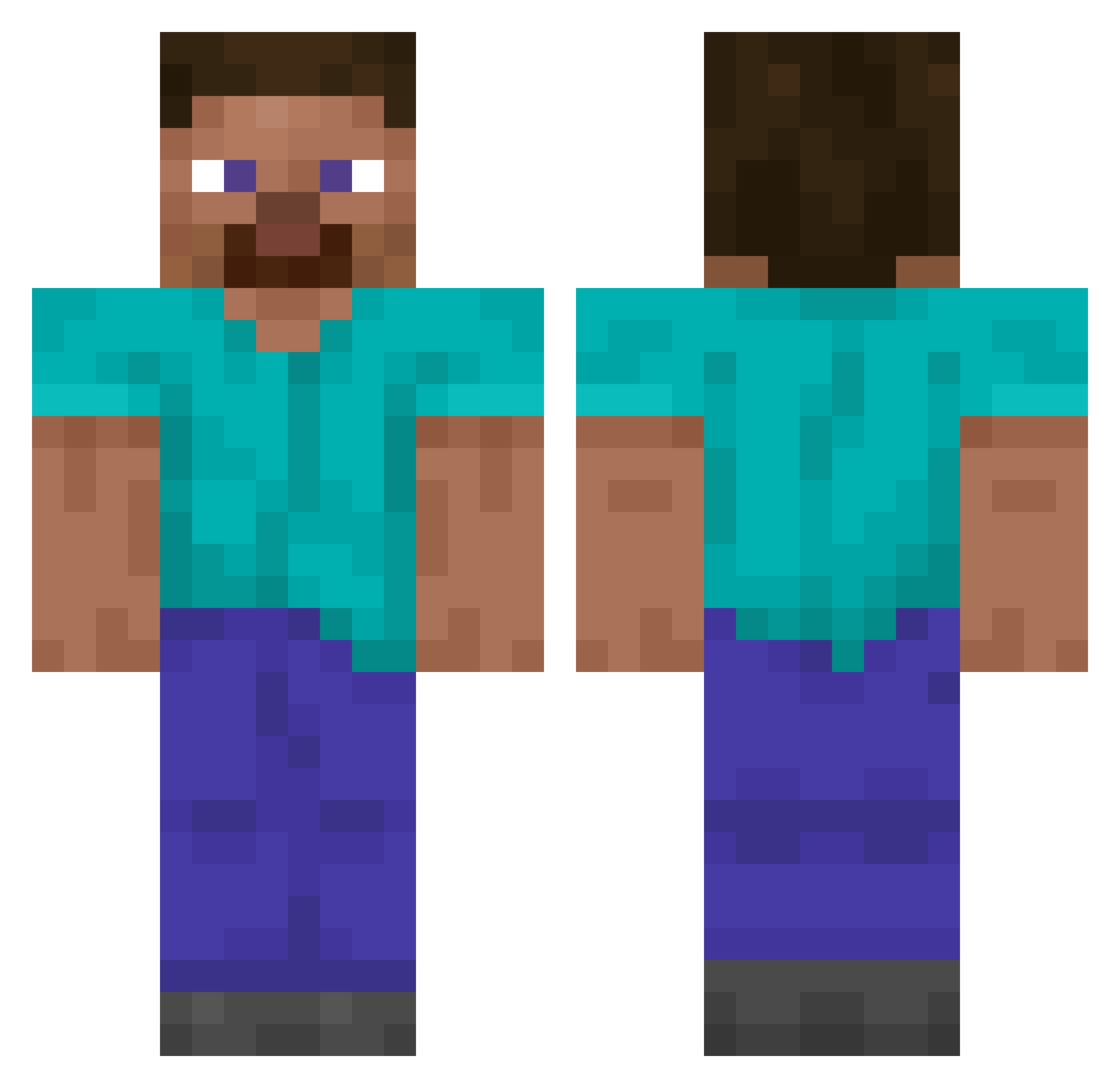
Current Minecraft skin of the player Shironz, loaded from the official Mojang API. Rotate the 3D model with your mouse or finger, then download the skin as a PNG file and use it in Minecraft: Bedrock Edition or Java Edition for free. When Shironz changes their skin, this page updates automatically and the old skin stays in the history below.
Other players with this skin (14857)
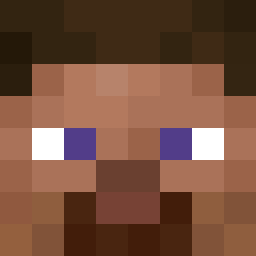
Shironz was the 11304th player we have seen with this skin, first spotted on 19.10.2026. The same skin was seen on these players. Open a nickname to see their current skin and skin history.
 Huge_Balls79 Hongkiwon polmcg Idekito AlvestX Fakumaneka 4acle DA_ASSASIN24 EliasSohnius RugRatRhett gambitt1 YT_DDotty Jun_Su djajzjsjq Rinnne256 RobShadow ST47IC4 CMWorks Creeperboi989 Leo_Skate MojWujekEpstein oliverio2011 Fiuzza147 BoonLamo Qualmppp Keepk Assessing starKan2k Outwits dayytona_ ollyxz madacuar29black batatum mlindsey354 sandanwayne Uminiakkk aliiumwyd Scruffxd neekoc Modern_Potato_ Guardiansmax Inaptos Wincent09 Wgcjrs Wolfyboi503 zapdos823 marklarrrr Conacaste SurajP gabryCraft9845 TheNextBlevins Legolas_2009 dasilver YxazX Verpexed Mitt3Nexe SquareX4 PeterVaskoYT jeao Rasec1115
How to install the Shironz skin
- Press the Download button above to save the skin as a PNG file.
- Minecraft: Bedrock Edition (PE): open the Dressing Room from the main menu (or tap your character → Edit Character), go to Classic Skins → Owned, press the + (new skin) button, choose the downloaded PNG and pick the Classic (Steve) model. Works on PC and mobile; consoles cannot import custom skins.
- Minecraft: Java Edition: open the Minecraft Launcher, go to the Skins tab, click New Skin, load the PNG, pick the Classic (Steve) model and press Save & Use. You can also upload it at minecraft.net → Profile → Change Skin.
The skin does not show up after import - what should I do?
Restart Minecraft and open the Dressing Room again - imported skins sometimes appear only after a restart. Also make sure you selected the imported skin and picked the Classic (Steve) model.
Which model should I choose, Classic or Slim?
This skin is designed for the Classic (Steve) model. If you pick the wrong model, the arms of the skin will look stretched or squeezed.
Is the skin of Shironz free to download?
Yes. Press Download, save the PNG file and use it in Minecraft: Bedrock Edition or Java Edition - no payment or registration needed. The skin also works on multiplayer servers and Realms.
More skins
Looking for more? Go back to all Minecraft skins and check the top skins of the week, month and all time, or find any player's skin by nickname.