
ScrollMasterxD - Minecraft Skins & Skin History
Current Minecraft skin of the player ScrollMasterxD, loaded from the official Mojang API. Rotate the 3D model with your mouse or finger, then download the skin as a PNG file and use it in Minecraft: Bedrock Edition or Java Edition for free. When ScrollMasterxD changes their skin, this page updates automatically and the old skin stays in the history below.
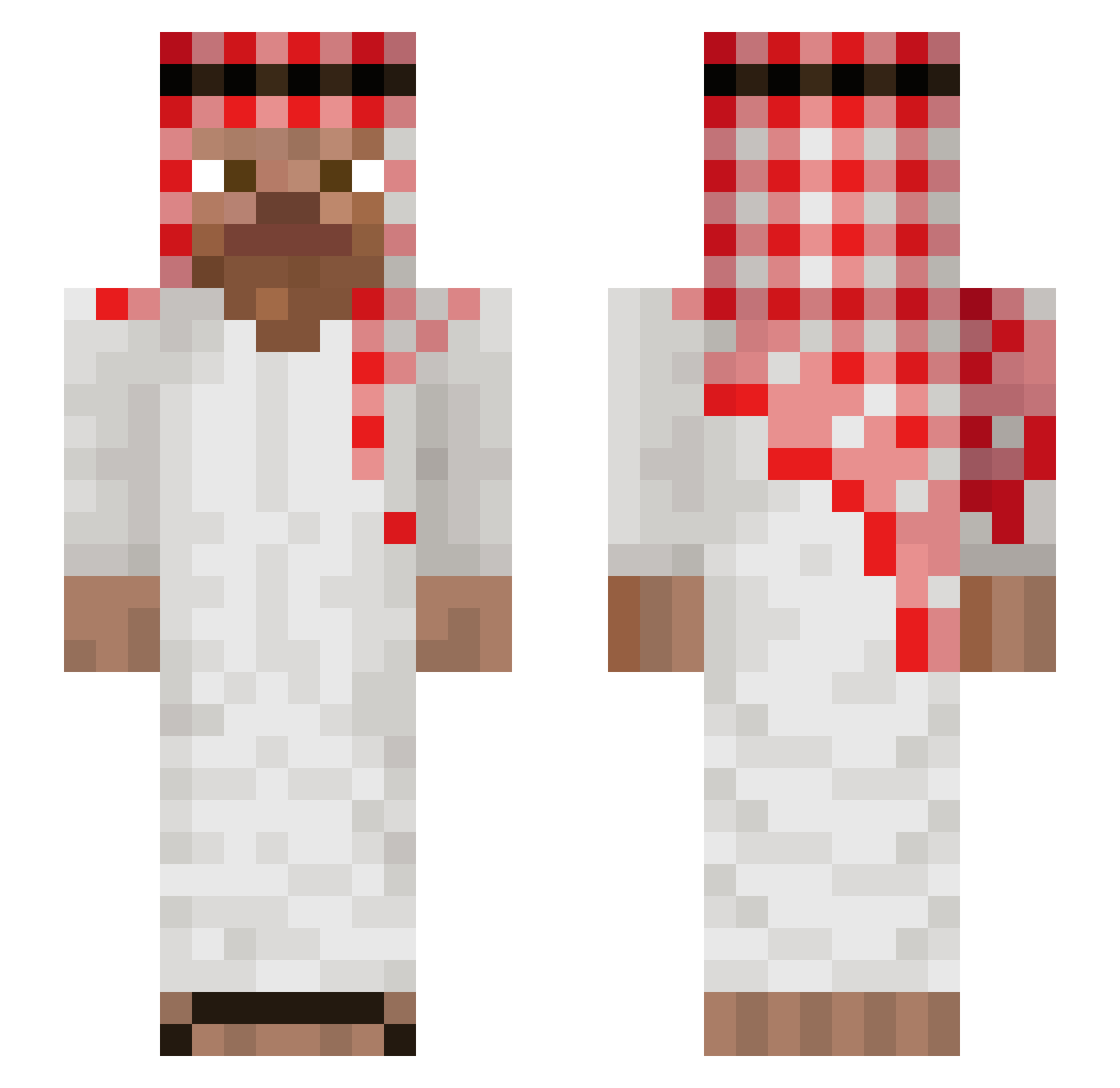
Other players with this skin (1148)
ScrollMasterxD was the 1093rd player we have seen with this skin, first spotted on 05.11.2026. The same skin was seen on these players. Open a nickname to see their current skin and skin history.
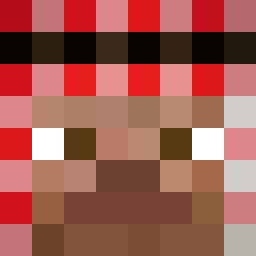 minimalistjack jianyu0000 McBALAZ mik456 2kaiser scarafce777 Enzoraba _B40 iqaht AleixHD rdx2307 wHios_jo mikay_gamer kulanter14959 EbuOyunda zakarez2009 FuzzyHandcuffs Lebelgefou97 LilShugga Adamczyqq trekk_kk gabilr123 Lennyxino _Kaddo_ _Juffi_ Zegmas JuaannDmc ojedaD Martel1124 Grzesbruh Droped__by_kubus SwedenxXsniperXx noobjuno SulfonicMusic92 Kaito_L Pond65 SequestraIndiano Komotre123 UkrainskiSasza67 stirling5 atii123 taggenmike PereMarcel0 GabePollito25 fantomu333 pallomasi1 Wojtexj MichouleBG Rocket49Fr MrMuzamel Alcestisz EddwinCraftPM Joakolee21 RIKETE456 MRPAROLI Jhitrox_20 hals112 DioBrando215 Mert1000 KyAn070
More Arabic Minecraft skins
How to install the ScrollMasterxD skin
- Press the Download button above to save the skin as a PNG file.
- Minecraft: Bedrock Edition (PE): open the Dressing Room from the main menu (or tap your character → Edit Character), go to Classic Skins → Owned, press the + (new skin) button, choose the downloaded PNG and pick the Slim (Alex) model. Works on PC and mobile; consoles cannot import custom skins.
- Minecraft: Java Edition: open the Minecraft Launcher, go to the Skins tab, click New Skin, load the PNG, pick the Slim (Alex) model and press Save & Use. You can also upload it at minecraft.net → Profile → Change Skin.
The skin does not show up after import - what should I do?
Restart Minecraft and open the Dressing Room again - imported skins sometimes appear only after a restart. Also make sure you selected the imported skin and picked the Slim (Alex) model.
Which model should I choose, Classic or Slim?
This skin is designed for the Slim (Alex) model. If you pick the wrong model, the arms of the skin will look stretched or squeezed.
Is the skin of ScrollMasterxD free to download?
Yes. Press Download, save the PNG file and use it in Minecraft: Bedrock Edition or Java Edition - no payment or registration needed. The skin also works on multiplayer servers and Realms.
More skins
Looking for more? Go back to all Minecraft skins and check the top skins of the week, month and all time, or find any player's skin by nickname.