
Schmorlphen - Minecraft Skins & Skin History
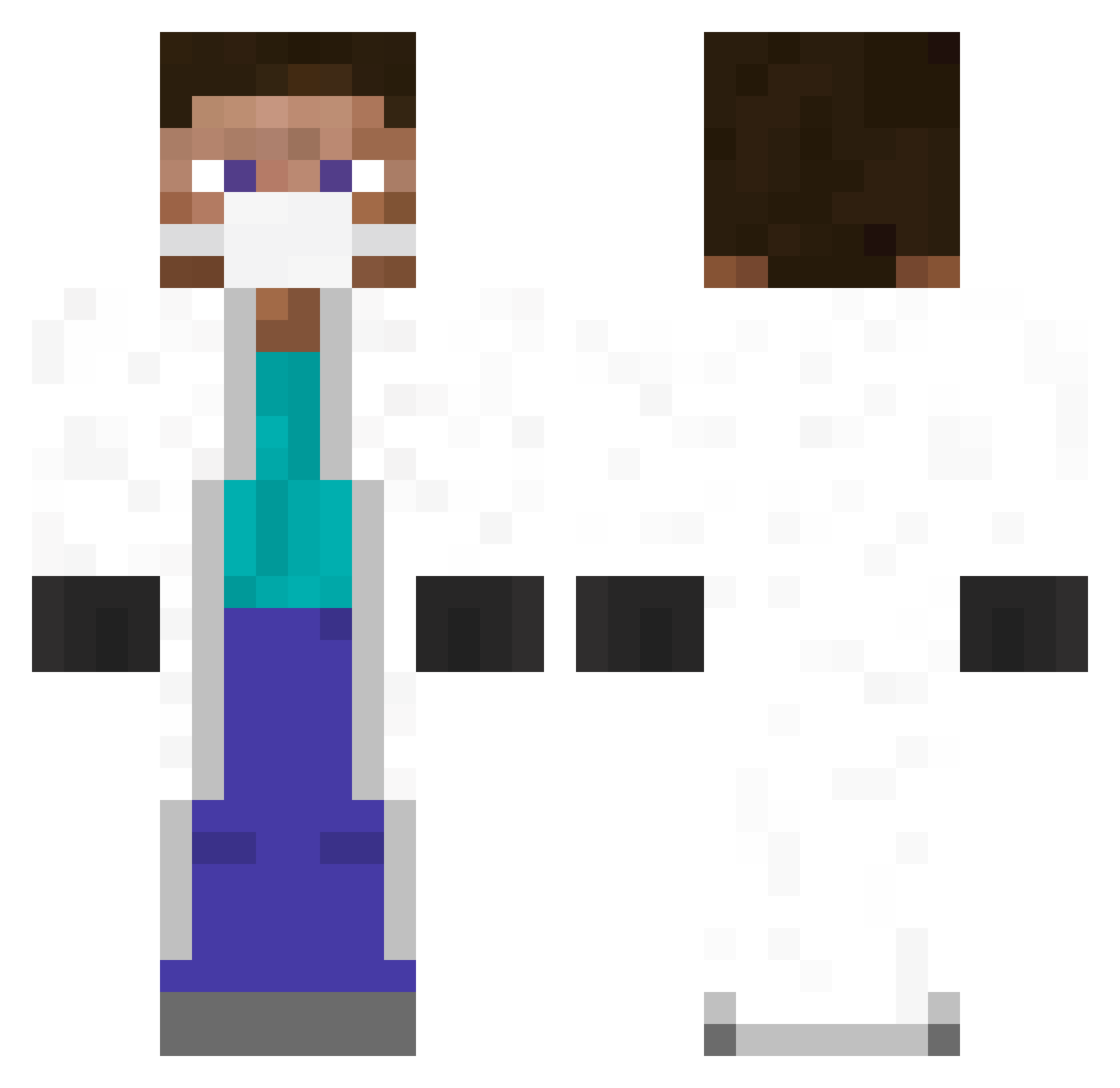
Current Minecraft skin of the player Schmorlphen, loaded from the official Mojang API. Rotate the 3D model with your mouse or finger, then download the skin as a PNG file and use it in Minecraft: Bedrock Edition or Java Edition for free. When Schmorlphen changes their skin, this page updates automatically and the old skin stays in the history below.
Other players with this skin (433)
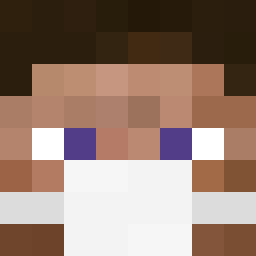
Schmorlphen was the 383rd player we have seen with this skin, first spotted on 27.10.2026. The same skin was seen on these players. Open a nickname to see their current skin and skin history.
 Gas_7 GregoireHny foxhugeoo Badlou Gingerninja5453 CallMeNemo35 Aziz_PvP CoolKiasda disasterman2468 Nousenametouse franzwasser Fenek27 AbsolutGeil LaughsInBraille Sulantro Koista THX_craft Mipos3000 DiskoDanny jumpasx stixerino Doc_Dad Gugus2504 TTV_ImLowkyy Dr_COVID GGOran1973 _Dareczek_ Antoine_Chantal SmooothOperator Varis710 Dodnl LeVJAC Smokez421 LUCHIIWA0 Kret1Taisiya Rakanir clicktoedit trajoody toshitt Dackka dragon95man ab1299 GrimMean ceNI1704 Zarachiel Jxiuffi beugmaster8 Mauritskolijnn Weedydrunken Speedkey xcg ItsBadFolks eldiaglo St_Auder_ PashernimWEH 0Doomsday0 3RN3ST joha2401 lgladdy LlamaTwister
More Medical Mask Minecraft skins
How to install the Schmorlphen skin
- Press the Download button above to save the skin as a PNG file.
- Minecraft: Bedrock Edition (PE): open the Dressing Room from the main menu (or tap your character → Edit Character), go to Classic Skins → Owned, press the + (new skin) button, choose the downloaded PNG and pick the Classic (Steve) model. Works on PC and mobile; consoles cannot import custom skins.
- Minecraft: Java Edition: open the Minecraft Launcher, go to the Skins tab, click New Skin, load the PNG, pick the Classic (Steve) model and press Save & Use. You can also upload it at minecraft.net → Profile → Change Skin.
The skin does not show up after import - what should I do?
Restart Minecraft and open the Dressing Room again - imported skins sometimes appear only after a restart. Also make sure you selected the imported skin and picked the Classic (Steve) model.
Which model should I choose, Classic or Slim?
This skin is designed for the Classic (Steve) model. If you pick the wrong model, the arms of the skin will look stretched or squeezed.
Is the skin of Schmorlphen free to download?
Yes. Press Download, save the PNG file and use it in Minecraft: Bedrock Edition or Java Edition - no payment or registration needed. The skin also works on multiplayer servers and Realms.
More skins
Looking for more? Go back to all Minecraft skins and check the top skins of the week, month and all time, or find any player's skin by nickname.