
SUXA2IK - Minecraft Skins & Skin History
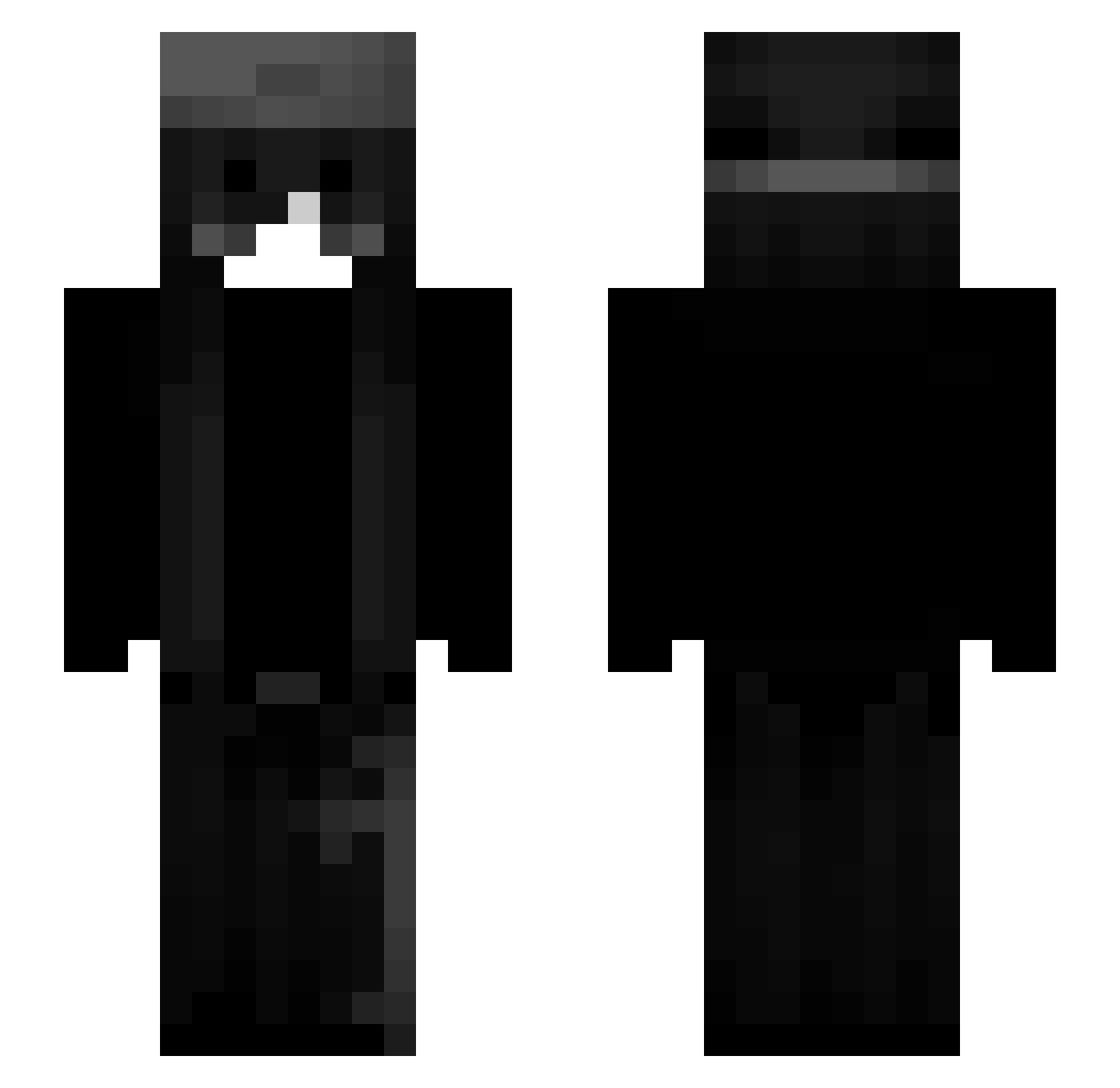
Current Minecraft skin of the player SUXA2IK, loaded from the official Mojang API. Rotate the 3D model with your mouse or finger, then download the skin as a PNG file and use it in Minecraft: Bedrock Edition or Java Edition for free. When SUXA2IK changes their skin, this page updates automatically and the old skin stays in the history below.
Other players with this skin (53)
SUXA2IK was the 30th player we have seen with this skin, first spotted on 18.09.2026. The same skin was seen on these players. Open a nickname to see their current skin and skin history.
 liloulvr_ Vyscerae_ ELmuhiss hakuzay Explosionv99 unseok10
 ViolaFox6 popkinz MesterGamerSylle Gogol Usernameaonaon dn_x lrpu Astarlight STRAWB3RRY_BOY
 Giiova_ hayb3n jymes eeceri xpSebas 2juanito_ noszidk BlackHoleV2 Mewuska zinkaaa local_ramenguy kusaku_K ShyGuy7147 Shxvoo 6messbbyBhevvv fishingcow_ LuLu_Bee_13 ardahanliemo Edm__ zxv3rty TIMMYLnwza007x Maarkosia RedRev kittycat110622 Miyuki0 Xennoon verplanter__ Emetski Reilyn_ LaiLove JavaError303 zCold_Crowz knagahtft R1nsko kawaiikvo knzxw sw0rd678 Milberius
More Emo Minecraft skins
How to install the SUXA2IK skin
- Press the Download button above to save the skin as a PNG file.
- Minecraft: Bedrock Edition (PE): open the Dressing Room from the main menu (or tap your character → Edit Character), go to Classic Skins → Owned, press the + (new skin) button, choose the downloaded PNG and pick the Slim (Alex) model. Works on PC and mobile; consoles cannot import custom skins.
- Minecraft: Java Edition: open the Minecraft Launcher, go to the Skins tab, click New Skin, load the PNG, pick the Slim (Alex) model and press Save & Use. You can also upload it at minecraft.net → Profile → Change Skin.
The skin does not show up after import - what should I do?
Restart Minecraft and open the Dressing Room again - imported skins sometimes appear only after a restart. Also make sure you selected the imported skin and picked the Slim (Alex) model.
Which model should I choose, Classic or Slim?
This skin is designed for the Slim (Alex) model. If you pick the wrong model, the arms of the skin will look stretched or squeezed.
Is the skin of SUXA2IK free to download?
Yes. Press Download, save the PNG file and use it in Minecraft: Bedrock Edition or Java Edition - no payment or registration needed. The skin also works on multiplayer servers and Realms.
More skins
Looking for more? Go back to all Minecraft skins and check the top skins of the week, month and all time, or find any player's skin by nickname.