
RedBeard2013 - Minecraft Skins & Skin History
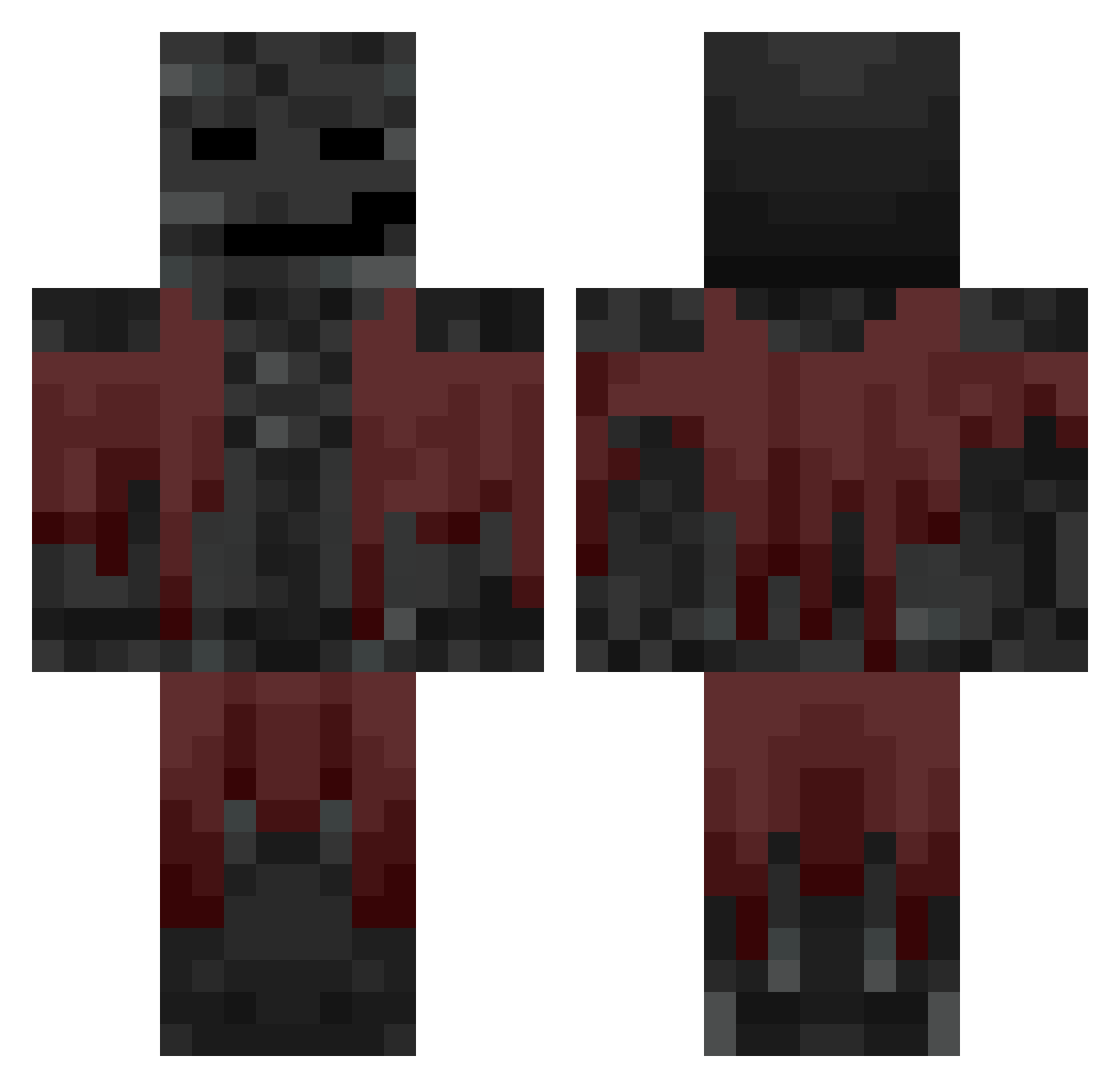
Current Minecraft skin of the player RedBeard2013, loaded from the official Mojang API. Rotate the 3D model with your mouse or finger, then download the skin as a PNG file and use it in Minecraft: Bedrock Edition or Java Edition for free. When RedBeard2013 changes their skin, this page updates automatically and the old skin stays in the history below.
Other players with this skin (774)
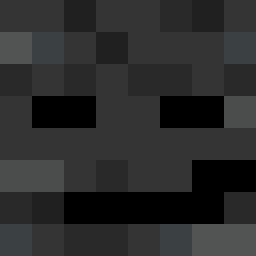
RedBeard2013 was the 707th player we have seen with this skin, first spotted on 30.10.2026. The same skin was seen on these players. Open a nickname to see their current skin and skin history.
 PyRo_PrO RodPlayz21 3v1_ gaebistrash Kajuuus me_we1006 Lil_ptriddy Arschkrampf2 DortHit_o7l6bb2s GaloreArrow882 Elmelon8923 XXDreamXX1010 benisini ruperta Sticky_Bo0gz Fundamentals qc_x Michi511 lalka1907 frxgs1 Jakewinter2012 mo2e CrackSparrow22 Agentnet006 FirstGenPerfrmnc Zested speziidose eqbq Taiquu_ 4243 Fumeiro BoooHoo 56789aac Lion14 nic0zzz xband Merrik_ XLFN RoseBoi86 AndrewHatesYou09 AlbinEriksson Rusynth Lucasie2000 J0HNPR0 Masterchicoski2 Gaboso69 CAPYJUAN KaiMintyy Blake63 zandymandy RedPL6019 Mantzo SRUBIII ThisNotHaris KevPlayz24 Baby_yoda28 Laznyck Neish1 ChaoticGamer2112 _NekyZz
More Wither Minecraft skins
How to install the RedBeard2013 skin
- Press the Download button above to save the skin as a PNG file.
- Minecraft: Bedrock Edition (PE): open the Dressing Room from the main menu (or tap your character → Edit Character), go to Classic Skins → Owned, press the + (new skin) button, choose the downloaded PNG and pick the Classic (Steve) model. Works on PC and mobile; consoles cannot import custom skins.
- Minecraft: Java Edition: open the Minecraft Launcher, go to the Skins tab, click New Skin, load the PNG, pick the Classic (Steve) model and press Save & Use. You can also upload it at minecraft.net → Profile → Change Skin.
The skin does not show up after import - what should I do?
Restart Minecraft and open the Dressing Room again - imported skins sometimes appear only after a restart. Also make sure you selected the imported skin and picked the Classic (Steve) model.
Which model should I choose, Classic or Slim?
This skin is designed for the Classic (Steve) model. If you pick the wrong model, the arms of the skin will look stretched or squeezed.
Is the skin of RedBeard2013 free to download?
Yes. Press Download, save the PNG file and use it in Minecraft: Bedrock Edition or Java Edition - no payment or registration needed. The skin also works on multiplayer servers and Realms.
More skins
Looking for more? Go back to all Minecraft skins and check the top skins of the week, month and all time, or find any player's skin by nickname.