
Rahm - Minecraft Skins & Skin History
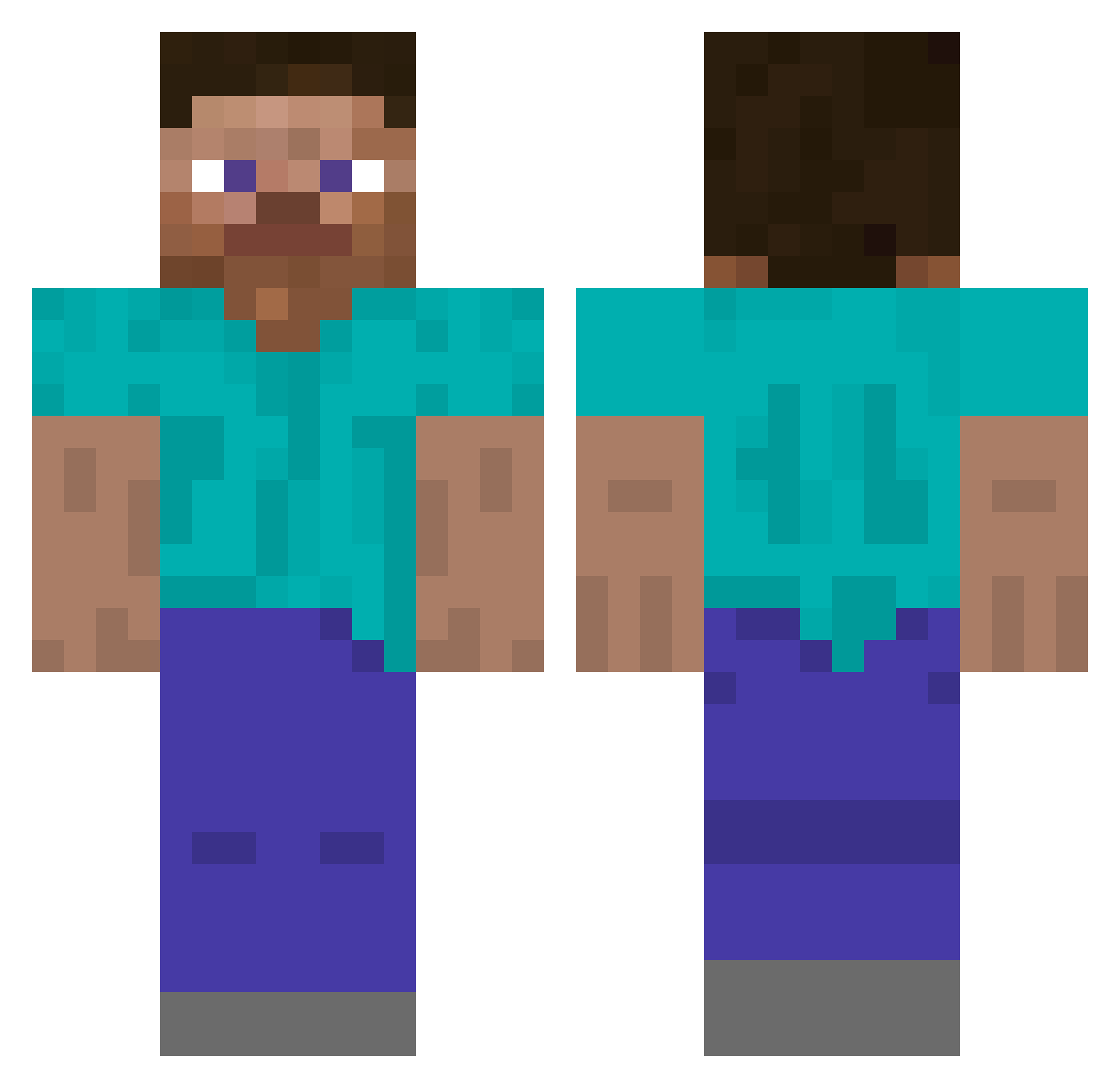
Current Minecraft skin of the player Rahm, loaded from the official Mojang API. Rotate the 3D model with your mouse or finger, then download the skin as a PNG file and use it in Minecraft: Bedrock Edition or Java Edition for free. When Rahm changes their skin, this page updates automatically and the old skin stays in the history below.
Other players with this skin (4801)
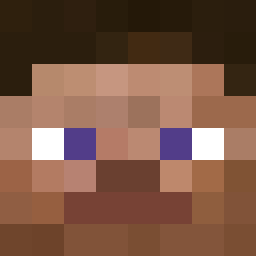
Rahm was the 3841st player we have seen with this skin, first spotted on 17.10.2026. The same skin was seen on these players. Open a nickname to see their current skin and skin history.
 SUPERFISH1239826 bookyyyyy Camden7434 Eljazz WaddleF Lava_rider34567 Astro Gregory6422 0zius LightFace sentientcoochie Dubbzi_ nicolasnt Eaglez1337 Huggerz tigbiddi3s demonicoop monman2 Tinnle PonyDanza TechnoLady disfigured zoutt NewVnHugo qwar12 Sammetjeee Gustav73 rohmoohyununji shrekyr4 erobayashi Triplopia TheLoneFatGuy TheTud MrSemQ PlazmaGT LAxBimss Defsender W0mpRat nerioxion deathjoker117 Cas3Oh swahed Dawidozo12 ThickElmo Downpouring SPoteto BingusBrewer jamesn1 canon728 Misterbigdreams Feinschmecker MrSpyder_03 Treach_ Kitiko 3Hydroxytyramine Sophiebearx Aras0 Gragorr Desegregation Kunu00
How to install the Rahm skin
- Press the Download button above to save the skin as a PNG file.
- Minecraft: Bedrock Edition (PE): open the Dressing Room from the main menu (or tap your character → Edit Character), go to Classic Skins → Owned, press the + (new skin) button, choose the downloaded PNG and pick the Classic (Steve) model. Works on PC and mobile; consoles cannot import custom skins.
- Minecraft: Java Edition: open the Minecraft Launcher, go to the Skins tab, click New Skin, load the PNG, pick the Classic (Steve) model and press Save & Use. You can also upload it at minecraft.net → Profile → Change Skin.
The skin does not show up after import - what should I do?
Restart Minecraft and open the Dressing Room again - imported skins sometimes appear only after a restart. Also make sure you selected the imported skin and picked the Classic (Steve) model.
Which model should I choose, Classic or Slim?
This skin is designed for the Classic (Steve) model. If you pick the wrong model, the arms of the skin will look stretched or squeezed.
Is the skin of Rahm free to download?
Yes. Press Download, save the PNG file and use it in Minecraft: Bedrock Edition or Java Edition - no payment or registration needed. The skin also works on multiplayer servers and Realms.
More skins
Looking for more? Go back to all Minecraft skins and check the top skins of the week, month and all time, or find any player's skin by nickname.